
One box per session
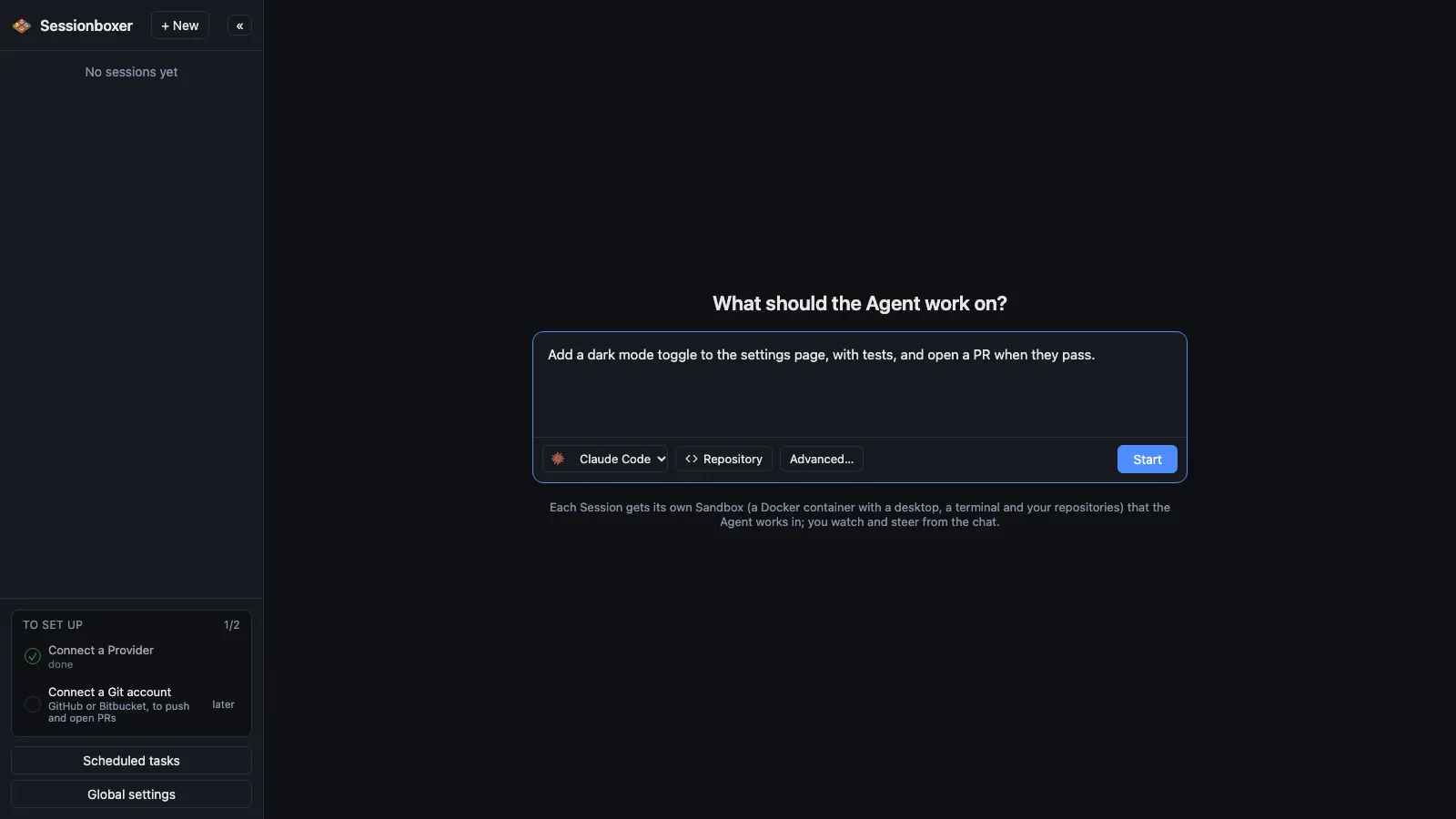
Every conversation with an agent gets its own Docker container. The code is cloned into it, the agent runs inside it, and the container is the safety boundary: nothing the agent does reaches your machine. Delete the session and the container, its files and its snapshots go with it.
Things you can do with it
Run three approaches at once
Start three sessions on the same repository with three different prompts. Each works in its own container and none of them can see, or break, the others.
Let the agent install whatever it needs
apt packages, a Postgres, a different Node version: the agent installs them in the box. Your machine keeps its own setup.
Give a stranger's repository a try
Clone an unknown project into a session and let the agent build and run it. If the install script does something odd, it does it inside the container.
Throw the whole thing away
Delete the session and the container, its files and its snapshots are removed. There is nothing to clean up on the host.
How it works
One Control Plane process runs on your machine and creates a Docker container per session from the Sandbox image. Inside it run the agent, a Linux desktop, the Sandbox Daemon and the workspace under /workspace, seeded from one or several git URLs or a copy of a folder on your machine. The container is on a private Docker network and publishes no host ports; the browser reaches everything through the Control Plane on 127.0.0.1:4000.
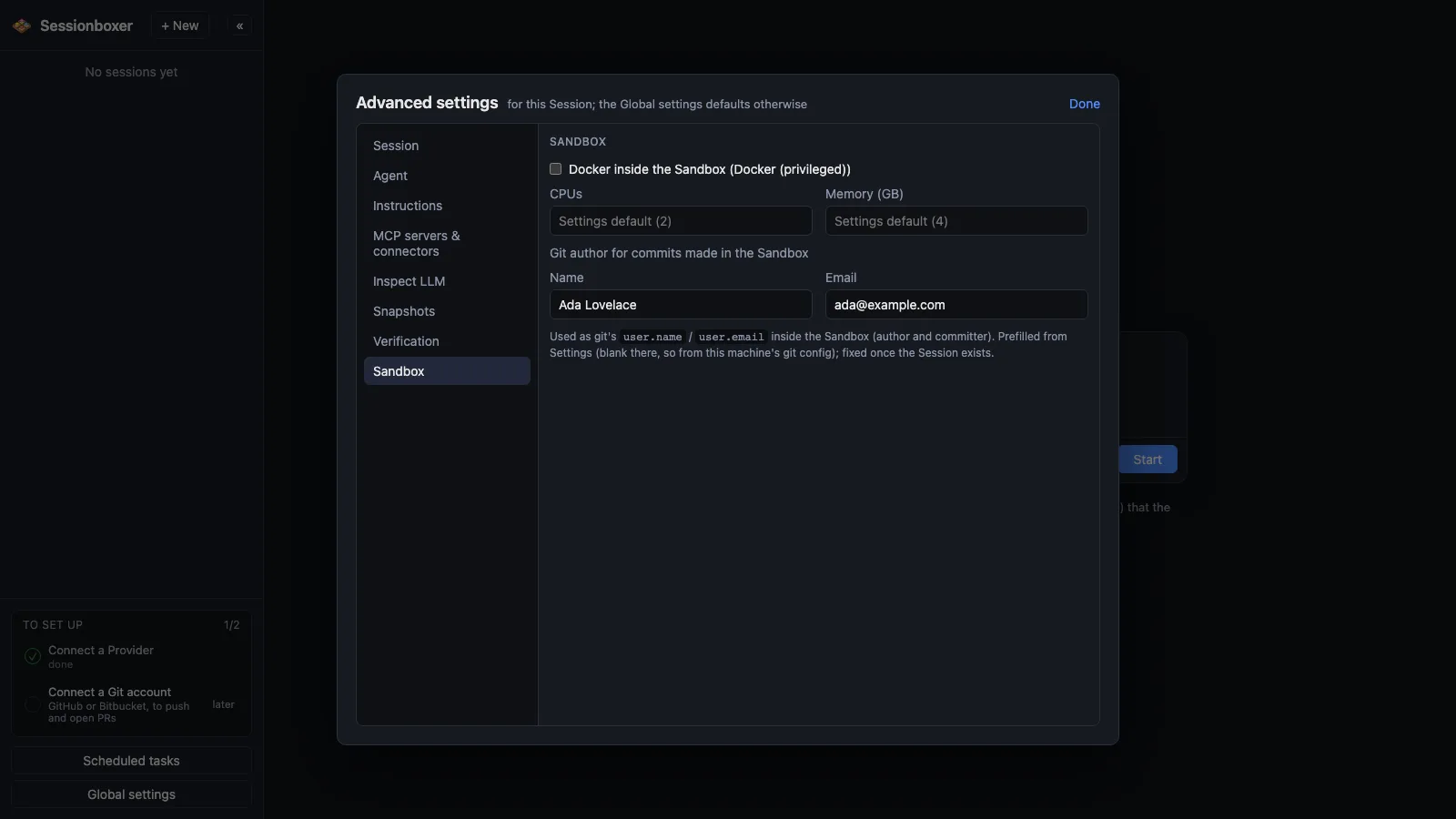
CPU and memory limits are set per box (defaults in Global settings). The sidebar shows how much disk each session uses, including its snapshots.
Compared with other products
| Sessionboxer | Devin | Cursor Cloud Agents | Codex cloud | Claude Code on the web | OpenHands | T3 Code | |
|---|---|---|---|---|---|---|---|
| Runs on your machine or your server | ✓ | ✗ | ✗ | ✗ | ✗ | ✓ | ✓ |
| Isolated sandbox per session | Docker, or a Windows/macOS VM | VM | VM | container | VM | Docker | ✗ (your machine) |
| Several repositories in one session | ✓ | ✓ | ✓ | — | — | — | — |
| Open source | MIT | ✗ | ✗ | ✗ | ✗ | MIT | MIT |
Hosted agents such as Devin, Cursor Cloud Agents, Codex cloud and Claude Code on the web also give each task an isolated machine, but that machine runs in their cloud, on their account. Sessionboxer gives the same kind of isolation on your laptop or your server, with the agent and subscription you already have.
T3 Code runs the agent directly on your machine, so there is no container between the agent and your files. OpenHands, like Sessionboxer, runs each conversation in a Docker container on your own hardware.
Based on each product's public documentation, September 2026; ✓ = offered, ✗ = not offered, — = not found in the docs. Corrections welcome as an issue.