
Docker inside the box
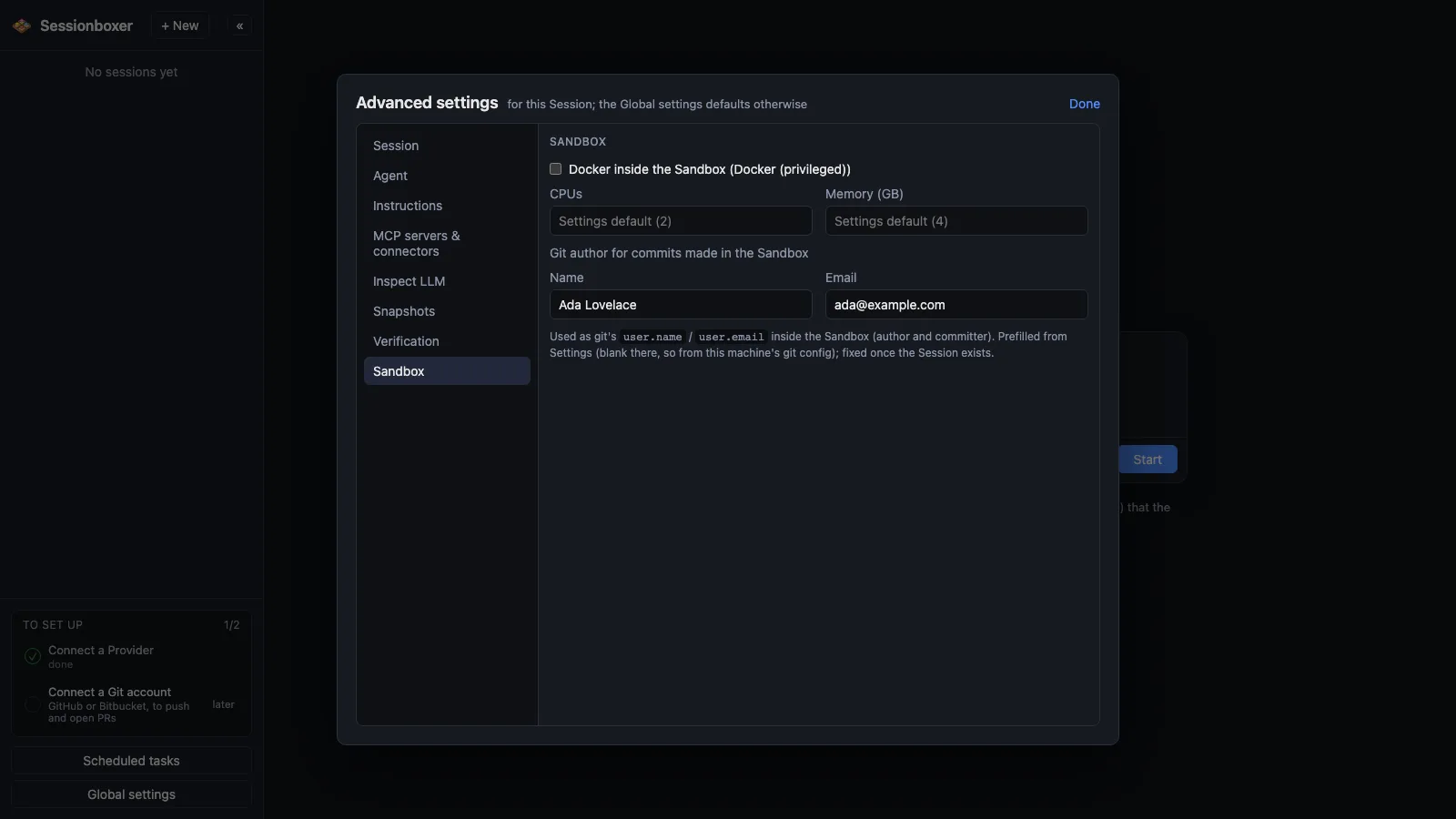
Some tasks need Docker: a database for the tests, docker compose up, building an image. Tick Docker inside the Sandbox when creating a session and the box gets its own Docker daemon. With Sysbox installed on the host the box stays an ordinary, unprivileged container.
Things you can do with it
Run the integration tests for real
"Start the Postgres from docker-compose.yml and run the integration suite." The database runs inside the box and disappears with the session.
Build and test the Dockerfile
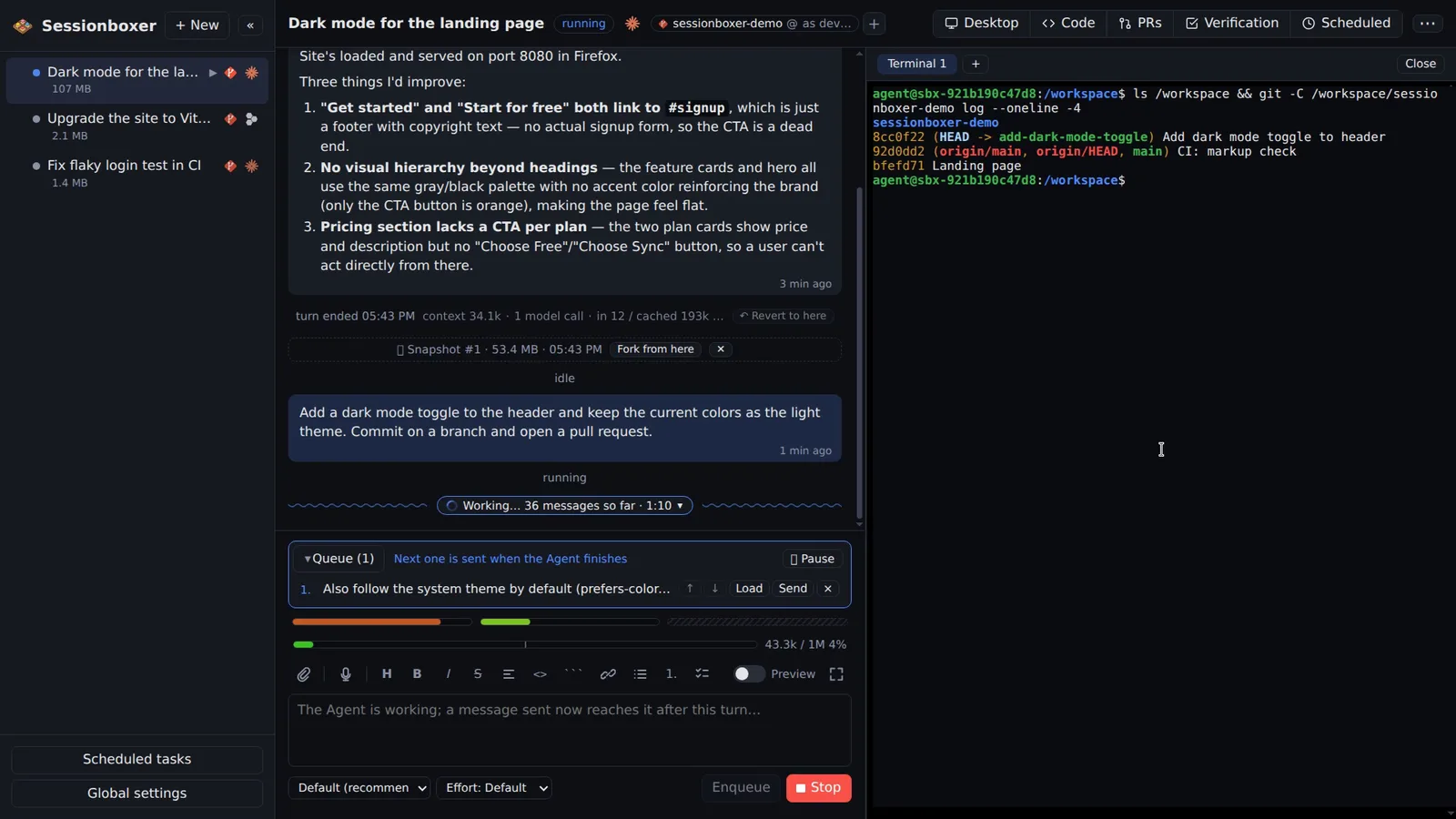
The agent can docker build the project's image, run it, and check that the container actually starts, before it touches the Dockerfile in a pull request.
Bring up a whole stack
Frontend, API, queue and database from one compose file, all inside the box, all reachable from the box's Firefox for the agent to test.
Keep it across Stop and Resume
Images and containers created inside the box survive Stop and Resume and are removed with the session.
How it works
Two ways, picked automatically. With Sysbox installed on the host, the box stays a normal unprivileged container. Without Sysbox, the box has to run privileged, which means the agent could break out onto your machine; Sessionboxer still allows it but marks such sessions in the sidebar and header and warns in Global settings. Install Sysbox if you can.
The inner daemon carves its networks out of an address block set in Global settings (192.168.240.0/20 by default), chosen to stay clear of home routers, Docker Desktop, company networks, WSL2, Tailscale and WARP.
Compared with other products
| Sessionboxer | Devin | Cursor Cloud Agents | Codex cloud | Claude Code on the web | OpenHands | T3 Code | |
|---|---|---|---|---|---|---|---|
| Docker inside the sandbox | ✓ | ✓ | — | — | — | — | your machine's |
| Isolated sandbox per session | Docker, or a Windows/macOS VM | VM | VM | container | VM | Docker | ✗ (your machine) |
| Runs on your machine or your server | ✓ | ✗ | ✗ | ✗ | ✗ | ✓ | ✓ |
Devin's machines have Docker available. Cursor Cloud Agents, Codex cloud and Claude Code on the web describe their environments in terms of setup scripts and installed packages, and their docs do not say whether a Docker daemon runs inside the task's machine. OpenHands runs the agent in Docker on your machine; running Docker inside that container is not described. T3 Code uses whatever Docker your machine has, with no boundary in between.
Based on each product's public documentation, September 2026; ✓ = offered, ✗ = not offered, — = not found in the docs. Corrections welcome as an issue.