
What you get
The container is the safety boundary. Everything the agent does happens in there, and everything you need to follow it is in one browser tab. Each feature has its own page with screenshots, things you can do with it and how other products compare.
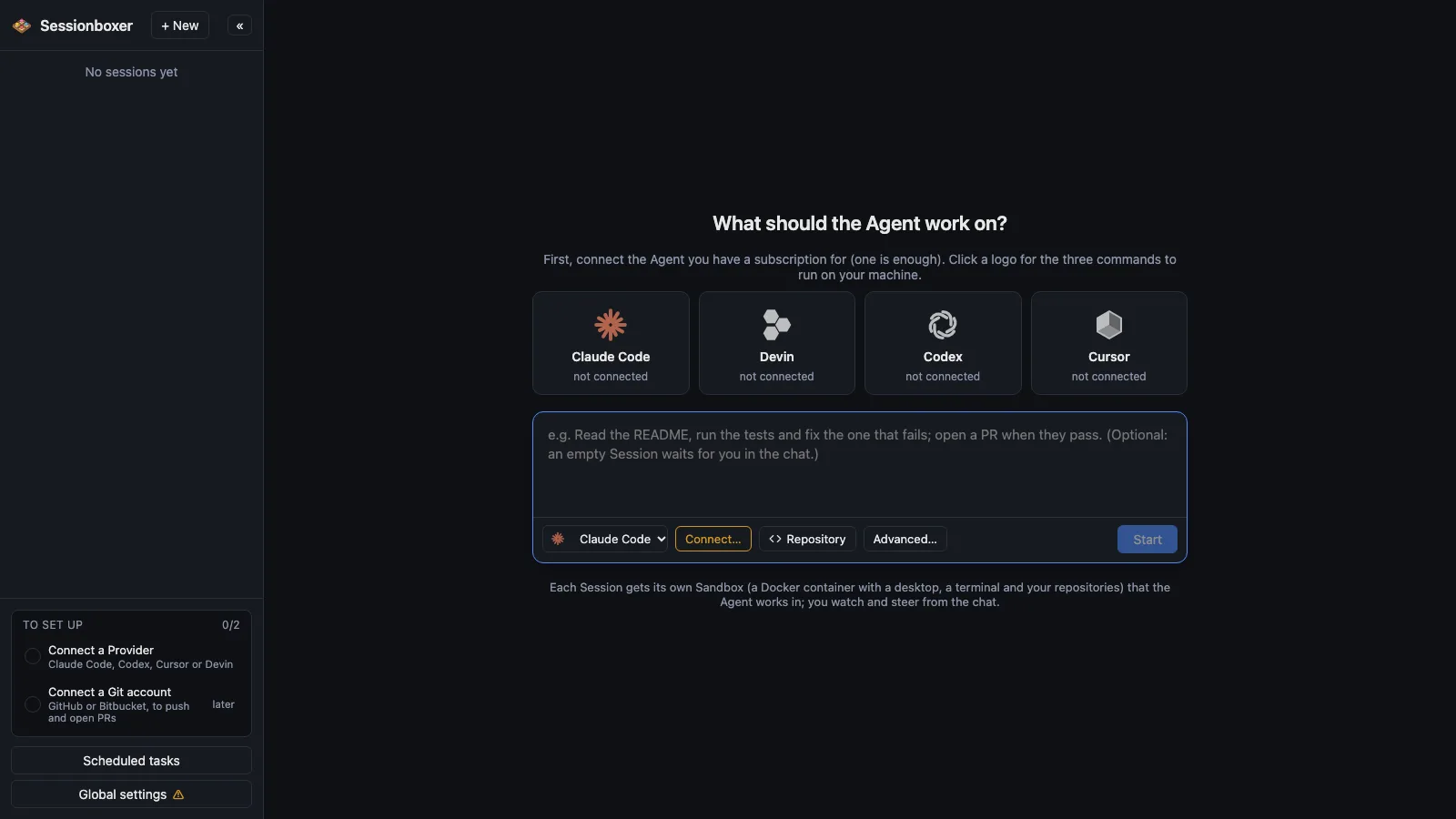
Set up from the first screen
The first screen is a prompt box with the agent, the repositories and Start under it. Click your agent's logo for the three commands that connect it on your OS; a Git account is one more click.
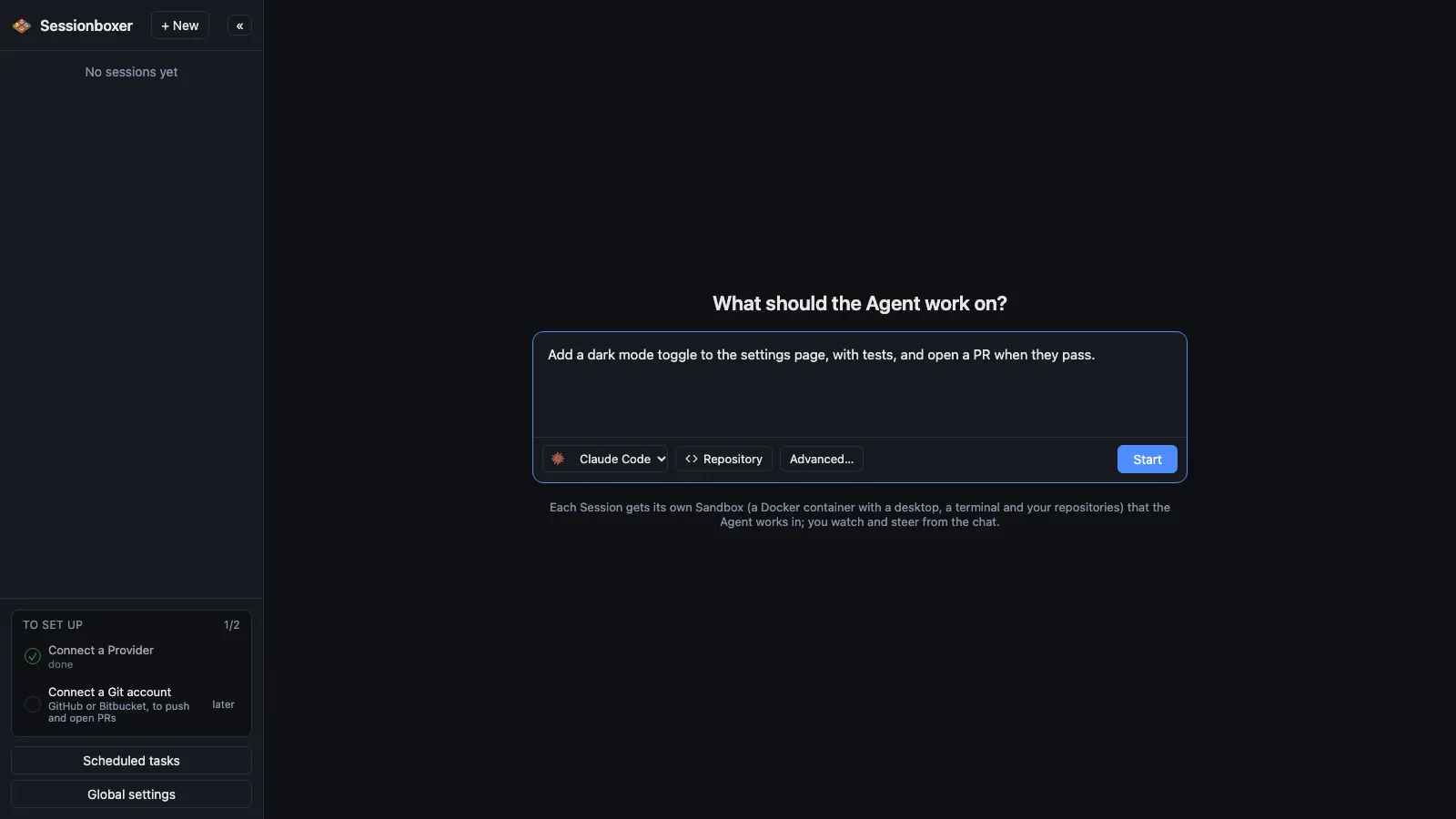
One box per session
Each Sessionboxer session runs in its own Docker container with its own copy of the code. Nothing the agent does touches your machine; delete it and it is gone.
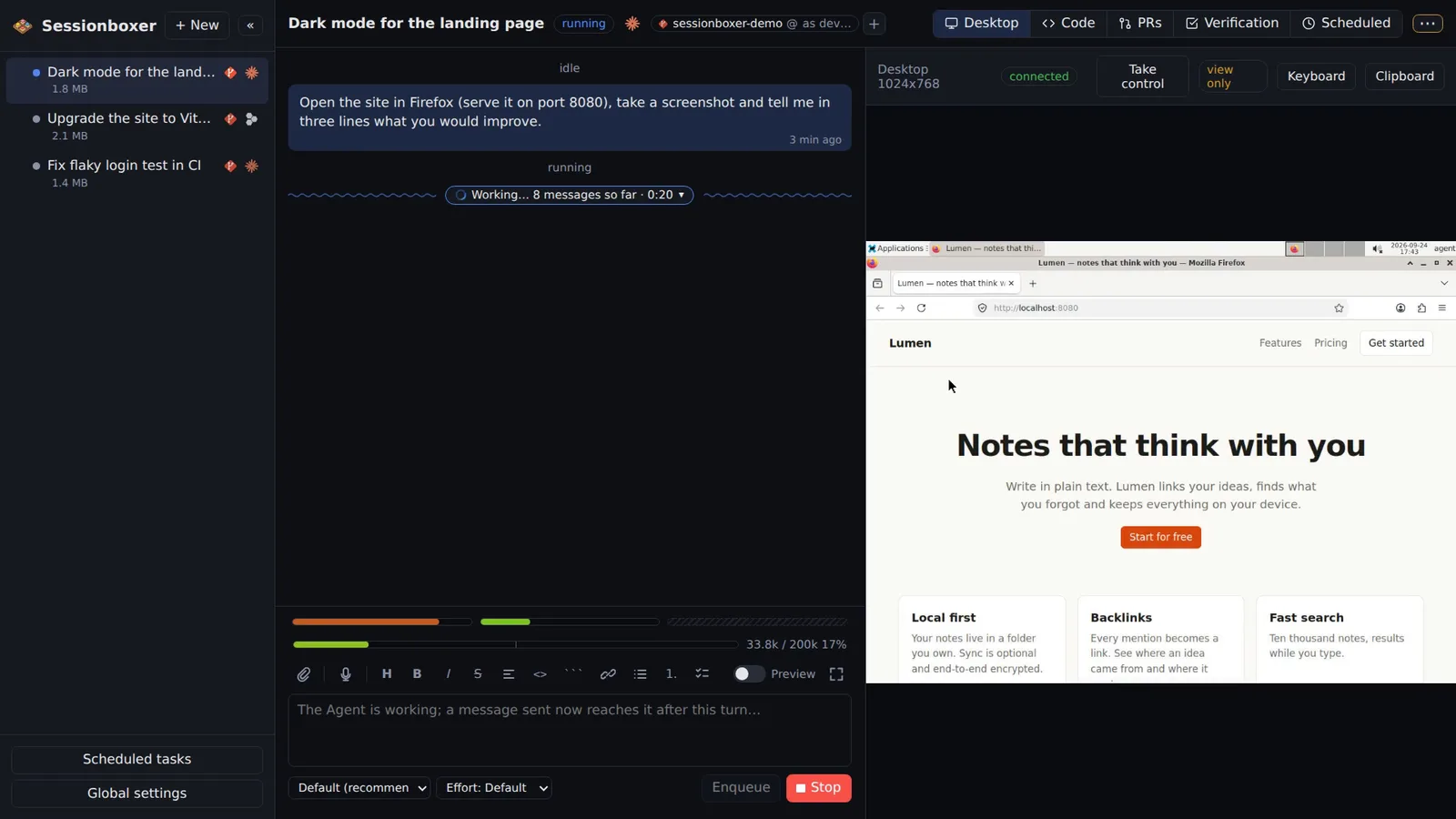
A real desktop
Each box runs a Linux desktop with Firefox. The agent takes screenshots, clicks, types and drags; you watch the same screen live and can take control.
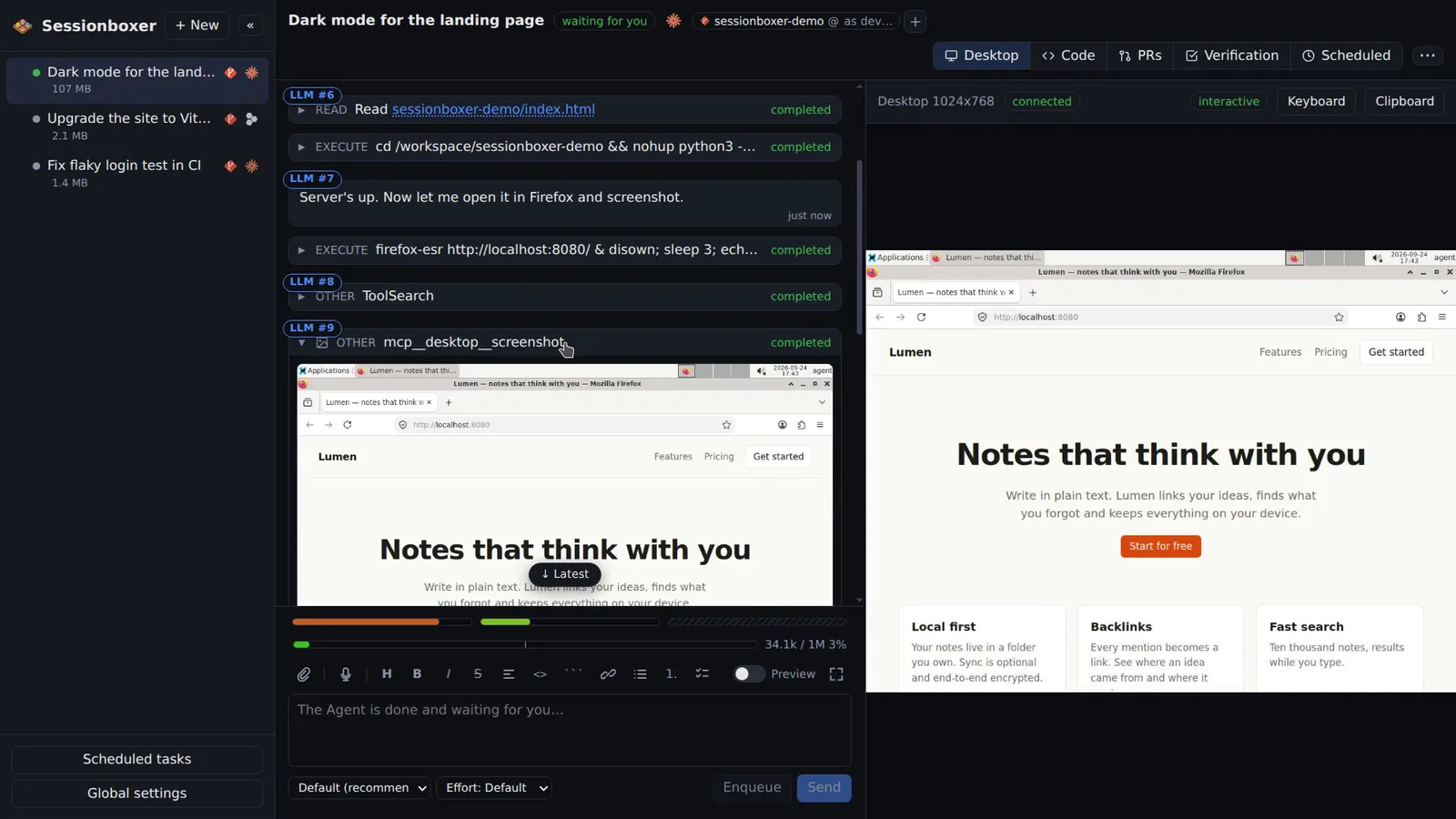
Agents that don't ask
Inside a Sessionboxer box the agent runs with all permissions granted, so it never stops to ask. The Docker container is the safety boundary.
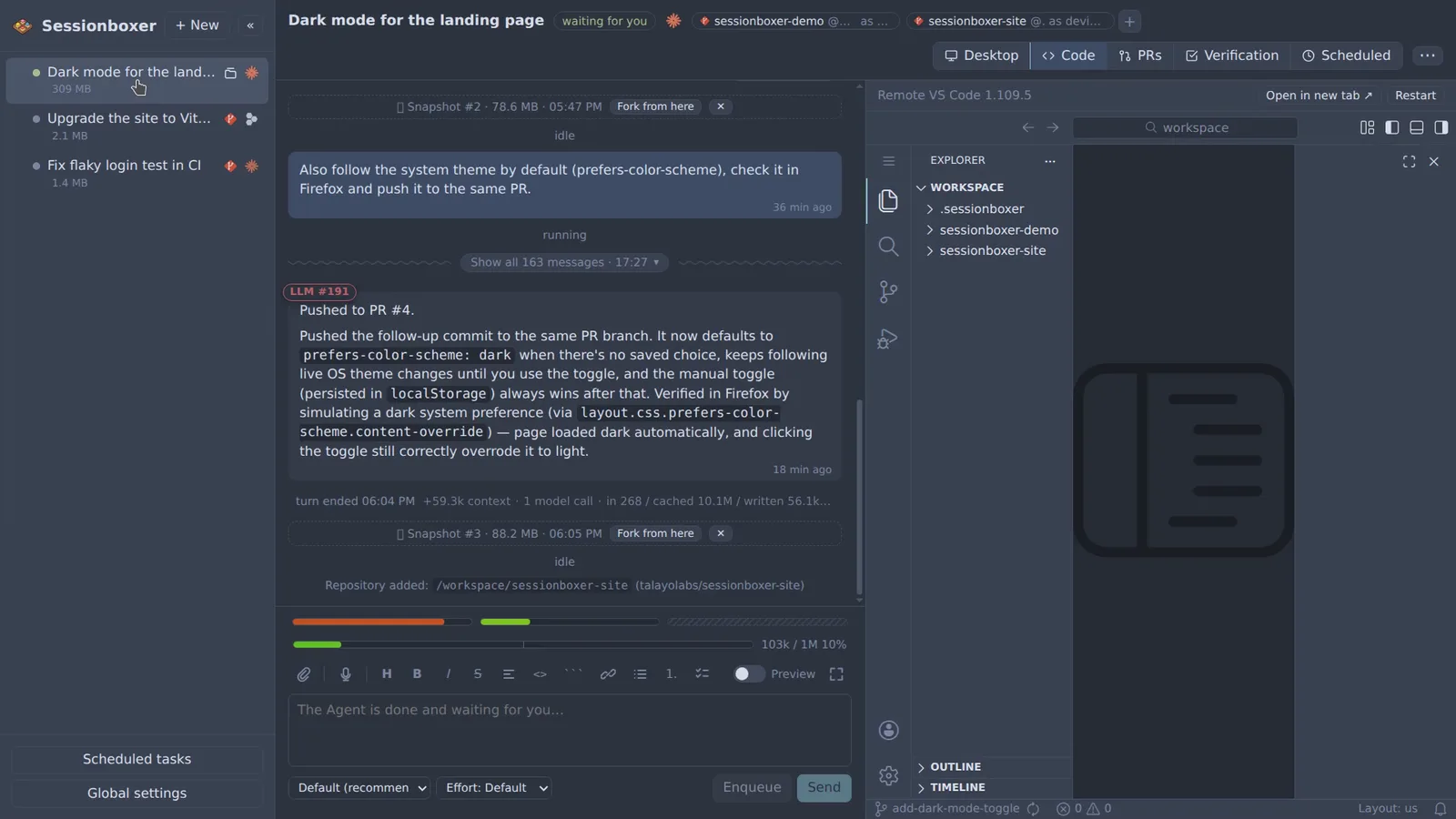
VS Code and terminals
Full VS Code and as many shells as you want, running inside the Sessionboxer box. Files named in the chat open in the editor at that line.
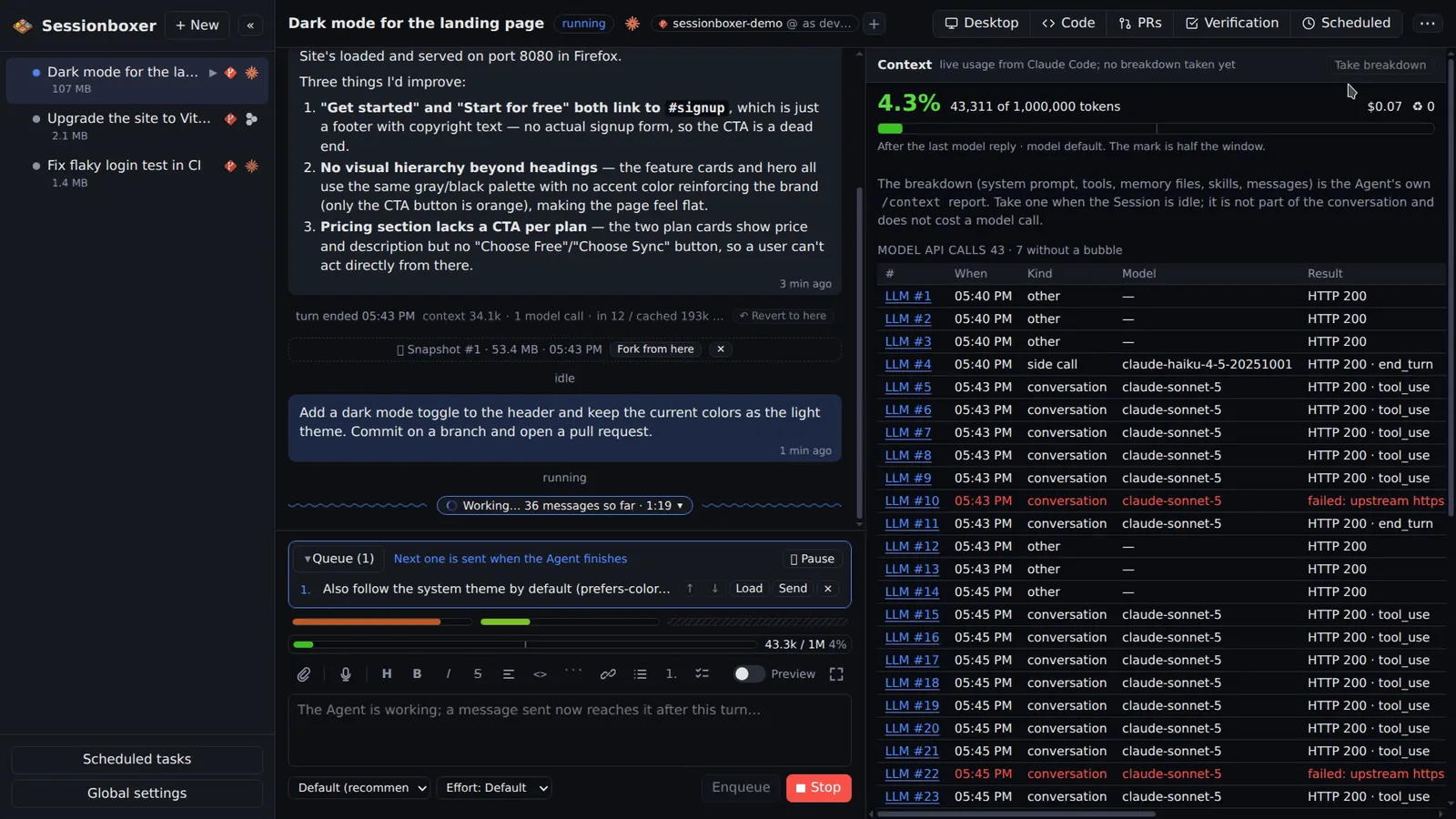
Context you can see
A gauge shows how full the agent's context window is, how often it was compacted and what each turn cost, with a breakdown by system prompt, tools and messages.
Videos and documents in the chat
Ask for a screen recording and the agent records the box's desktop to a captioned .mp4 you play in the chat, with optional offline narration. Images and PDFs too.
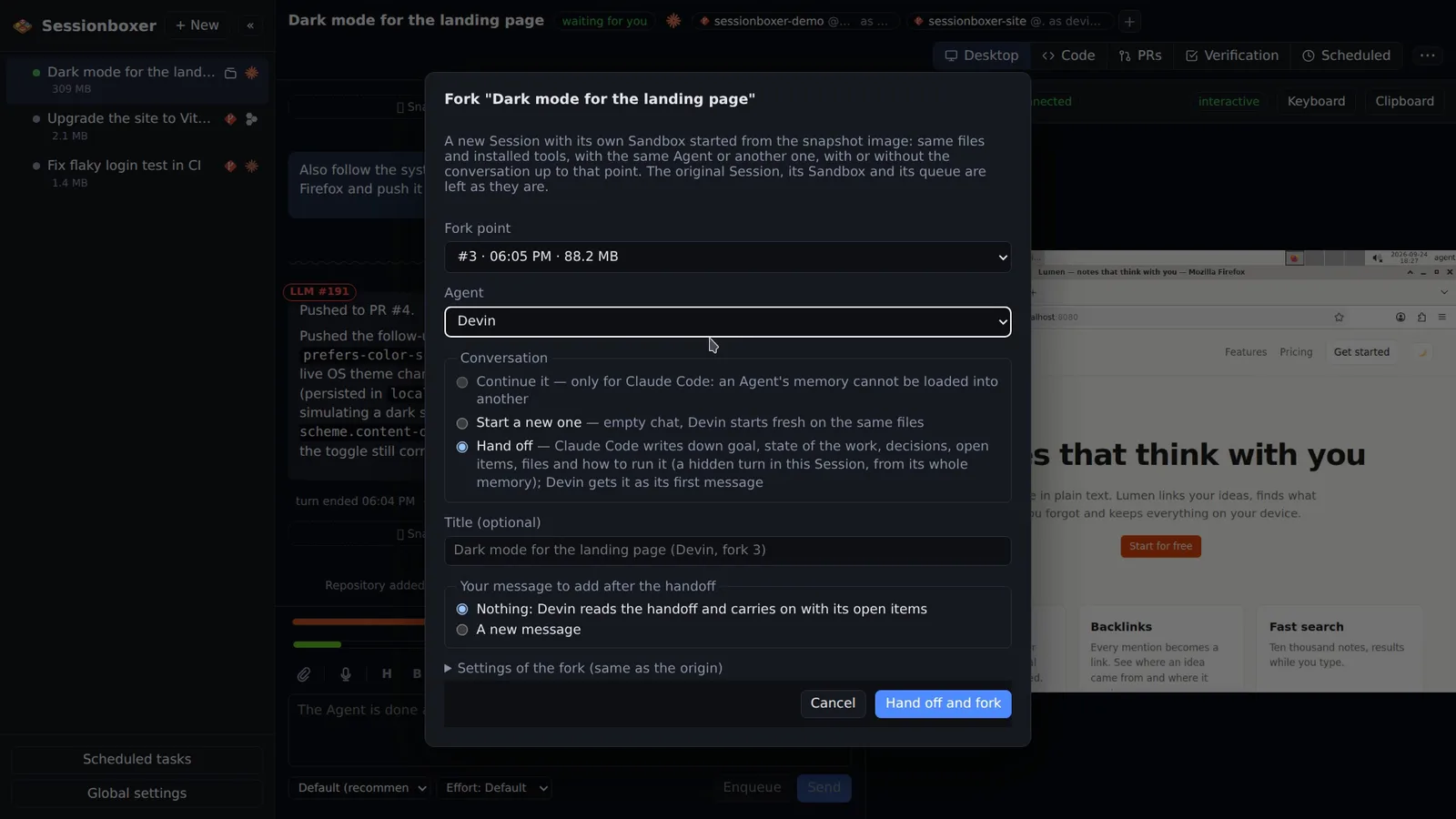
Snapshots, forks, handoffs
Snapshot the whole box after any turn and fork a new session from it: continue the chat, start fresh on the same files, or hand off to another agent.
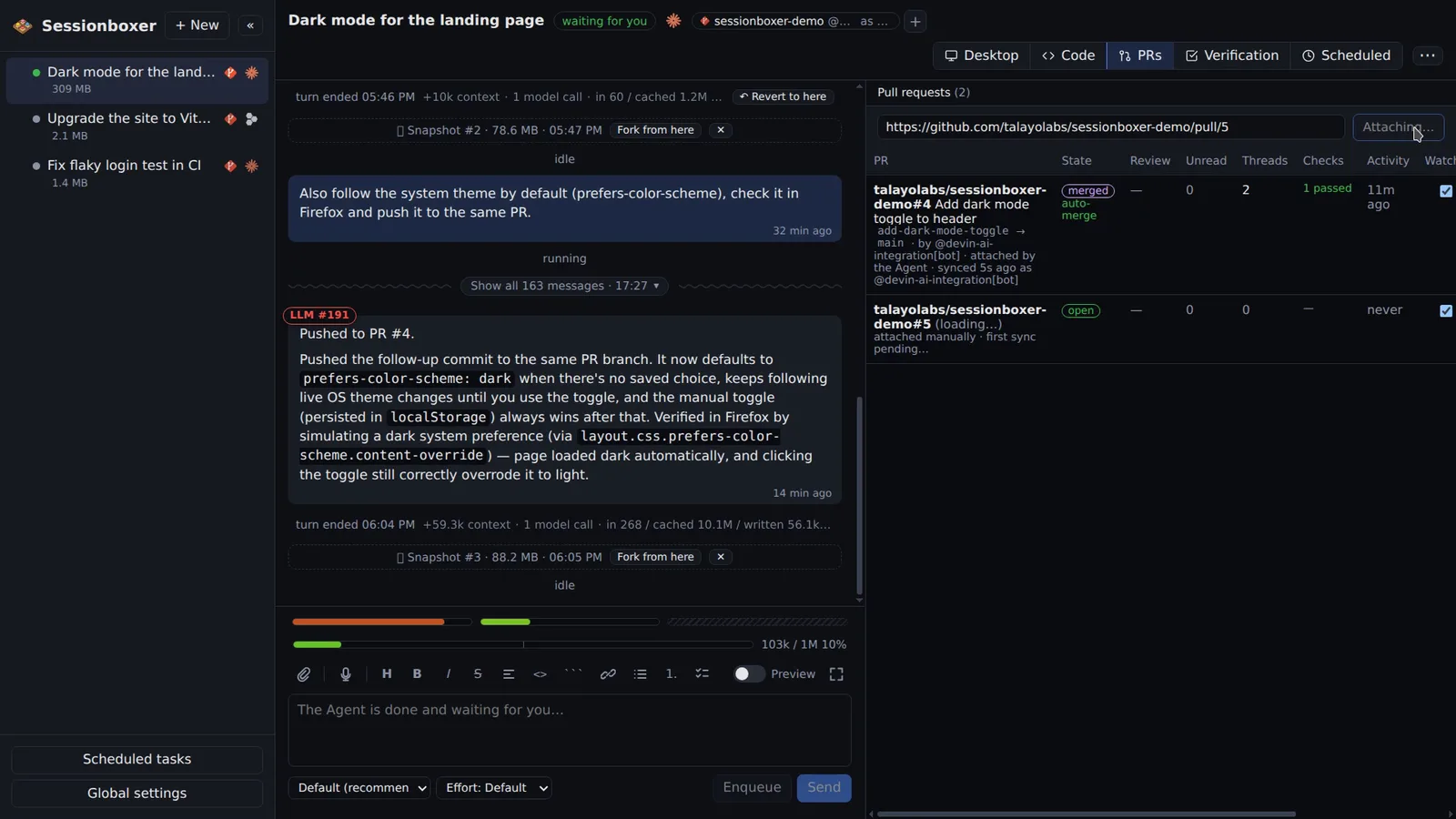
Pull requests attached to a session
Attach a GitHub or Bitbucket pull request to a session: comments, reviews and checks in a table, buttons to have the agent address them, auto-merge when checks pass.
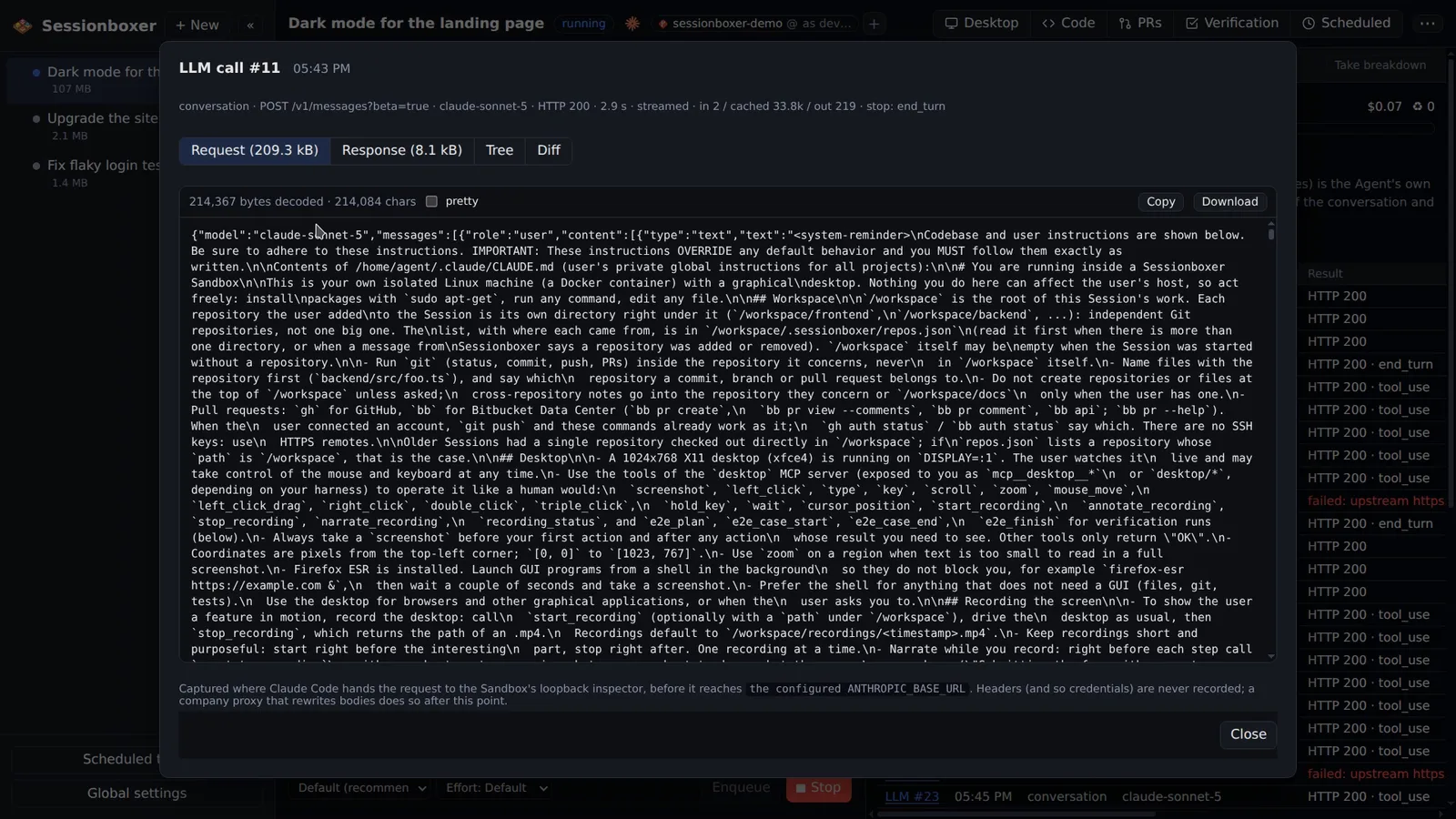
See exactly what goes to the model
For Claude Code sessions, Sessionboxer records each Anthropic API request and response. An LLM #n label on each bubble opens the request, response, tree and diff.
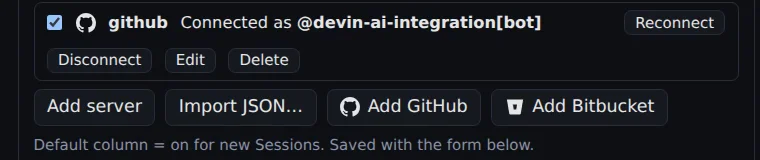
MCP servers, registered once
Register MCP servers once, as a command run in the box or an HTTP URL, and switch them per session. GitHub's MCP server connects with one click and logs the box in.
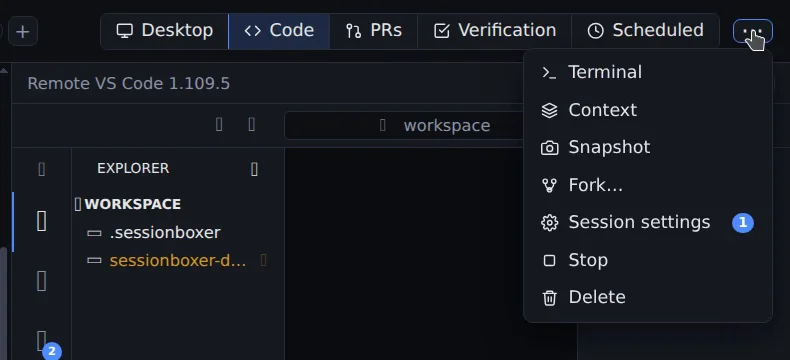
Stop and resume
Stop a Sessionboxer session to free CPU and memory; resume it later with the conversation, files and installed tools exactly where they were.
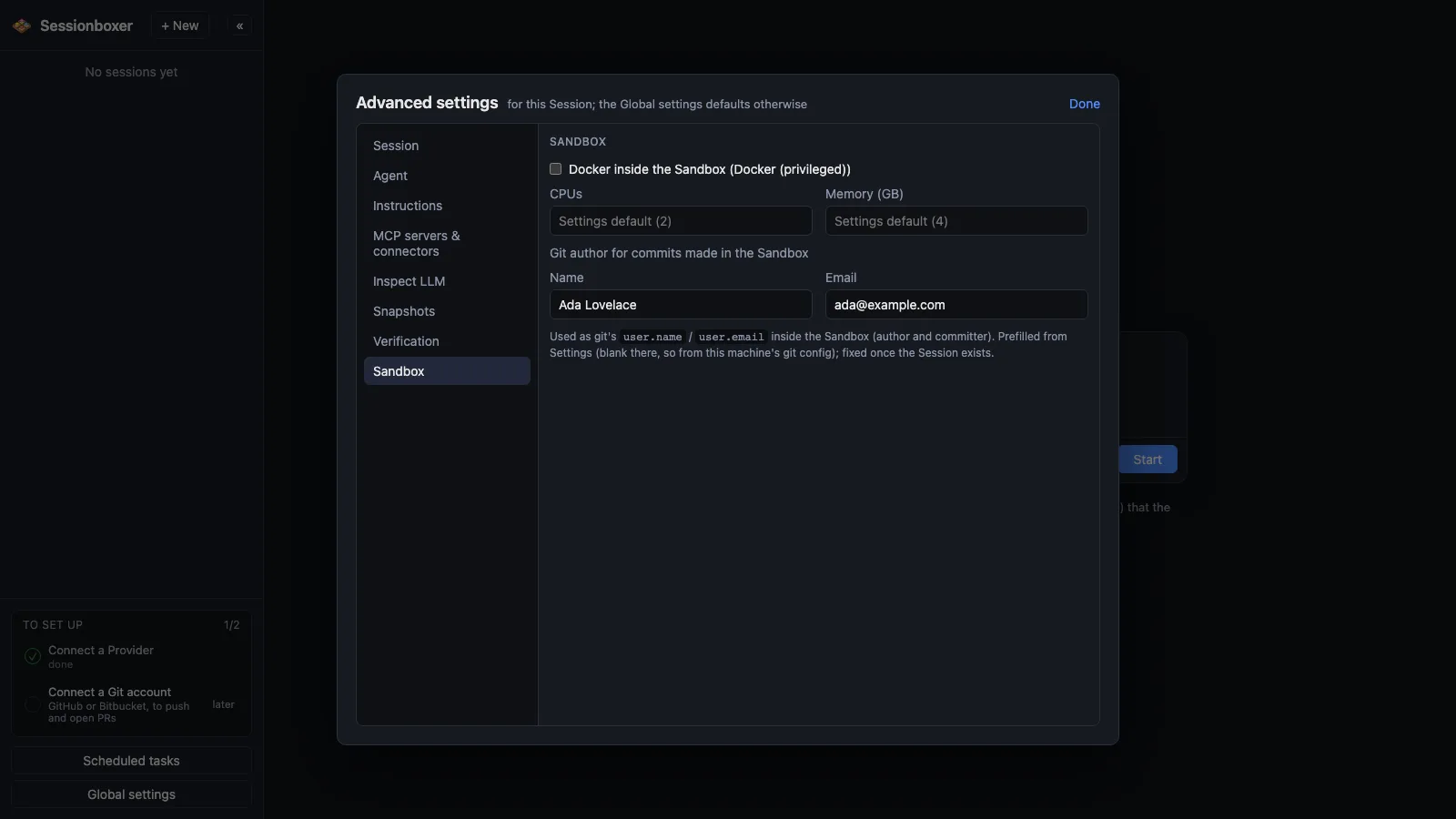
Docker inside the box
Optional Docker inside each box: agents run docker, docker compose and docker build in their own container, unprivileged when Sysbox is installed on the host.
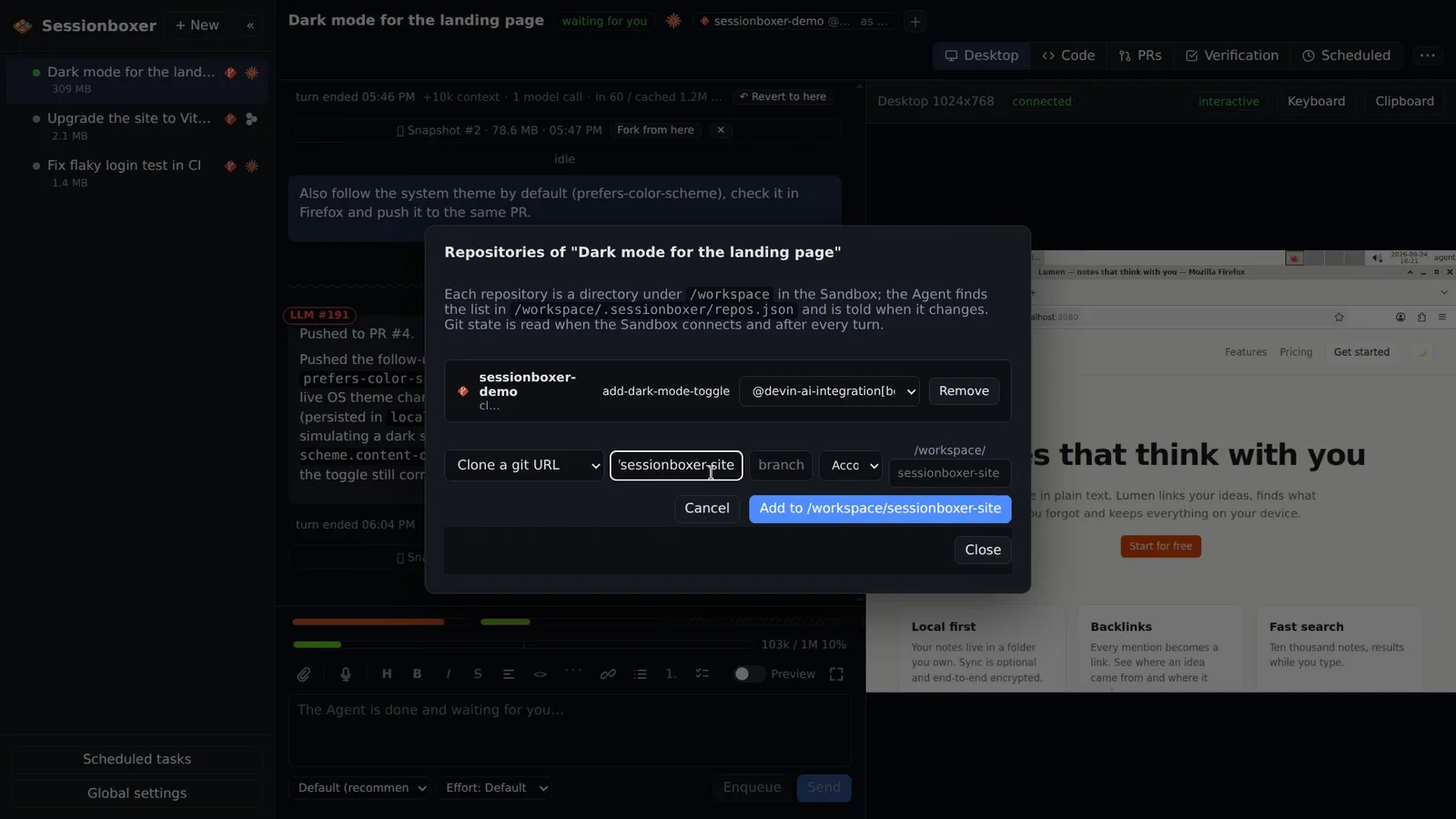
Your repositories, your subscription
Start from one or several git URLs, an empty directory or a folder on your machine. Sessionboxer uses your own Claude, ChatGPT or Devin account.
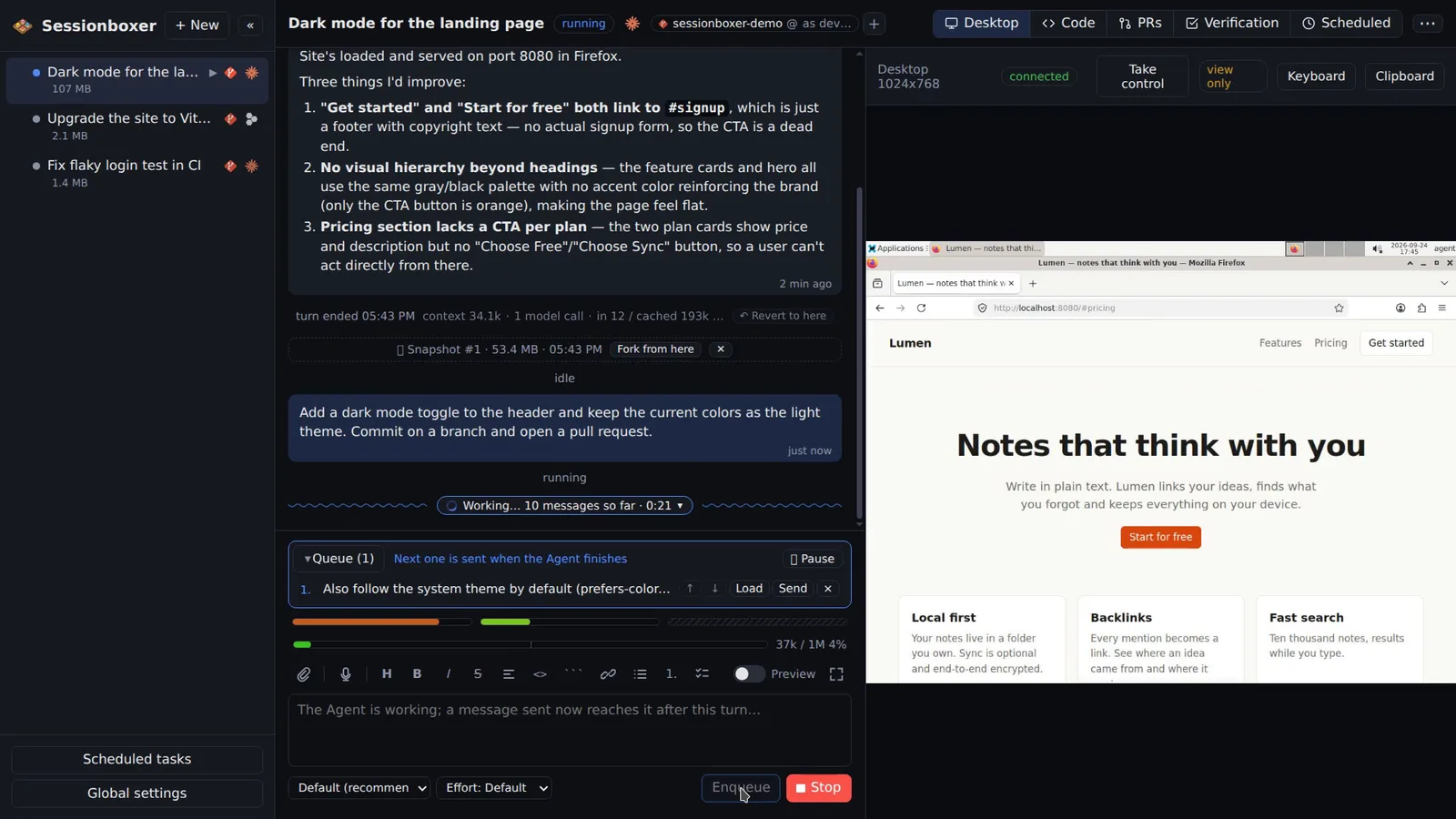
Prompts with files, a queue, dictation
Attach files by dropping or pasting them, enqueue the next request while the agent works, and dictate prompts with whisper.cpp running offline on your machine.
Works behind a corporate proxy
Behind Cloudflare WARP, Zscaler or another TLS-inspecting proxy, Sessionboxer copies your machine's CA certificates into every box, so HTTPS works.
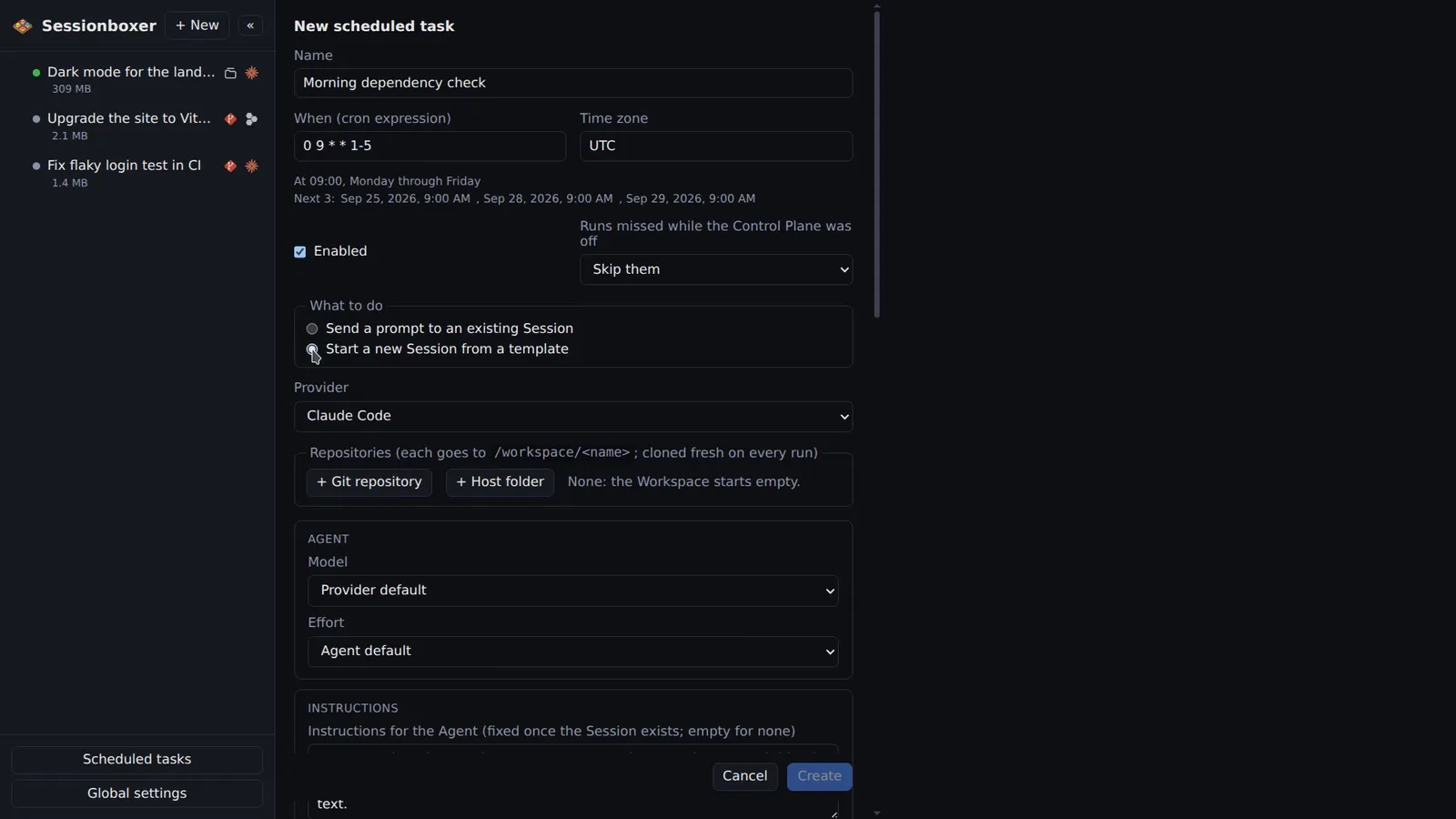
Scheduled tasks
Run a prompt on a cron schedule in its time zone: into an existing session, or a new one from a template that stops when the turn ends. Runs and outcomes are listed.
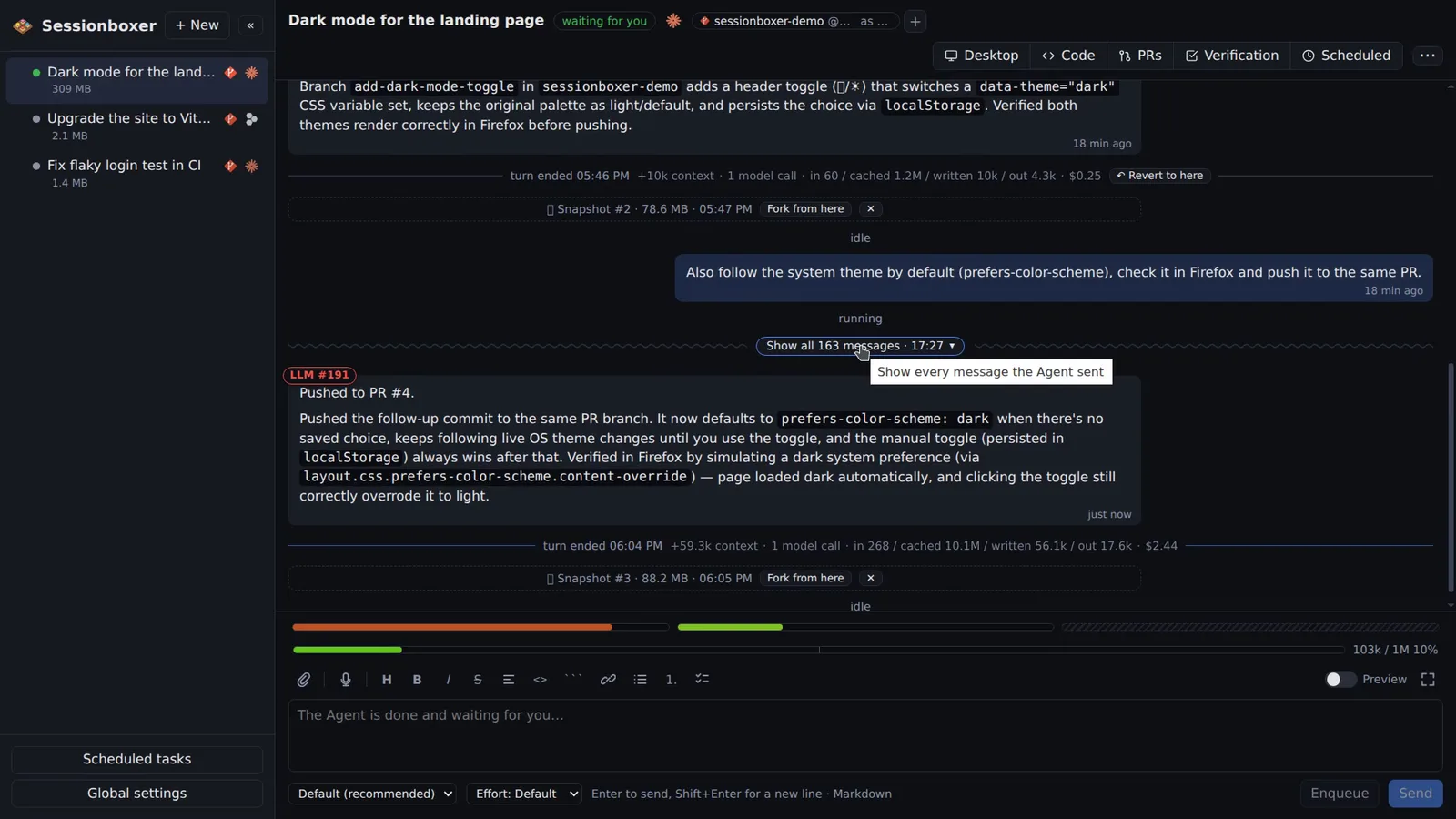
A chat that stays readable
The agent's messages of a turn fold into one line with a count and a timer; only the summary stays when the turn ends. Open the fold to see every step.
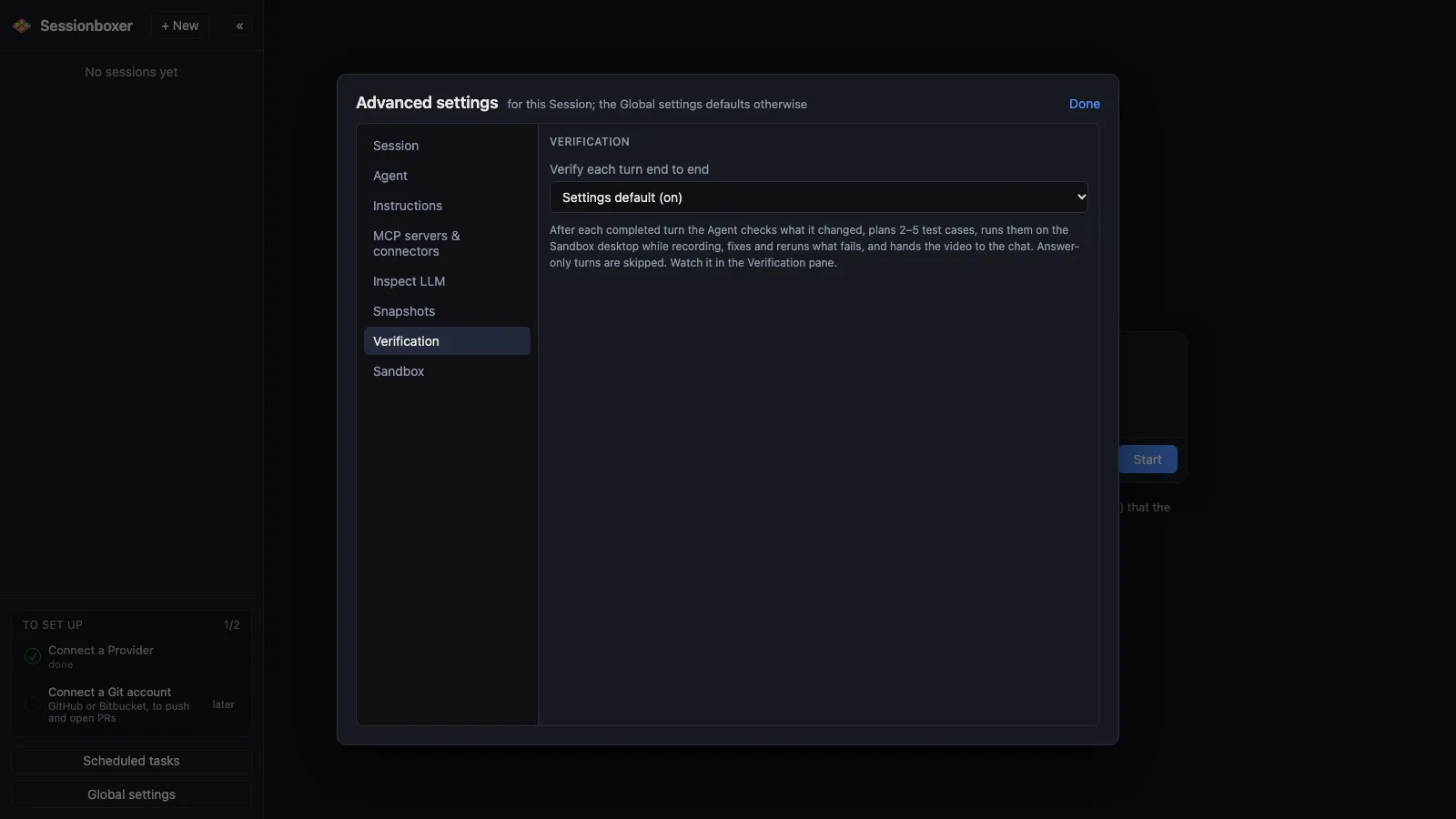
Verify each turn
After each turn the agent plans a few end-to-end test cases, runs them on the desktop with mouse and browser, fixes what fails and records a captioned video.
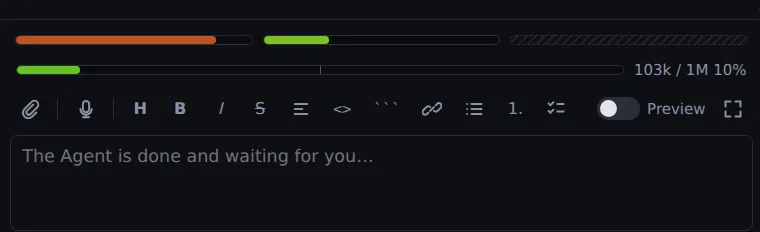
Usage limits, seen and continued
Three bars show how much of your Claude or ChatGPT plan is used. When the agent hits a limit, a countdown shows the reset and Auto-continue picks the turn up.
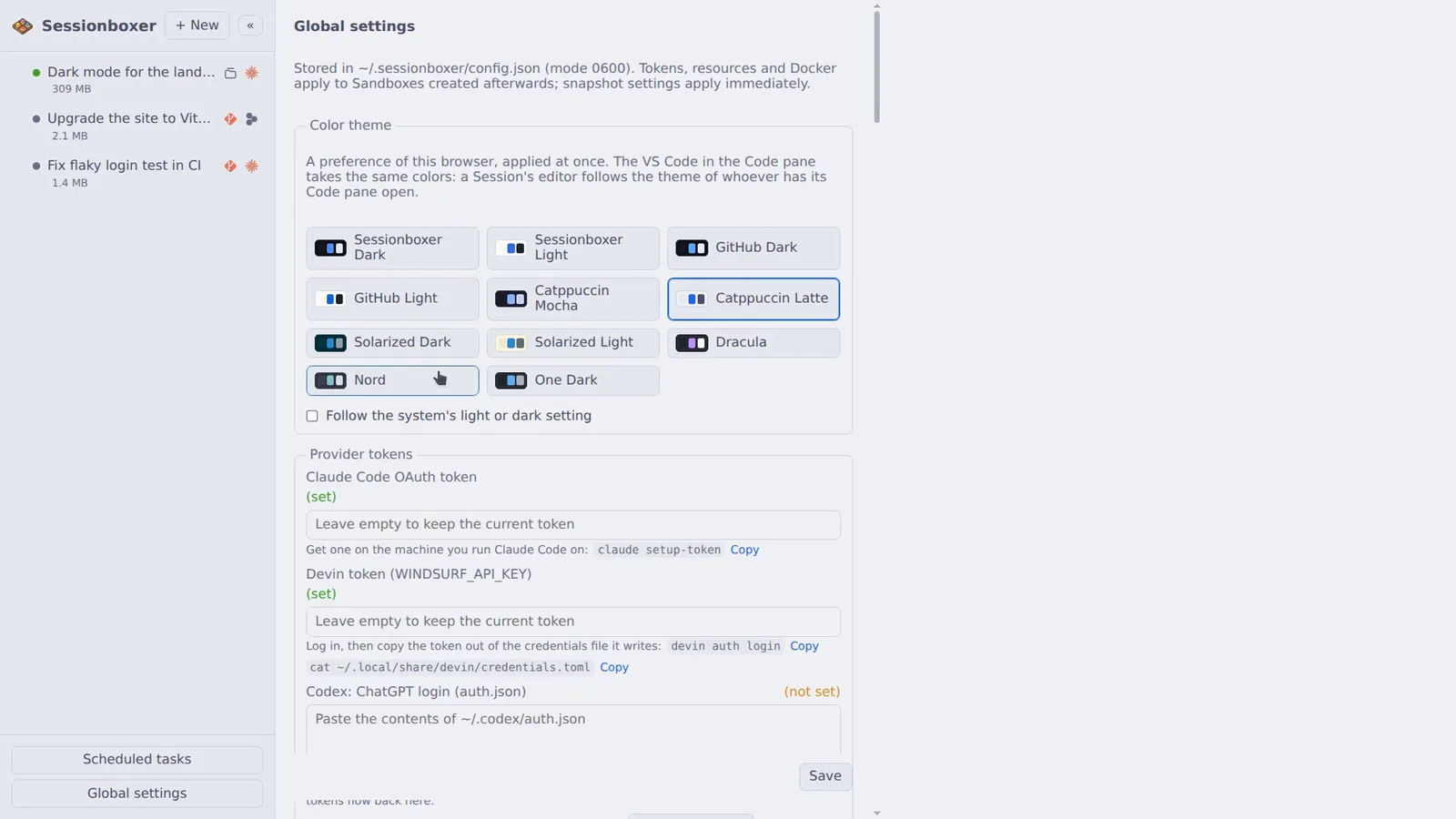
Themes, shared with VS Code
Eleven light and dark themes (GitHub, Catppuccin, Solarized, Dracula, Nord, One Dark) or follow the system. Chat, terminal and the VS Code in the box switch together.
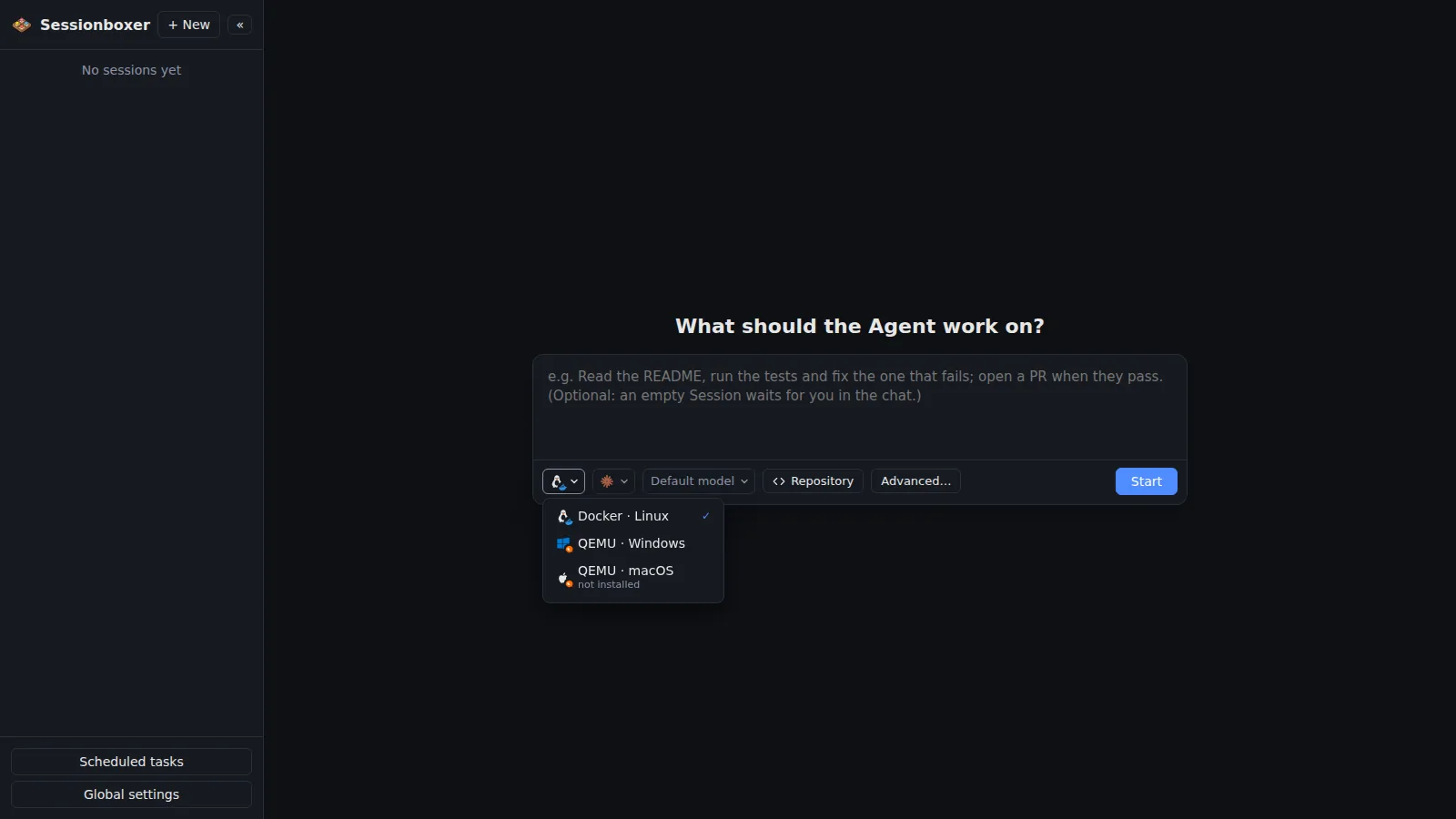
Windows and macOS sessions
Pick QEMU · Windows or QEMU · macOS under the prompt and the agent runs inside a Windows or macOS virtual machine, with its repositories, terminal and MCP servers there, its desktop in the same pane.
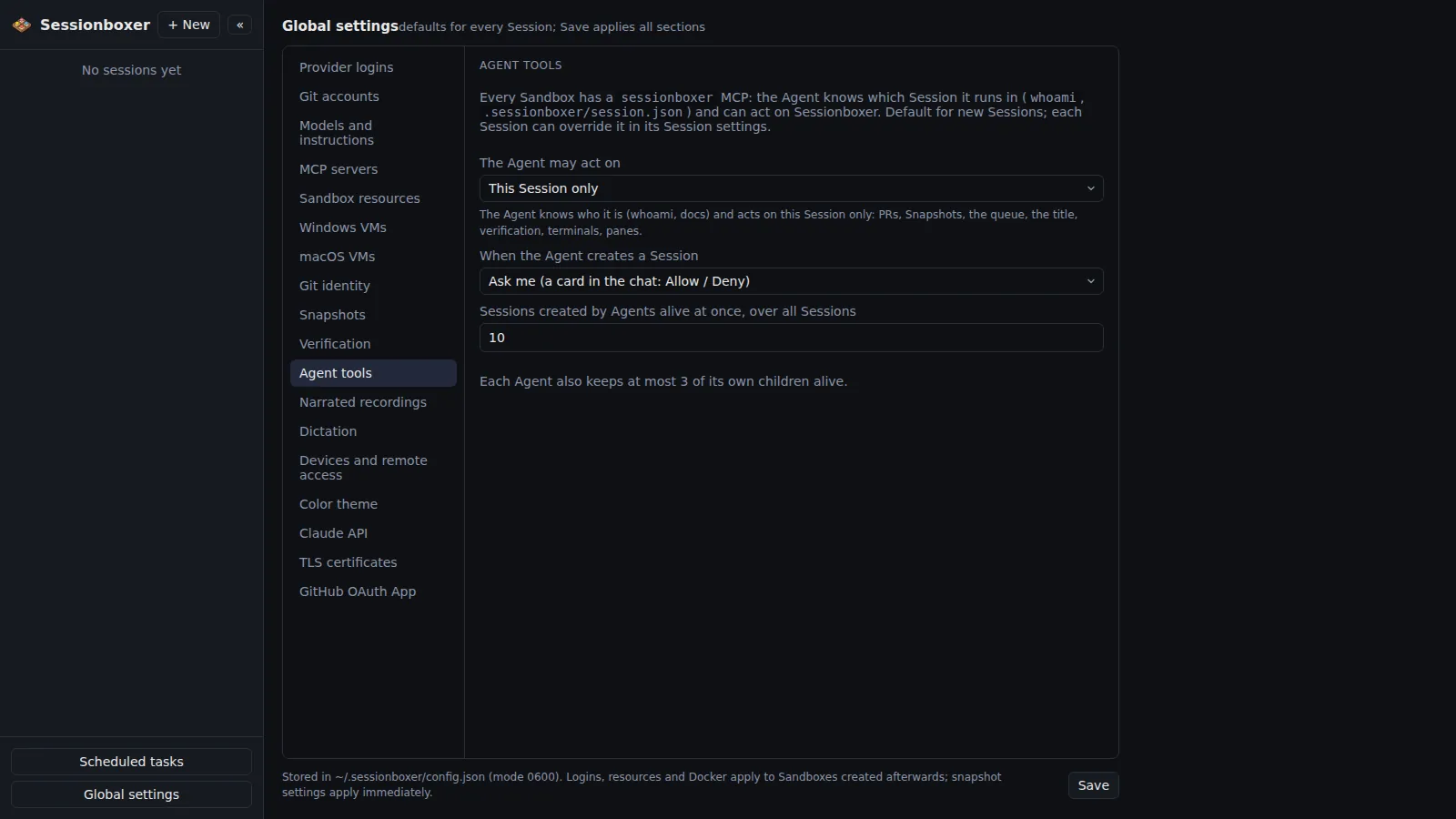
The agent knows where it is
A built-in sessionboxer MCP server tells the agent which session it is in and answers questions from the guide; allowed, it attaches PRs, snapshots, opens panes, and creates or messages other sessions.
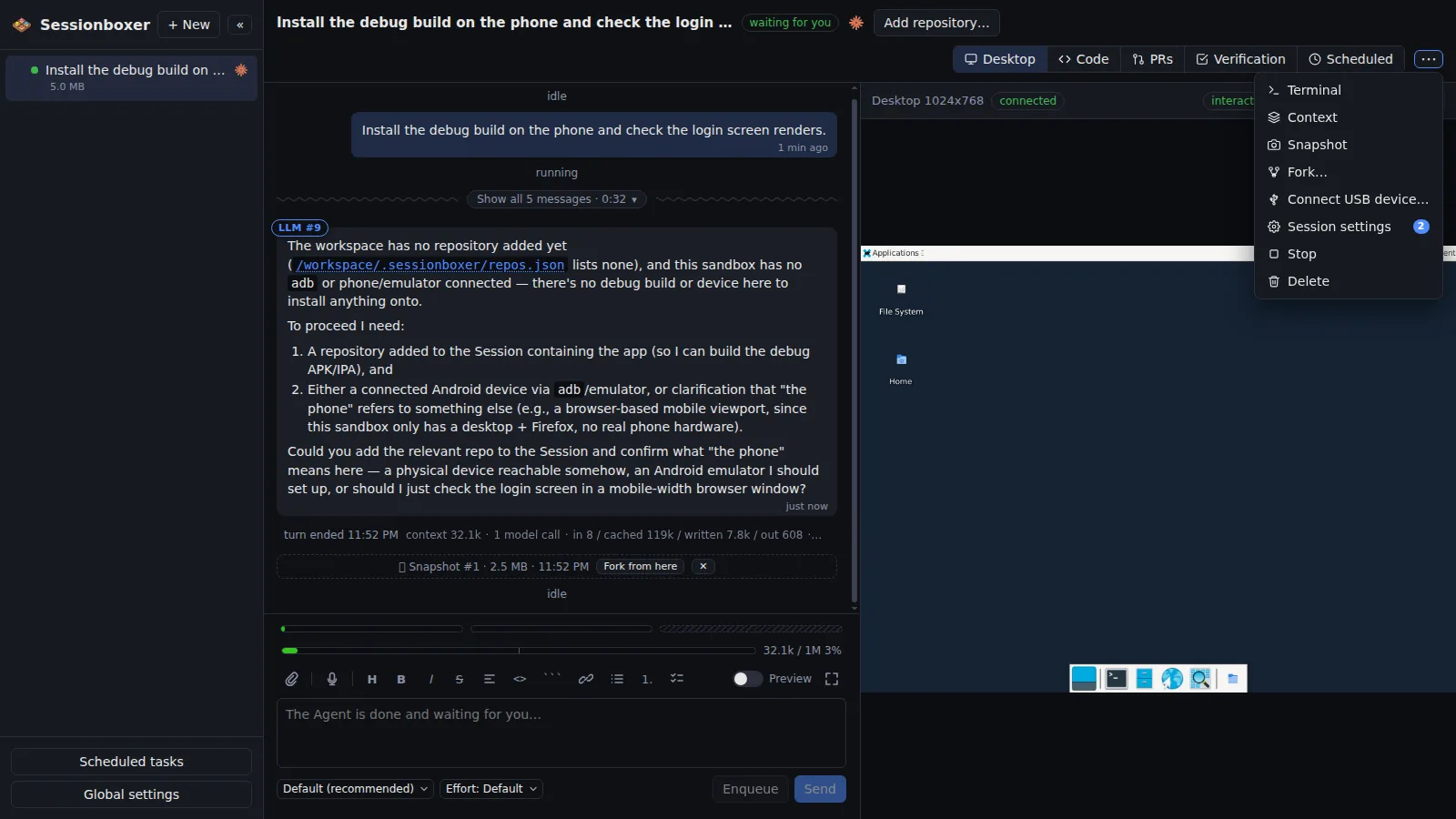
A USB device in the box
Plug a device into the machine running Sessionboxer and connect it to one session from the header menu. The agent gets that device only, follows it through resets, and can adb install its own build.