
Agents that don't ask
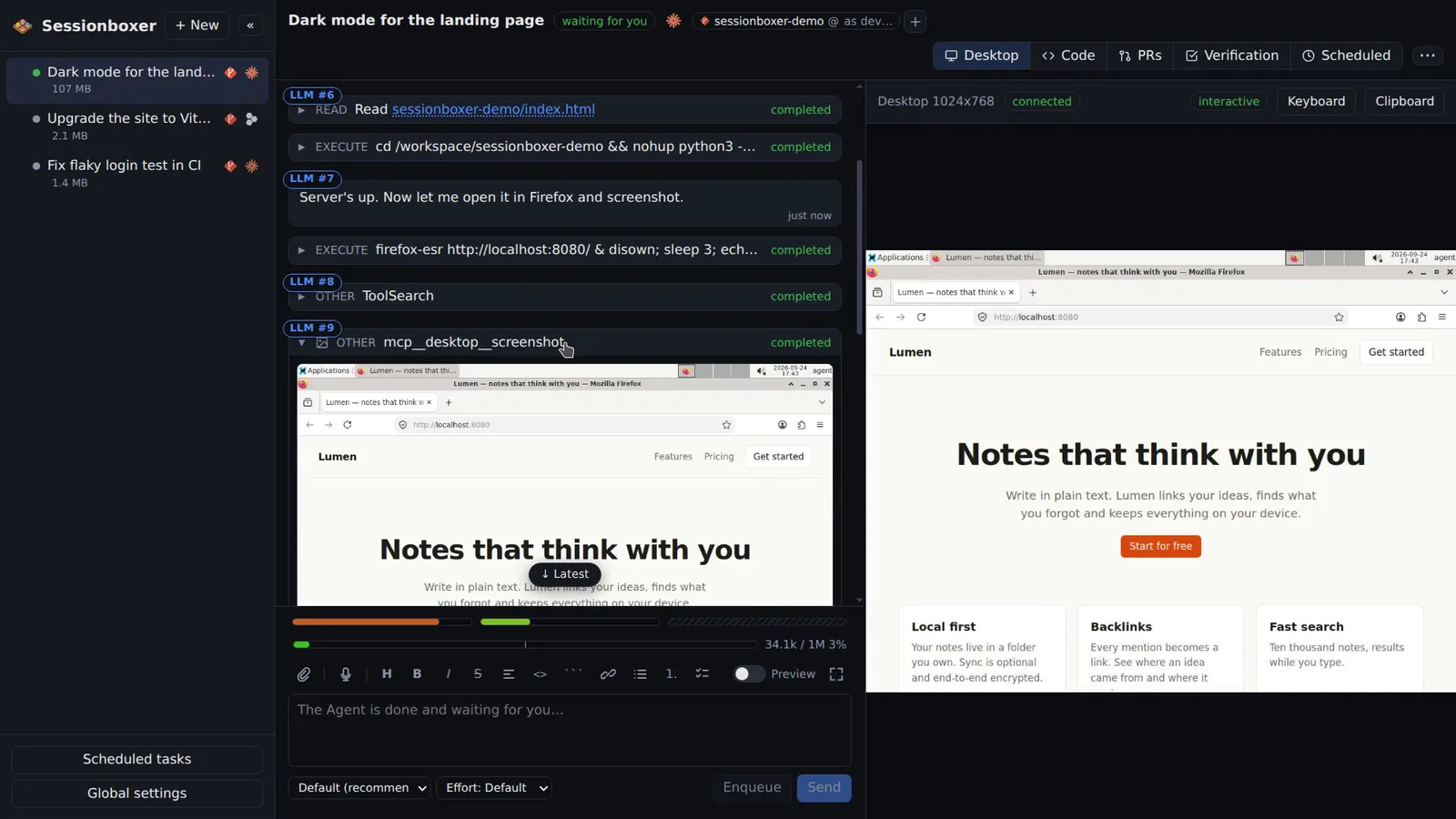
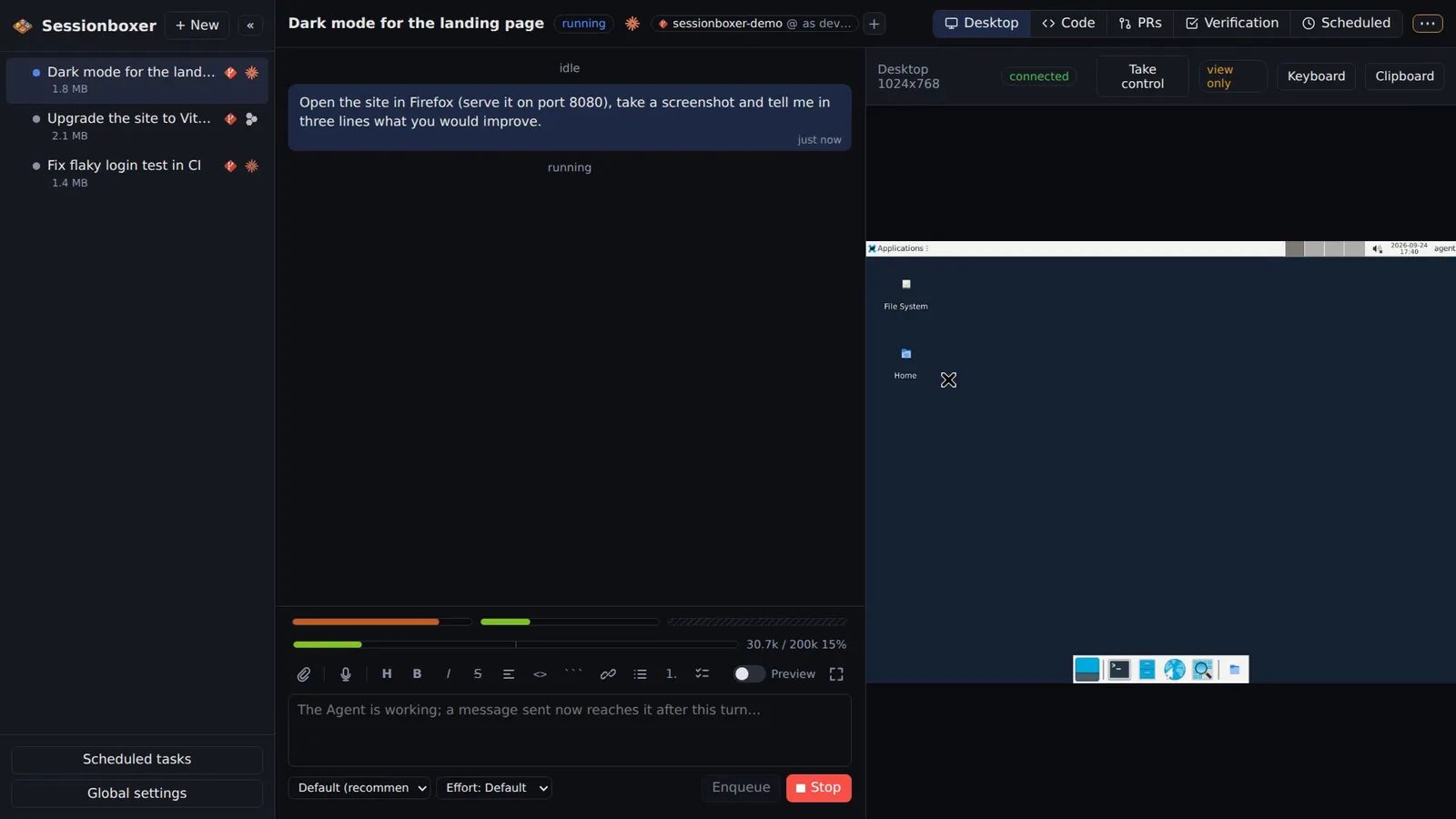
Inside the box the agent runs with all permissions granted. It does not stop to ask whether it may run a command, edit a file or install a package; it just does the work and reports. That is safe because the container is the boundary, not a list of allowed commands.
Things you can do with it
Hand over a long task and walk away
"Upgrade the project to Vite 8, fix what breaks, run the tests." The agent runs the install, the build and the test suite as many times as it needs without waiting for you.
Let it use the system
It can apt-get, start services, write to /etc and reboot processes inside the box. Nothing of that touches the host.
Run it from a phone
Because no prompt blocks the turn, you can send a task from your phone and read the result later instead of tapping Allow every minute.
Schedule it
Scheduled tasks would be useless if each run stopped at a permission dialog. In the box they run to the end.
How it works
The agent runs inside the Sandbox container, not on the host, so there is no remote tool layer to escape from and the container is the blast radius. Claude Code runs through claude-agent-acp, Codex through codex-acp and Devin through devin acp, all with permissions granted. Tokens are handed only to the containers of sessions that use that agent and are never stored in snapshots.
Standing instructions from Global settings are given to the agent on every start, and the project's own CLAUDE.md or AGENTS.md apply as usual. You still keep the Stop button, and every turn ends with a snapshot you can go back to.
Compared with other products
| Sessionboxer | Devin | Cursor Cloud Agents | Codex cloud | Claude Code on the web | OpenHands | T3 Code | |
|---|---|---|---|---|---|---|---|
| Agent runs without permission prompts | ✓, inside the box | ✓ | ✓ | ✓ | ✓ | ✓ | your choice |
| Isolated sandbox per session | Docker, or a Windows/macOS VM | VM | VM | container | VM | Docker | ✗ (your machine) |
| Runs on your machine or your server | ✓ | ✗ | ✗ | ✗ | ✗ | ✓ | ✓ |
Hosted agents run without prompts too, because they also work in a machine of their own. On your laptop, Claude Code and Codex ask before most commands unless you switch permission checks off, and their docs recommend doing that only inside a sandbox. Sessionboxer is that sandbox, on your hardware.
T3 Code runs the same CLIs on your machine, so the choice between prompts and full access is yours, with your files at stake.
Based on each product's public documentation, September 2026; ✓ = offered, ✗ = not offered, — = not found in the docs. Corrections welcome as an issue.