
Scheduled tasks
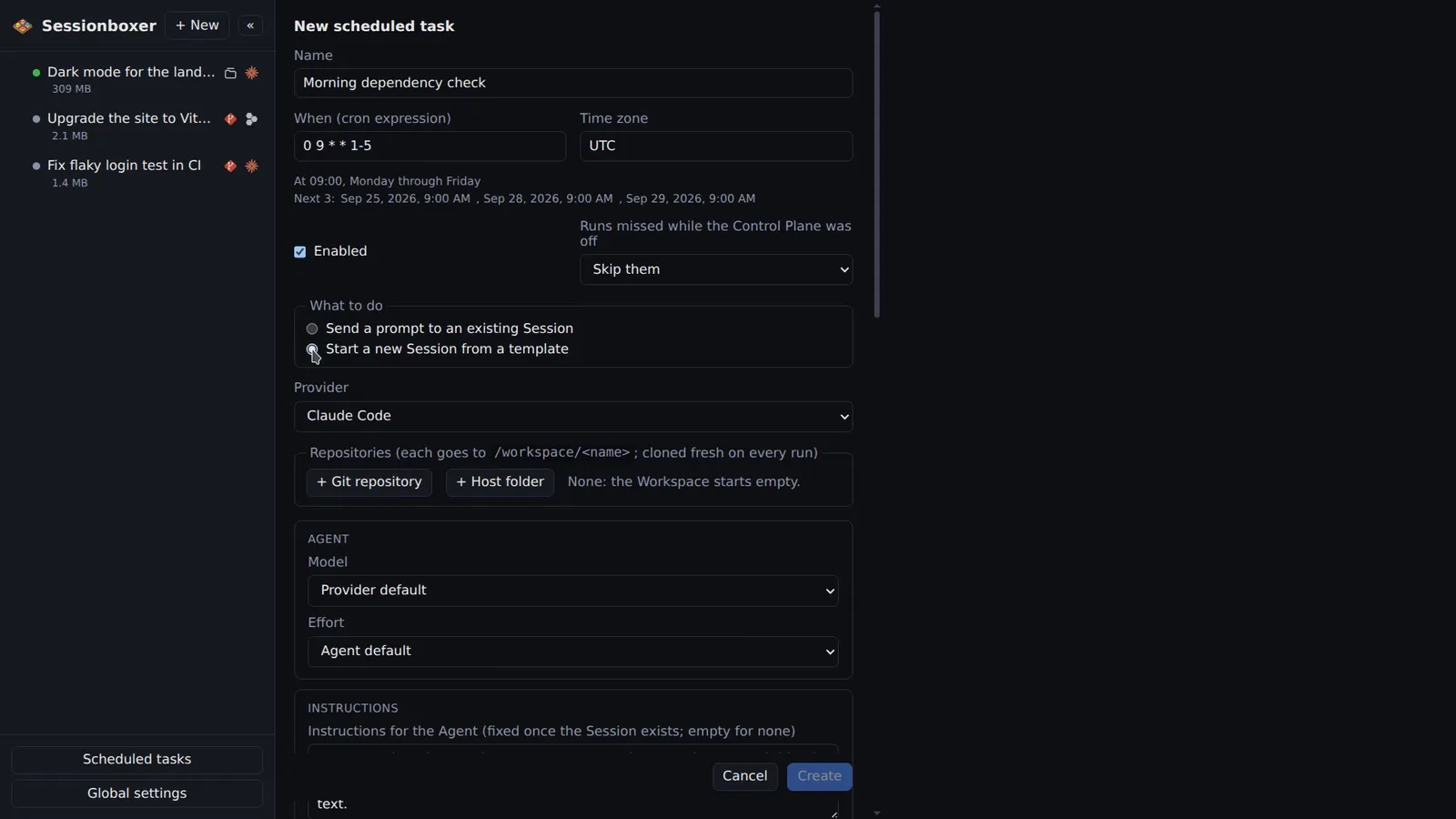
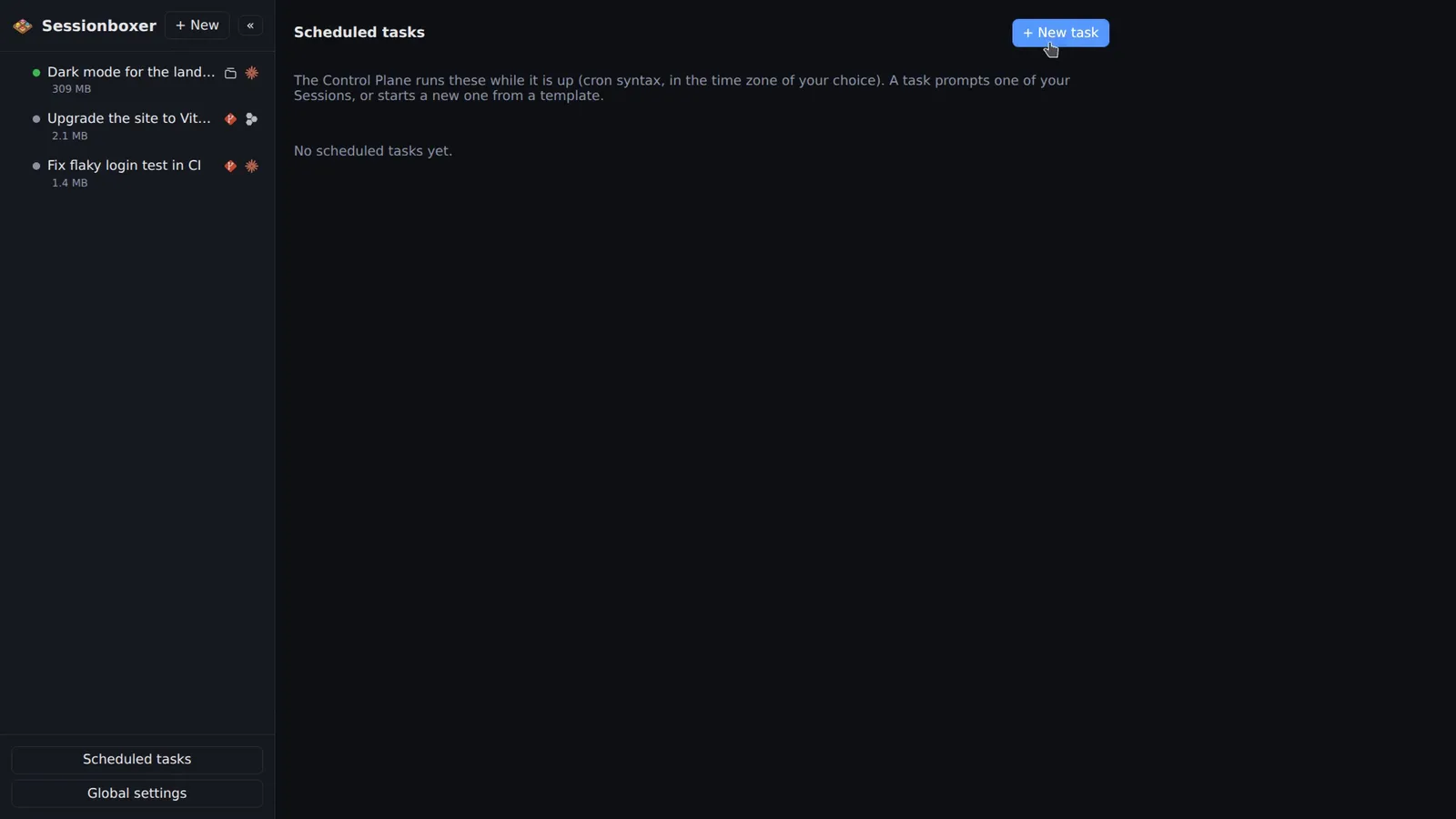
Run a prompt on a timetable: a nightly dependency check, a Monday report, a test run every hour. Each task has a cron expression shown in plain words with the next three runs, a time zone, and either an existing session to prompt or a template for a new one that stops when the turn ends. The runs and what they did are listed with the task.
Things you can do with it
Triage new issues every morning
A template that clones the repository with the GitHub entry on, asks the agent to read the new issues, label them and draft a reply, and stops the session when done.
Check the nightly build
"Look at last night's CI run; if it failed, find the cause and open a PR with a fix." Sent into an existing session at 7:00 in your time zone.
Weekly dependency update
Every Monday: update dependencies, run the tests, open a pull request. Auto-merge can take it from there.
Keep a long-running session on task
Send "where are we, and what is next?" to a session every hour, queued behind whatever turn is running.
How it works
The scheduler lives in the Control Plane, not in the system's cron, so it works the same with sessionboxer service, Docker Compose and the desktop app. A prompt to an existing session is sent right away when it is idle, queued when it is busy, and a stopped session is resumed first. A template has the same settings as the New Session form: provider, repositories, model, instructions, MCP servers, verification, Docker.
History lists the last 100 runs with trigger, status, duration, what was done and a link to the session. Runs missed while the Control Plane was off are skipped or caught up once, your choice. A failed run marks the task and sends a push notification.
Compared with other products
| Sessionboxer | Devin | Cursor Cloud Agents | Codex cloud | Claude Code on the web | OpenHands | T3 Code | |
|---|---|---|---|---|---|---|---|
| Scheduled tasks | ✓ | ✓ | ✓ | in the app | ✓ | ✓ | — |
| Runs on your machine or your server | ✓ | ✗ | ✗ | ✗ | ✗ | ✓ | ✓ |
| Your existing subscription, no new account | ✓ | ✗ | ✗ | ✗ | ✗ | API key | ✓ |
Devin, Cursor Cloud Agents, Claude Code on the web and OpenHands document scheduled or recurring tasks; Codex has scheduled automations in its app. The difference is where they run: on their machines with their billing, or, with Sessionboxer, on a machine you own with the subscription you already have, and a session you can open, resume and fork afterwards.
Based on each product's public documentation, September 2026; ✓ = offered, ✗ = not offered, — = not found in the docs. Corrections welcome as an issue.