
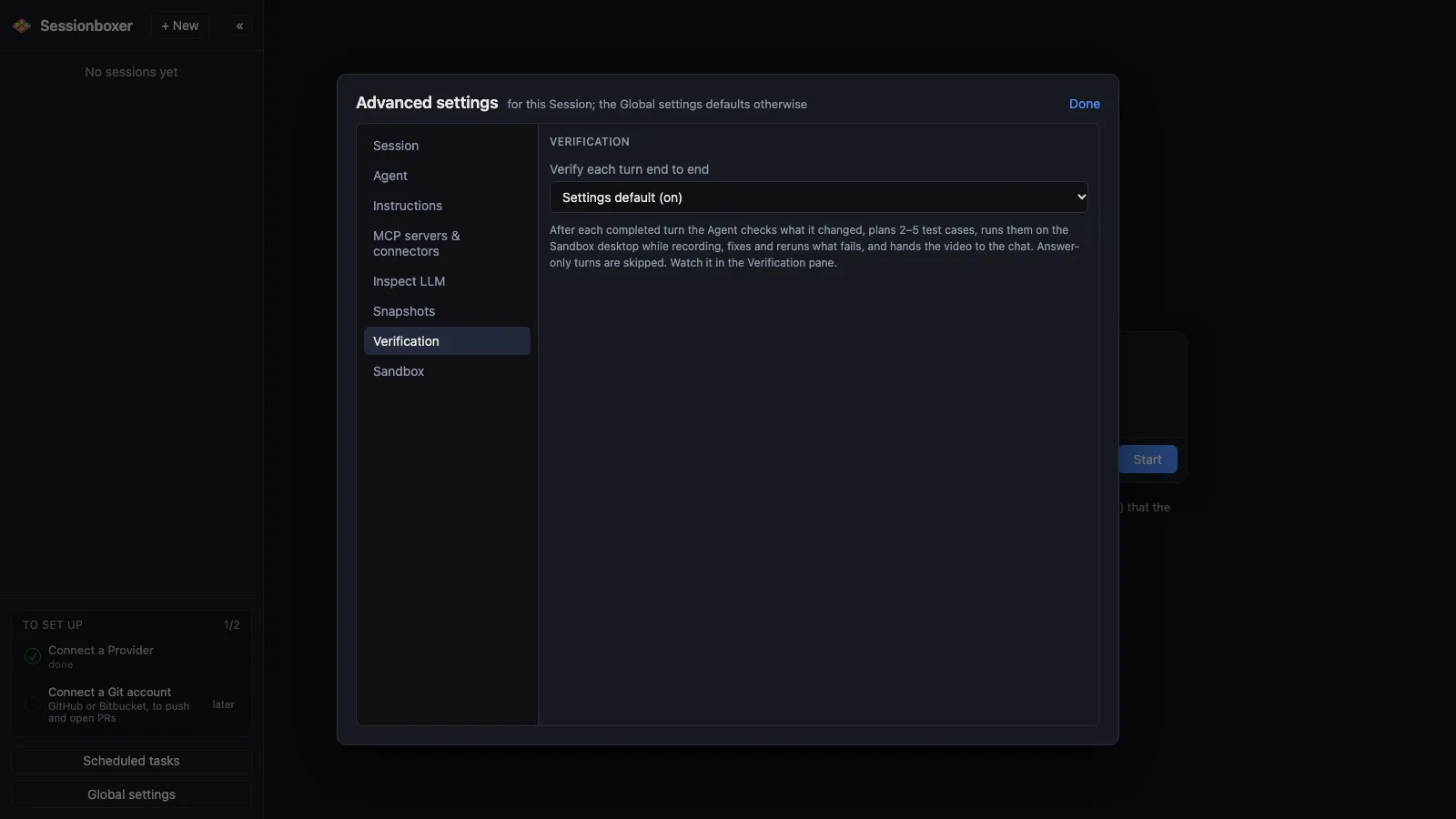
Verify each turn
After each turn, the agent plans two to five end-to-end test cases for what it just did, runs them on the box's desktop with mouse, keyboard and browser, fixes what fails and records a captioned video of it. The Verification pane shows each case, its state and the video. Run now starts a run whenever you like. On by default; switch it off per session or globally.
Things you can do with it
Stop taking "done" on trust
The agent says the dark-mode toggle works. The verification run clicks it in Firefox, checks the colours, and the video shows you.
Catch the fix that broke the login
A case that fails is fixed in the same turn and rerun, up to three times. You see the cycles in the pane.
Verify on demand
Run now in the Verification pane tests the work so far against your last request, even with the switch off.
Skip it where it makes no sense
Research questions and answers are recorded as skipped with a reason. Switch verification off for sessions where a second turn of model time is not worth it.
How it works
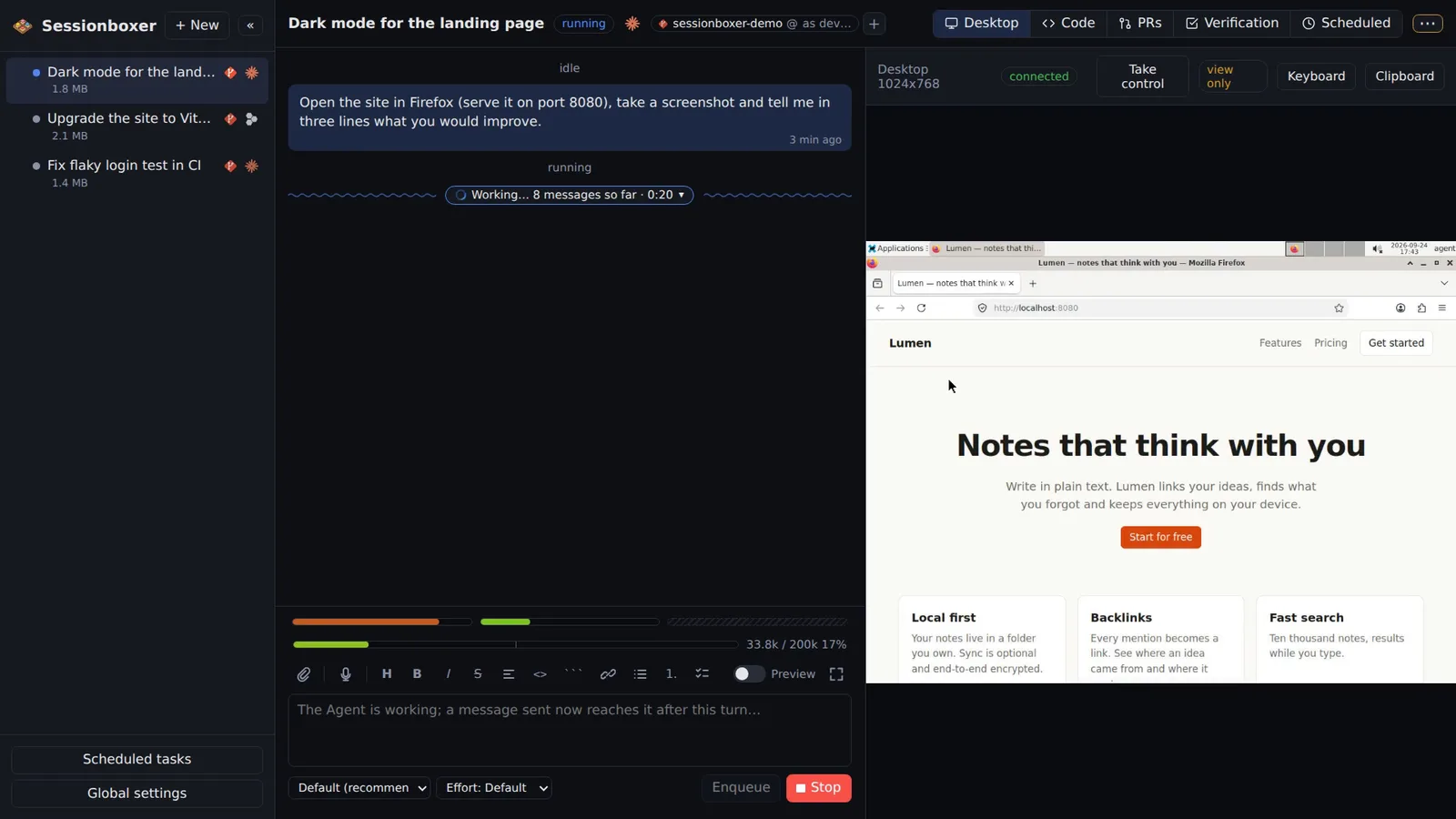
Each finished turn is followed by a hidden verification turn. The agent runs the e2e-verification skill installed in the box: it looks at what changed (git status in each repository, what it did), plans the cases from your prompt, starts a desktop recording and runs them one by one, captioning the video as it goes. At the end it replies with the video, which plays inline in the chat.
The Verification pane opens when the first case starts: status, progress, each case with its state, cycle, note and screenshot, the steps and expected result on click, the video when done, and earlier runs. A marker in the chat (Verified: 4/4 passed · 2:13 · video) opens the pane on that run. Queued messages wait until the verification is over.
Compared with other products
| Sessionboxer | Devin | Cursor Cloud Agents | Codex cloud | Claude Code on the web | OpenHands | T3 Code | |
|---|---|---|---|---|---|---|---|
| Tests its own work on a desktop after each turn | ✓ | — | — | — | — | — | ✗ |
| Desktop the agent drives with mouse and keyboard | ✓ | browser | ✓ | — | — | browser | ✗ |
| Screen recordings of the agent's work, played in the chat | ✓ | ✓ | — | — | — | — | ✗ |
Every agent will run the tests you ask it to, and Devin, Cursor Cloud Agents and OpenHands can drive a browser to check a page. What the others do not document is a run after every turn that plans its own end-to-end cases, drives the desktop, retries on failure and hands back a captioned video. T3 Code has no desktop of its own for such a run.
Based on each product's public documentation, September 2026; ✓ = offered, ✗ = not offered, — = not found in the docs. Corrections welcome as an issue.