
Themes, shared with VS Code
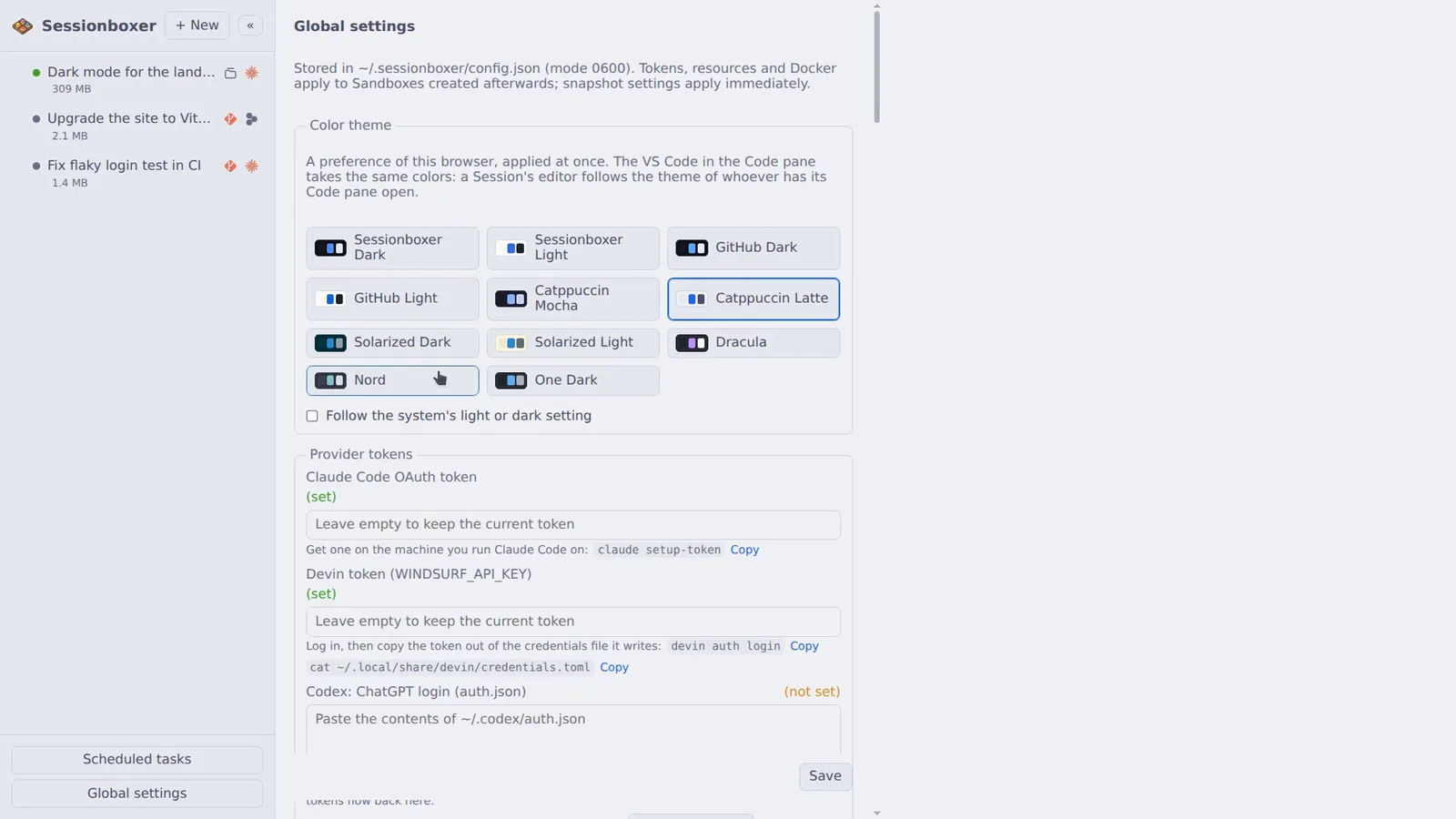
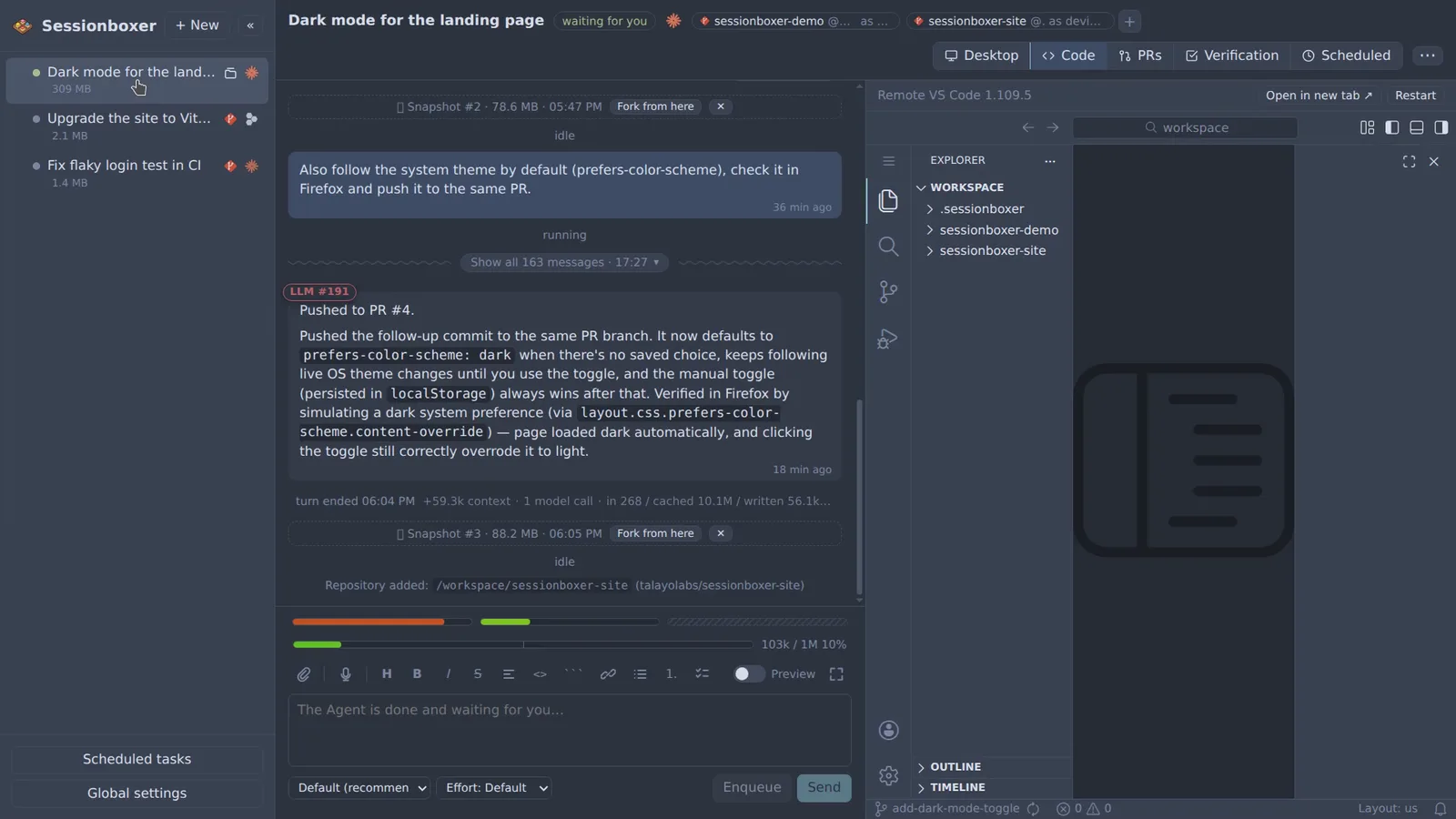
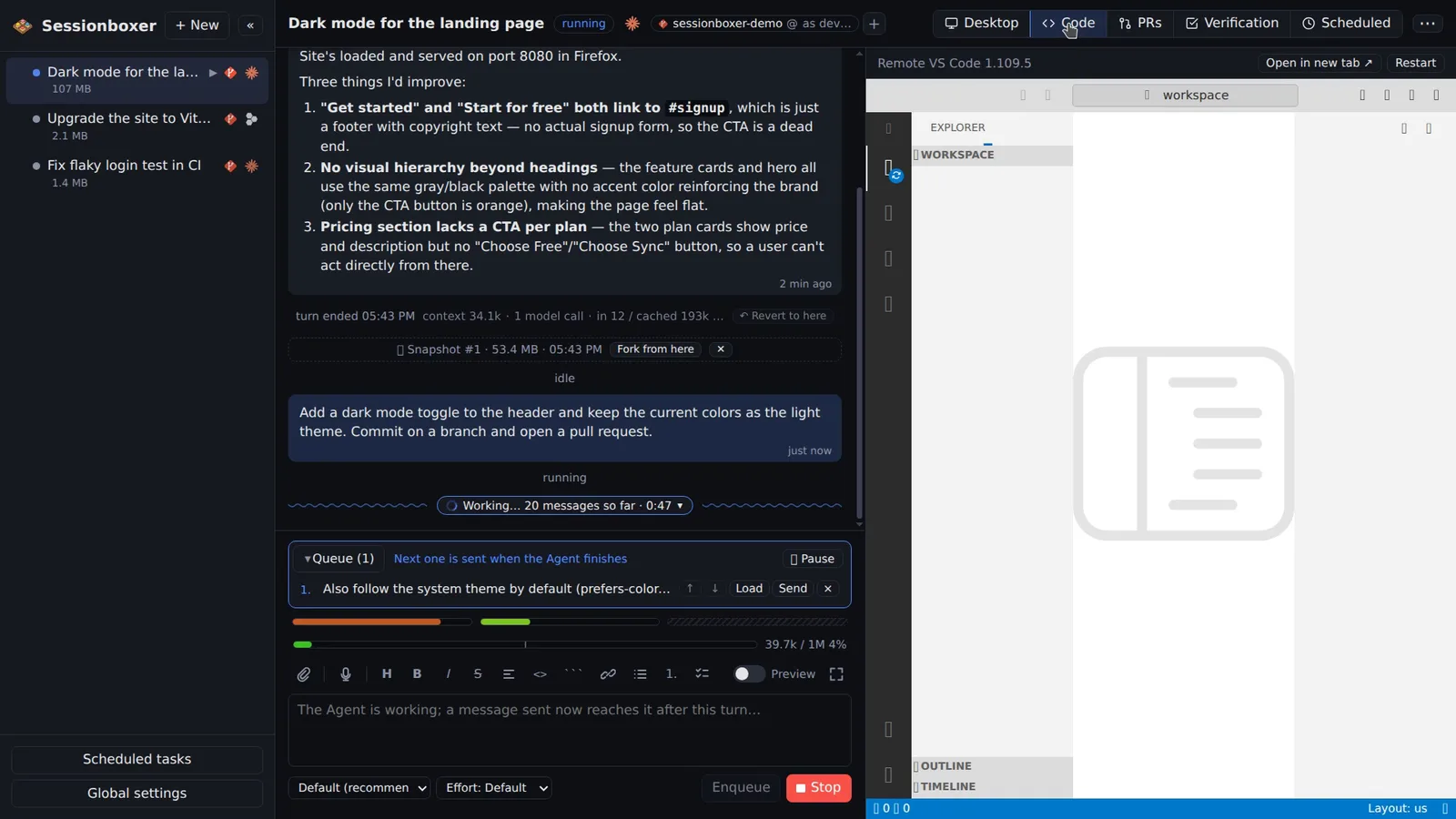
Eleven light and dark themes: Sessionboxer, GitHub, Catppuccin, Solarized, Dracula, Nord and One Dark, or follow the system with a light and a dark pick. The whole UI follows, chat, terminal and diagrams, and the VS Code running in the box switches to the same palette live.
Things you can do with it
Match the editor you already use
Pick Catppuccin Mocha or One Dark and the chat, the terminal and the VS Code in the box look like your desktop VS Code.
Light by day, dark by night
Follow the system with a light and a dark choice, and the UI switches with your operating system.
Different on the phone
The choice is stored per browser, so the phone can stay dark while the laptop is light.
Read code in a palette you know
Code blocks in the chat, the terminal and the editor share the colours, so a diff looks the same everywhere.
How it works
The palette is shipped into the box as a VS Code color theme, so the editor starts in the theme you have and switches live when you change it. The choice is per browser, stored there rather than in config.json; a theme picked in VS Code's own picker is overridden by the session's. An older box gets the themes on Stop and Resume.
Compared with other products
| Sessionboxer | Devin | Cursor Cloud Agents | Codex cloud | Claude Code on the web | OpenHands | T3 Code | |
|---|---|---|---|---|---|---|---|
| Theme also applied to the built-in VS Code | ✓ | — | n/a | n/a | n/a | n/a | n/a |
| VS Code and terminals inside the sandbox | ✓ | ✓ | — | — | — | — | your own |
| Open source | MIT | ✗ | ✗ | ✗ | ✗ | MIT | MIT |
Most products offer a light and a dark mode for their own UI. Among the hosted ones only Devin also has an editor in the task view; Cursor Cloud Agents, Codex cloud and Claude Code on the web have none to theme. Sessionboxer ships the same palettes to the UI and to the VS Code in the box, and since it is MIT-licensed you can add your own.
Based on each product's public documentation, September 2026; ✓ = offered, ✗ = not offered, — = not found in the docs. Corrections welcome as an issue.