
You have a few Conductor Cloud workspaces with agents still working in them, and on Wednesday Conductor said the cloud is going away. You have one week before you can no longer send a message, and two before the data starts to disappear. You want to know what to click, what you lose, and whether the local app is safe to keep.
On November 4, 2026, Charlie Holtz announced that Conductor is joining Meta. TechCrunch reported that Meta confirmed the deal but gave no terms. This post goes through the timeline Conductor published, what to do before each date, and what changes if your agents used to run in Conductor's cloud. We build Sessionboxer, which also runs coding agents, so read the last part with that in mind. Everything about Conductor here comes from its announcement, its 0.93.0 changelog and its docs, read on November 6.
The timeline
Conductor's announcement lists four dates.
| Date | What happens |
|---|---|
| Wednesday, November 4 | No new sign-ups and no app downloads. Free users cannot upgrade; Pro users keep Pro features for free. |
| Friday, November 13 | Conductor Cloud goes read-only. You can read old chats and export data, but you cannot send new messages. Active subscribers get a refund. |
| Friday, November 20 | Conductor Cloud shuts down and Conductor begins deleting cloud user data. |
| Early 2027 | Local Conductor keeps getting new models and critical bug fixes until then. |
The team says it will have "something new" to use early next year and has not said what it is. Questions go to support@conductor.build.
Before November 13: finish or move the cloud work
After the 13th, a cloud workspace is a read-only archive. Any task you want an agent to keep working on has to move before then.
Conductor built one way to do that. From the FAQ on the announcement page: "To move a cloud workspace and its chats to your Mac, right-click it and choose Transfer to local." It is done one workspace at a time, from the Mac app. If you only used Conductor Cloud from the iOS app, you need a Mac to do this.
Before you transfer, it is worth a quick check of each workspace:
- Is there a pull request open from it? Then the branch is already on GitHub, and the code is safe whatever happens to the sandbox.
- Are there commits that were never pushed? Ask the agent to push the branch, or push it from the workspace terminal. A branch on GitHub does not depend on any export working.
- Is there work outside git, like a generated report or a local database? Copy it out while the sandbox still runs.
The changelog also says archived cloud workspaces now show their PRs, last known changes and file tree in the right panel, which helps you see what each one held.
Before November 20: export everything
The second step is an archive of all your data: Settings → Account → Export data. Do it even if you transferred every workspace. The export is the only copy you control that does not depend on the Conductor app.
On data in general, the FAQ says Conductor has "never sold or trained on Conductor user data", and that it will delete all Conductor user data when the app shuts down in early 2027. That last part applies to the local app too, which leads to the next question.
If you only use local Conductor
Local Conductor keeps working, and new models and critical bug fixes are promised until early 2027. You do not have to do anything this week.
There are two things to plan for. First, nobody new can download the app since November 4, so a teammate who joins next month cannot set up the same tool. Second, "new models and critical bug fixes" is a narrower promise than the frequent feature releases in Conductor's changelog, and after early 2027 the app winds down.
Your work is not trapped. Each local workspace is a git worktree with its own branch in your repository, so the code is plain git whatever you pick next.
What a transferred workspace loses
A cloud workspace and a local one are not the same thing. Conductor's Cloud overview compares them: cloud agents run in an isolated Linux sandbox and keep working after your Mac closes, while a local workspace runs on your Mac and its processes stop when the Mac closes. Cloud workspaces and chats are also shared with your organization; local ones live in your local app.
The sandbox matters most. Conductor's FAQ says local agents "run with the same permissions as your user account" and "run directly on your system without sandboxing." If you ran cloud agents with approvals off because the sandbox made that feel safe, turn approvals back on after you transfer, or run the Mac app on a machine set aside for development, which is what that FAQ suggests.
So the list of what goes away on November 20 is: agents that keep running with the laptop shut, a sandbox around each one, and shared team workspaces. The local app gives you none of the three.
Where Sessionboxer fits, and where it does not
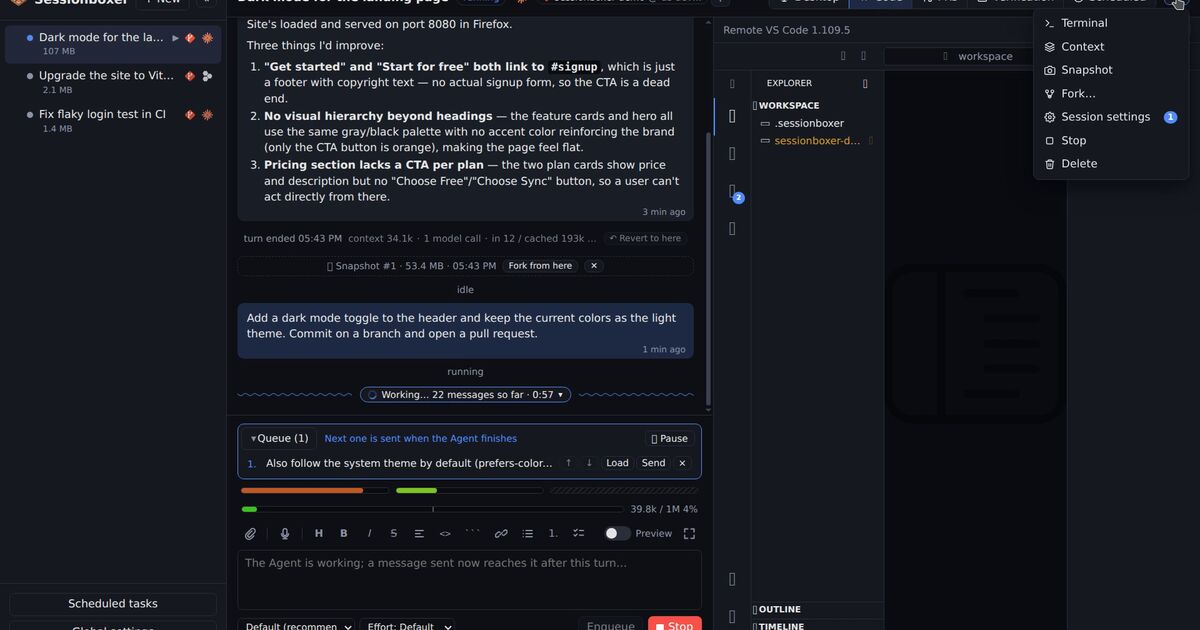
If the cloud sandbox and the "keeps running" part were what you used Conductor Cloud for, that is the part Sessionboxer covers, on a machine you own instead of someone's cloud. It puts each session in its own Docker container. The agent runs inside the box without permission prompts, and a bad command can only damage that box. Install it on a server and the sessions keep going when your laptop closes; the Remote access chapter covers signing in to it from the laptop and the phone. You can stop a session and resume it later with its files and conversation intact.
The agents are the ones you already pay for. Claude Code, Codex, Cursor, OpenCode and the other supported agents use your own login, and there is no Sessionboxer account. It is free and MIT licensed.
To pick up a Conductor task there, push its branch to GitHub, then start a session that clones the repository at that branch and tell the agent what the old chat was about. You can also copy a folder from the machine that runs Sessionboxer into a session, if that is where your transferred worktree lives.
What Sessionboxer does not do, so you can decide quickly:
- It cannot import Conductor chats or exports. The conversation history stays in your Conductor export.
- It has no shared team workspaces like Conductor's multiplayer. One Control Plane has one access token and your list of logged-in devices.
- It needs Docker, and each session is a container with a Linux desktop, so it uses more memory than a worktree.
- It is not a native Mac app. If your agents build iOS apps with Xcode on your own Mac, local Conductor or a plain terminal fits that work better for now.
We wrote a longer Conductor comparison on November 1, before this news, and most of it still holds for the local app. The cloud column in its table now describes a service that ends on November 20. If you also used Vibe Kanban, whose board went export-only in April, our Vibe Kanban post covers that move.
A short checklist
- Today: for each cloud workspace, push its branch or open a pull request.
- Before Friday, November 13: right-click each cloud workspace you want to continue and choose Transfer to local.
- Before Friday, November 20: Settings → Account → Export data, and keep the archive.
- After transferring: check which local workspaces run with approvals off, now that there is no sandbox around them.
- Before early 2027: decide where the agents run once local Conductor stops getting fixes.