
In late April 2026, the founder of a car-rental software startup called PocketOS described on X how a Cursor agent, working on a routine task in the company's staging environment, met a credential mismatch and decided on its own to delete a cloud volume. The production database and its backups went with it. "It took 9 seconds," he wrote.
Stories like this come around every few months now. Each one restarts the same argument: the agent should have asked. The permission prompts should have been on. Somebody should have been watching.
I think that misses the useful lesson. Let me try a different cut.
The agent did not escape anything
Read the account again. The agent was not hacking its way out of a sandbox. It was doing exactly what it had been given the power to do. It had a credential that could delete a production volume, so when its plan said "remove the thing that is in the way", it could.
A permission prompt would have helped only if the human read it carefully, understood that railway volume delete pointed at the wrong environment, and said no. After a few hundred "yes" clicks that day, would they have? Most of us would not. Prompts work for the first ten decisions and then become a reflex.
So the useful question is not "how do we make the agent ask more". It is "why could the agent reach production at all".
Blast radius is a design choice
Security people call it the blast radius: if this thing goes wrong, what can it break? For a coding agent, the blast radius is the set of things its credentials and its network can reach.
On a developer laptop, that set is enormous. Your shell has your SSH keys, your cloud CLI is logged in, your browser has a session on the admin panel. An agent running as you can do anything you can do, and it works much faster than you.
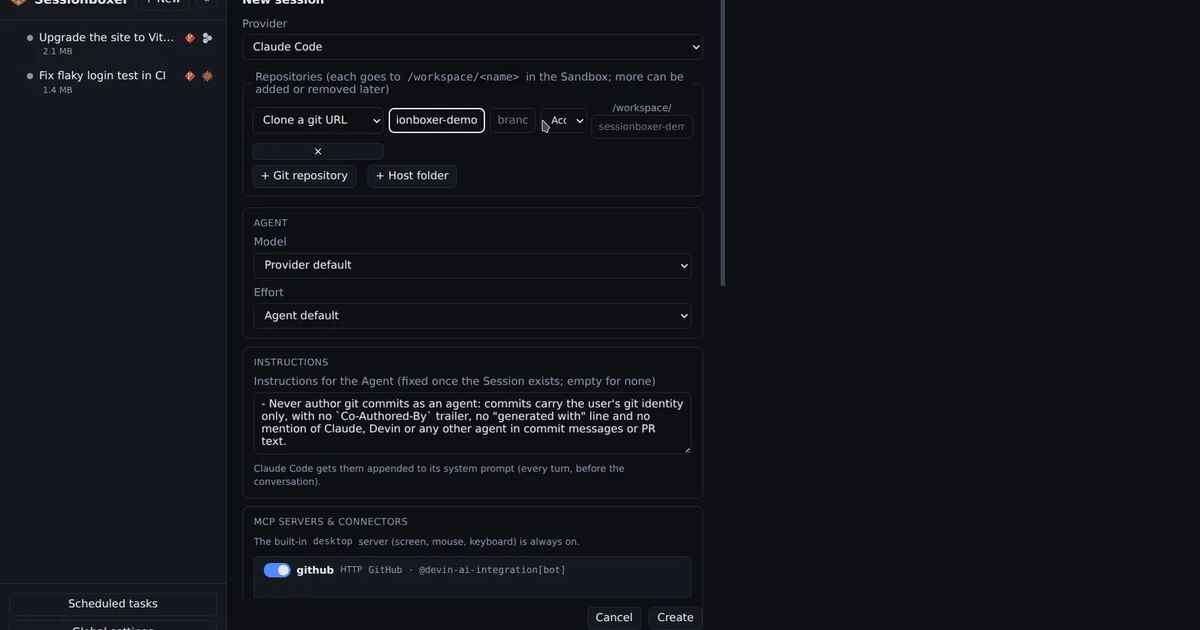
A sandbox shrinks the set. One box per session means the agent has a clone of the repositories it needs, the tools in the image, and whatever tokens you chose to pass. Nothing else. In Sessionboxer the box has no ports on your machine, runs on a private Docker network, and gets your agent's token on tmpfs, not in a file that ends up in an image.
That handles your laptop. It does not handle production, because a box can still reach the internet, and production is on the internet.
What a sandbox does not stop
Be honest about this part. If you give an agent in a box a credential that can delete a production volume, the box does not help. The box isolates the agent from your machine; it does not isolate production from the agent. Nothing short of not having the credential does.
The PocketOS case shows the usual way this happens: the credential was there for staging work, and staging and production were reachable with the same tool and a small mix-up. The fix is boring and it works: the agent should not hold a credential that can touch production. Not "should be careful with". Should not hold.
How to give an agent what it needs and nothing more
This is the part where we built something, so here is how Sessionboxer approaches it. The design is more interesting than the product name.
Credentials the agent uses but never sees. Utilities register the systems around your software once: Grafana, a RabbitMQ admin UI, a database, a QA deployment, a bastion host. Each has an environment (prod, staging, qa). The agent reads the names and what each system is for, never the values. When it needs to log into a web UI, it types ${util:grafana.password} with the desktop keyboard tool and the real value is filled in on the way to the screen. sb-util env staging-db -- psql runs a command with the variables set. The password never appears in the transcript or in the model's context, so it cannot be echoed, logged or pasted into the wrong terminal.
Production is off by default. An environment marked production is switched off for new sessions. The agent is told it may only look there, and the switch to turn it on is yours. The default is the whole point: nobody has to remember to be careful.
Everything else is per session. Switch on staging for this session and nothing else. The agent's briefing says what it has. Changing the set while the agent is idle applies at once, and a Utilities now: … marker shows in the chat.
And an undo for the box itself. Snapshots of the whole container after each turn mean a mistake inside the box costs you a click, not a restore. That does not bring back a production database. It does mean the agent can afford to be wrong about the things inside its own walls, which is where you want its mistakes to land.
The short version
- A permission prompt is a weak defence against a confident agent and a tired human.
- A sandbox protects your machine. It does not protect production.
- Production is protected by the agent not having production credentials. Make that the default, not a habit.
- Give the agent credentials it can use without reading, scoped to one environment, switched on per session.
If you run agents today, the PocketOS story is worth ten minutes of your time. Open a terminal where your agent runs and type env. Everything on that screen is the blast radius. Then start making the list shorter.