
You run Claude Code or Codex in Docker Sandboxes because you do not want the agent near your SSH keys or your cloud credentials. The agent works in its microVM and only sees the folders you granted. When it finishes, you copy a log or a build result out with sbx cp. Until this week, that copy was the weak spot.
On November 3, Peyton Kennedy of Endor Labs published CVE-2026-103916. An agent inside a sandbox could plant one symbolic link in its own workspace. Your next sbx cp would then follow it on the host, and read or overwrite a file the sandbox was never allowed to touch. Docker fixed it the same day in Docker Sandboxes 0.51.0. Endor rates it High, 8.2 on CVSS 3.1.
This post explains what went wrong in plain words, what to check today, and how the same question looks in Sessionboxer, which we make. It is based on Endor's write-up and Docker's docs as of November 5, 2026.
What sbx cp is for
Docker Sandboxes runs each agent in a microVM with its own kernel, its own Docker Engine and its own filesystem. You grant it folders on your machine, usually the project, and those folders are shared into the VM. Endor calls that list of folders the allowlist: the only parts of your computer the sandbox should reach.
Some files are not in a shared folder. A log in /tmp, a generated report, a setup file you want to hand in. For those, the usage docs point to sbx cp:
$ sbx cp ./config.json my-sandbox:/home/agent/workspace/
$ sbx cp my-sandbox:/home/agent/workspace/output.log ./
It is a routine command. You run it yourself, on the host, with your own permissions.
What went wrong
Endor's finding is that sbx cp is a second path between the host and the sandbox, and the allowlist did not govern it. The host side of each copy is ordinary file reading and writing done by the sbx process, as you. Before reading or writing, it resolved symlinks in the host path and acted on wherever they led.
The agent can create symlinks, because the workspace is shared read-write. Inside the VM, a link to /Users/you/.ssh leads nowhere, since that path does not exist there. Planting it does nothing on its own. It only works when something on the host resolves it, and sbx cp did.
The sbx cp reference has one symlink option, -L, "Follow symbolic links in the source path". Endor shows that it only applies to the last part of a copy-in source. A link anywhere else was followed with no flag:
| Where the symlink sits | Followed? | Does -L matter? |
|---|---|---|
| Copy-out destination, the file name | yes | no |
| Copy-out destination, a parent folder | yes | no |
| Copy-in source, the file name | only with -L |
yes |
| Copy-in source, a parent folder | yes | no |
That gives the two attacks Endor reproduced. For a write, the agent replaces work/results with a link to a folder elsewhere in your home directory. You run sbx cp my-sandbox:/tmp/out/notes.txt ~/project/results/, the command exits 0 with no output, and a file outside the sandbox now holds the agent's content. For a read, the agent turns work/vendor into a link to a folder it should not see. You copy vendor/notes.txt in, and the host file arrives inside the sandbox.
There are limits. You have to run the copy, and the path has to go through the folder the agent changed. A write cannot create missing parent folders, but Endor notes that this "still leaves the operator's entire home directory". The agent does not have to be malicious either. Endor's example is a prompt injection in something the agent read.
This is the second sbx cp bug of its kind. Endor mentions CVE-2026-17106, fixed in 0.38.0, where paths inside the copied archive could escape the destination. That fix held. It checked paths relative to the destination folder, not the destination folder itself.
What 0.51.0 changes
The release notes list it first under Security: "sbx cp blocks symbolic links in mounted directories from escaping onto other host paths." On Windows it also blocks escapes through substituted drives.
The same section has a few related fixes. Unix clients now check that the daemon socket belongs to the same account before sending requests. sbx kit sign no longer runs Git filter drivers configured in the repository while it checks signed files. The help text now explains how file transfer treats symlinks and empty folders.
Endor says Docker first planned the fix for 0.48.0 on October 13, and it took until November 3.
What to check today
- Run
sbx versionon every machine where you use Docker Sandboxes. Anything below 0.51.0 has the bug. - Upgrade the way you installed it. The install page uses Homebrew on macOS (
brew install docker/tap/sbx, sobrew upgrade docker/tap/sbxupdates it) and WinGet or an MSI on Windows. Ifsbx diagnosereports a CLI and daemon version mismatch afterwards, fix that before going on. - Read the breaking changes before you upgrade. 0.51.0 moves the built-in agents to published kits, and sandboxes created from the older embedded Claude or Codex specifications keep running but must be recreated before
sbx kit add,sbx run --modelorsbx movework. Docker's advice is to save files and unpushed commits before removing a sandbox. - If you used
sbx cpwith an older version and the agent had worked on code or pages you had not read, look at the paths you copied to and from. Runls -laon each folder in those paths inside the workspace and look for links you did not make. Endor's examples target SSH keys and cloud credentials, so if you find one, rotate what it could have reached. - Until you upgrade, copy files out with a path that does not pass through the agent's workspace, or read the file straight from the shared workspace folder. A copy into a fresh, empty folder in
/tmpgives the agent nothing to plant a link in.
Nothing here is a reason to stop using a sandbox. A microVM with a closed network still reaches far less than an agent on your laptop. But a command that moves files across the wall runs on the host side, as you, and it has to check paths as carefully as the wall does.
The same question in Sessionboxer
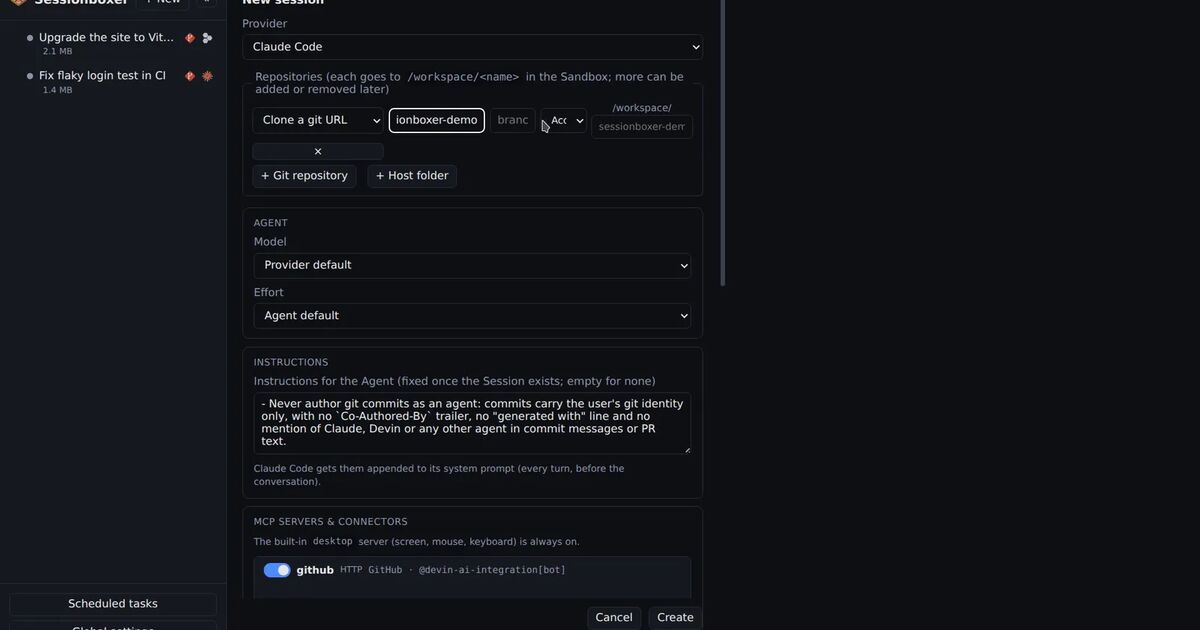
Sessionboxer runs one Docker container per session, with the agent granted every permission inside it. It has its own ways to move files across the wall, so the fair question is how they handle a link the agent made.
Your folders are not mounted in the box. The Start a session chapter describes two sources: git URLs cloned into /workspace, or a folder on your machine copied in. Since it is a copy, the agent cannot create anything in your real folder while it works. A symlink it makes is a symlink in the container, and it resolves inside the container.
The one command that writes back to your machine is Pull to folder…. It shows each file it would add, change or delete before writing, and the guide says "symlinks that would point outside your folder are never written." The code goes one step further, which is the case this CVE is about. Before a write or a delete, the Control Plane resolves the parent folders of each path on your machine with realpath, and refuses the whole pull if any of them leads outside the folder. That is a check against a link in a parent folder. Files you ask the agent to show in the chat are streamed to your browser with a Download link, so you pick where they land.
What Sessionboxer does not do matters as much here:
- A container shares the host's kernel. That is a weaker wall than Docker Sandboxes' microVM.
- It does not filter outbound traffic, while Docker Sandboxes offers a default-deny policy. An agent in a Sessionboxer box can reach any address your machine can.
- The agent's login reaches the box as an environment variable, so the agent can read it. Docker's proxy keeps API keys out of the VM.
We compared the two designs, along with Anthropic's dev container, in Claude Code in a dev container or in Docker Sandboxes. And the same kind of bug, a link swapped in where a path check did not expect it, came up last week in Claude Code's Edit tool.