
You start Junie CLI in a project folder and expect it to stay there. Its quickstart says it asks before "editing files outside the project", and that promise is what makes the approval prompts worth reading. On November 19, JetBrains published three CVEs that say the promise had holes. A fourth, from November 6, was about the prompts themselves.
This post lists what was fixed, which build to run, and what to change while you are there. It is based on the CVE records, the GitHub Advisory Database and Junie's own docs as they read on November 20, 2026. JetBrains has published one sentence per flaw and no proof of concept, so some of what follows is reading between those lines; we say where. We build Sessionboxer, which runs other agents in containers and does not run Junie today. That part is near the end.
What JetBrains published
JetBrains is the CVE Numbering Authority for its own products, so these records come straight from the vendor. Each one points to its Fixed security issues page.
| CVE | What the record says | Fixed in | CVSS 3.1 |
|---|---|---|---|
| CVE-2026-133195 | Files outside the project directory could be modified by agent file tools | 26.6.29 | 7.5 |
| CVE-2026-133196 | Files outside the project could be overwritten via shell output redirection | 26.11.1 | 5.3 |
| CVE-2026-133197 | Command injection was possible via file names in code review | 26.9.22 | 5.0 |
| CVE-2026-123315 | Command execution was possible via the Allow Similar Commands option | 26.8.24 | 7.0 |
All four need a user action to trigger, according to their CVSS vectors. That fits the usual case: you run the agent on a repository, an issue or a pull request that someone else wrote.
What each one means in practice
The first two are the same problem through two doors. Junie has file tools for reading and writing source files, and it can run shell commands. In both cases the check that keeps writes inside the project could be stepped around. With the file tools, the record gives the weakness class CWE-73, external control of a file name or path, which means something other than Junie decided which path got written. With the shell, the door was output redirection: a command such as echo ... > ~/somefile that looks harmless to an approval rule can still write anywhere your account can.
Outside the project is where the files that matter live. Your shell startup files, your SSH config, your git config, and Junie's own ~/.junie/allowlist.json, which decides what it may run without asking. The records do not say whether any of these were reachable in practice. We list them because they are the reason a project boundary exists at all.
The third one is about code review. The record says file names could carry a command injection. A file name is chosen by whoever wrote the branch, so a pull request from a stranger is the obvious way in. JetBrains does not say more than that.
The fourth one is about a convenience. In the Junie IDE plugin docs, "Allow similar commands" has Junie generate a regular expression from a command you approved, so git log --oneline -2 becomes a rule that matches other git log --oneline calls. The CVE says that before 26.8.24, command execution was possible through that option. A generated pattern is wider than the command you looked at, and that is where a command you never saw could slip through.
Which build to run
Run junie --version first. If you installed with the install script, junie update gets the latest build of your channel, and junie update --force reinstalls it, per the CLI reference. Homebrew and npm installs update through brew upgrade junie and npm install -g @jetbrains/junie instead.
One detail will trip up anyone who compares version numbers. On Junie's What's new page, 26.11.3 (build 3959.6, November 9) is older than 26.11.1 (build 4020.7, November 10). The labels do not run in order, and the CVE records compare labels. We do not know which of those two builds carries the fix for CVE-2026-133196. The newest stable build listed today is 26.11.2 (build 4100.8, November 18), so take that one and look at the build number, not only the label.
Then check the places where Junie does not update itself:
- Scripts or CI jobs that pass
--skip-update-checkor pin a build with--use-version. - Container images. Docker's Junie sandbox kit installs Junie when the image is built and sets
JUNIE_SKIP_UPDATE_CHECK=1, so the build inside is whatever was current when Docker last pushed the image. Pull it again and runjunie --versioninside before you trust it. - Your own Dockerfiles that run the install script in a layer built before November 10.
What to set while you are there
Updating fixes the four bugs. These settings decide how much the next one can do.
Review the allowlist. It lives in ~/.junie/allowlist.json, and the Action Allowlist docs explain the format. Look for broad rules you added in a hurry, and for generated patterns from Allow Similar Commands. A prefix of git allows git push too. Rules run top to bottom and the first match wins, so put ask rules for risky subcommands above the broad allow.
Think about brave mode. It has three levels: Off asks for everything not on the allowlist, Auto lets a safety check approve commands it considers safe, and On runs everything without asking. Only Off keeps a person looking at each new command.
Try sandbox mode if you are on macOS or Linux. It is in the Early Access Program, so you need an EAP build (junie --channel=eap) and the --sandbox flag or the /sandbox command. The quickstart says it wraps every terminal command in an OS-level sandbox and limits writes from both commands and file tools to the project, its git directory, temp folders and some tool caches. ~/.ssh is unreadable apart from config and known_hosts. Two things it leaves open: other reads are unrestricted, and so is the network, until you set "unrestricted": false in ~/.junie/sandbox.json and list the domains it may reach. A project-local .junie/sandbox.json is ignored, so a cloned repository cannot widen its own sandbox. It is off for each new session unless you start with --sandbox.
Be careful with project trust in automation. The headless mode docs say Junie only loads a repository's .junie folder (configuration, MCP servers, agents, commands, skills) when the project is trusted, and that --trust-project turns that on for one run. Use it for your own repositories, not for pull requests from forks.
Where to run it
Every fix above is a path check or a pattern match inside the agent. They are worth having, and they are also the kind of check that just had four CVEs. The other layer is to run the agent where "outside the project" holds nothing of yours: a container or a VM with only the repository and the one key it needs. We compared two common ways to get one in Claude Code devcontainer vs Docker Sandboxes. That post is about Claude Code, but Docker's Junie kit above runs on the same Docker Sandboxes.
Claude Code has the same split between file tools and the shell. Version 2.1.314, on October 30, added a setting that makes its file tools refuse writes outside the project. The changelog names three tools, and the shell is not one of them. We wrote that up in Claude Code: block writes outside the working directory.
What Sessionboxer does here, and does not
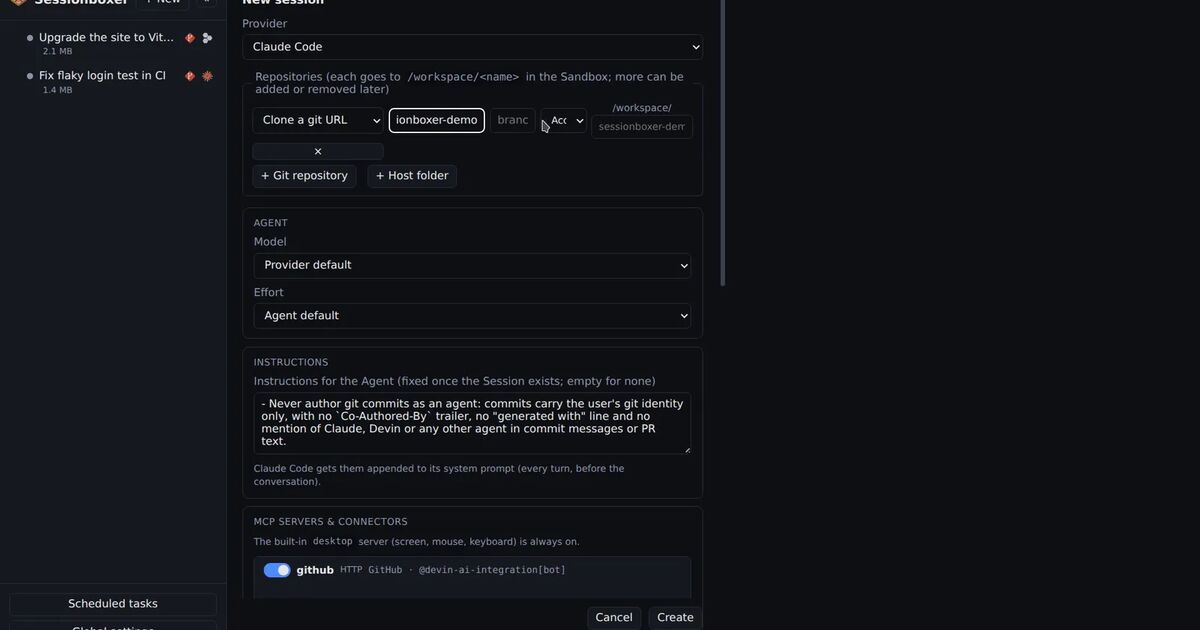
Sessionboxer gives each session its own Docker container. The repositories are cloned into /workspace in the box, your home folder is not mounted, and a folder from your machine is copied in rather than shared; the Start a session chapter explains how changes come back. The agent runs with every permission granted, because a write outside /workspace lands in the container and not on your laptop. Each turn ends with a snapshot you can go back to.
Junie is not one of the agents Sessionboxer runs. The list in the Connect your agent chapter is Claude Code, Codex, Cursor, OpenCode, Devin, pi, fx, Kimi CLI, GitHub Copilot, Mistral Vibe, Grok Build, Gemini CLI and Qwen Code. The box has a terminal, so you could install Junie there by hand, but we have not tested it, the chat would not drive it, and we would not tell you how it behaves.
The container also has limits. It shares the host kernel, so it is a weaker wall than a VM. Network egress from the box is not restricted, and the agent's login is inside the box, so code that runs there can read it.