
You add a remote MCP server to OpenCode, the server asks you to sign in, and a browser tab opens. That is the normal flow, and most people never think about the link in that tab. On October 19, Pillar Security showed that on Windows the link itself could run commands on your machine before any page loaded.
The research is Open and Shut: Remote Code Execution in opencode via MCP OAuth, by Eilon Cohen. The fix shipped weeks ago, but without an advisory or a CVE, so nothing in your tooling will tell you that an old OpenCode is a problem. If you use OpenCode on Windows or in WSL, this post is a short checklist.
What Pillar found
When a remote MCP server wants a login, the client runs an OAuth discovery handshake. The server answers 401 and points the client at documents that say where the login page is. One field in those documents is authorization_endpoint, and the server you are connecting to chooses its value.
OpenCode's MCP docs say it handles this by itself: it detects the 401, starts the OAuth flow and opens your browser. Pillar traced the URL from the server's document to the code that opens the browser. In OpenCode 1.18.32 it went there without a scheme check and without a comparison against the server you had configured.
The browser is opened with open, a popular npm package. On macOS and Linux, Pillar says, it starts open or xdg-open with an argument list, so no shell reads the URL. On Windows, open@10.1.2 built a PowerShell command and put the URL inside double quotes without escaping it. PowerShell runs whatever is inside $(...) in a double-quoted string. So a URL like this one ran a command:
https://evil.test/$([IO.File]::WriteAllText('C:\Users\Public\pwned.txt','RCE'))
The command runs before the browser even tries to load the page. The browser launch then fails, and OpenCode ignored that failure, so you would see nothing odd.
Pillar lists the affected range as OpenCode 1.0.137 to 1.18.32 on Windows and WSL, fixed in 1.18.33, released September 28. It proposes a CVSS score of 9.8, but there is no CVE. The attack needs no prompt injection and nothing from you beyond connecting to the server.
Why a normal-looking URL was enough
This class of bug is not new. In July 2025, JFrog published CVE-2025-6514 for mcp-remote, a proxy that many MCP clients used: the same authorization_endpoint field, the same kind of command injection on Windows. The usual advice since then has been to check the URL's scheme and allow only http: and https:.
Pillar's payload is an ordinary https: URL, so a scheme check lets it through. JFrog's payload needed an odd scheme because its command had spaces, and a normal https URL encodes spaces. Pillar's has none. Pillar says OpenCode 1.18.33 added a scheme check, and that this check would not have stopped its payload. What closed the hole was the move to open@11, which puts the URL in single quotes, where PowerShell expands nothing. The bug in open had been reported years earlier: issue #323 from 2023 is titled "OS command injection on windows when opening urls".
One more detail matters for your threat model. The server did not need to be malicious on the day you added it. The value arrives in a response when OpenCode connects. A server that is compromised later, a hijacked registry entry or an expired domain someone else bought could deliver it on a normal Tuesday.
Why you did not hear about it
According to Pillar, it reported the issue through a GitHub security advisory at the end of August. Anomaly, the company behind OpenCode, replied that malicious MCP servers are outside its threat model, and shipped the fix in 1.18.33 as an ordinary change. The release notes list "MCP browser launch failures are now reported when the launcher exits immediately", and nothing that names the vulnerability. Infosecurity Magazine also covered the story.
Without a CVE, Dependabot, npm audit and vulnerability scanners have nothing to match. If your team pinned OpenCode, or installs it in a CI image or a base VM, the old version will stay until someone bumps it on purpose.
This is also a different story from the OpenCode Console breach a few days earlier, which exposed provider keys stored on OpenCode's servers. Pillar told Infosecurity the two are unrelated. If you used the Console, our post on the Console breach covers what to revoke.
What to do
Check the version on every Windows machine and WSL distribution where OpenCode is installed:
opencode --version
Anything from 1.0.137 to 1.18.32 is in the affected range. Upgrade with the same tool you installed it with (npm i -g opencode-ai@latest, or your package manager), then check again. Look in the places people forget: a WSL distribution you rarely open, a Windows build agent, a golden VM image, a dev container that pins the version.
Then look at the remote MCP servers in your OpenCode config. For each one, ask who runs it and whether you would let that operator run a command on your machine, because until you upgrade, that is what you are trusting it with. Remove the ones you do not need.
If a server uses an API key instead of OAuth, the OpenCode docs show how to turn off OAuth detection for it with "oauth": false. That removes the automatic browser step for that server. It is a reasonable setting for key-based servers anyway, but it is not a replacement for upgrading. opencode mcp debug <server> shows the auth status and runs the discovery flow, so do not run it against a server you distrust on an old version.
If you write your own MCP client or any tool that opens URLs from the network, Pillar's advice is the general one: never pass a URL from another party through a shell. Start the browser with an argument list, or use a library version that quotes correctly.
Where Sessionboxer stands
We make Sessionboxer, and OpenCode is one of the agents it runs, so we checked our own setup.
In a Linux session, OpenCode runs in its own Docker container. It is a Linux build in a Linux box, so the Windows PowerShell path Pillar describes is not the one it takes.
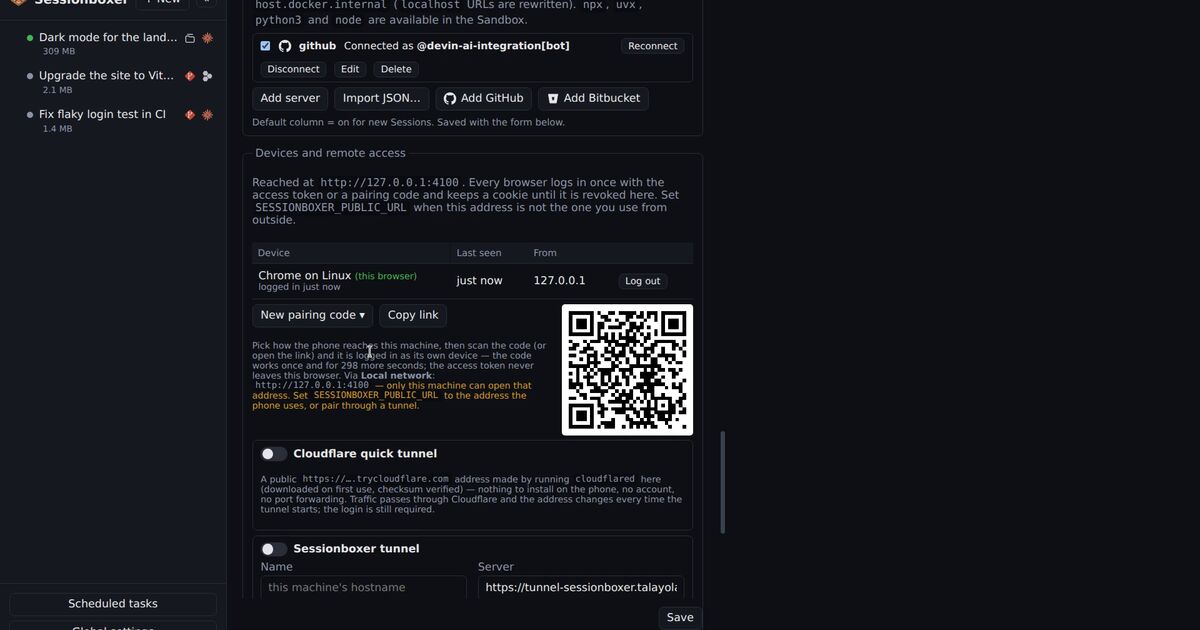
Windows sessions are different. There the agent runs inside a QEMU Windows VM, and Sessionboxer 1.6.0 installs OpenCode 1.18.32 in that VM, which is in Pillar's affected range. The MCP servers you register in Sessionboxer reach OpenCode in the session, so a remote server that asks for a login could trigger the same handshake there. Code that ran this way would run inside the VM, as the VM's agent user, and not on your own Windows desktop. It could still reach the repositories, logins and tokens that session was given, and anything on the network the VM can reach.
Until a Sessionboxer release ships a newer OpenCode in the Windows base, the safe choice for OpenCode in a Windows session is to switch on only remote MCP servers you trust, or none. The MCP servers chapter shows the per-session switch, and the Windows and macOS sessions chapter describes what runs inside the VM. Our earlier post on letting a coding agent build and test inside a Windows VM covers the other ways to give an agent Windows.
A VM limits where an injected command lands. It does not make a server you cannot trust safe to connect to.