
Your coding agent updates itself. Claude Code checks for a new version when it starts and again while it runs. Cursor and VS Code do the same. You never see it happen, which is the point. On November 17, 2026, Lumia Security published UpdateMITM, research showing that on many company networks someone in the middle of that traffic can hand you a different program instead of the update.
This post explains what Lumia found, what an attacker needs before any of it works, and which settings to change today. We build Sessionboxer, which runs coding agents in containers. It comes up near the end, including the places where it has the same weakness.
What Lumia found
An update has two steps. The app asks a server whether a new version exists, then downloads the file the answer points to and runs it. Lumia's attack sits between the app and the server. It answers the first request with "yes, here is a new version" and a download link of its own, then serves its own binary for the second request. The app installs it and runs it. The payload can then fetch the real update, so nothing looks odd afterwards.
That only works if the app accepts whatever comes back over HTTPS. Lumia checked whether each product signs its updates and whether it checks the signature before running them:
| Product | What Lumia found | Interceptable |
|---|---|---|
| Cursor | Executable signed but not verified | Yes |
| Antigravity | Executable neither signed nor verified | Yes |
| VS Code | Executable not signed but checksummed | Yes |
| Claude Desktop | Executable signed, signature not checked | Yes |
| Claude Code | Executable signed, signature not checked | Yes |
| Codex | Updated through the Microsoft Store | No |
| ChatGPT | Updated through the Microsoft Store | No |
A checksum does not help when it arrives in the same reply as the download: the attacker changes both. For Claude Code, Lumia adds that versions after 2.1.207 have update metadata signed by Anthropic, which should stop tampering. But the check is controlled by a feature flag that is itself unsigned, so an attacker already in the middle can switch the flag off and the check with it.
Codex is not out of reach either. Lumia reports that the Codex desktop app runs the Codex CLI, which asks the backend for a list of plugins on every start and installs each one from a download URL with no user interaction. A fake entry can carry a malicious skill, which turns the problem into a prompt injection.
What the attacker needs first
All of this assumes the attacker can terminate TLS between you and the update server. On a home network that is hard. That is also why, according to Lumia's timeline, Cursor closed the report as out of scope and both Anthropic and Microsoft closed it as informative.
Lumia's argument is that company networks lower the bar in two ways.
The first is the proxy you already trust. Zscaler, Cloudflare WARP and other SASE or DLP products inspect HTTPS by re-signing it with their own root certificate, which IT installs on every laptop. If an attacker gets into the admin panel of that product, they can turn on inspection for the update domains, and your machine will accept the result. If the company already inspects all traffic, Lumia notes, there may be nothing to turn on.
The second is Active Directory Certificate Services. Lumia describes a certificate template for server authentication that ordinary users can enroll in and that accepts a subject name the user supplies. With one, an attacker can get a certificate for the update host that every domain machine trusts. Lumia says this misconfiguration is far smaller than the ones AD CS scanners look for, so it can go unnoticed.
Lumia also mentions the eMudhra incident, in which the private keys of eight CA certificates were compromised, as a reminder that the public CA system can fail too.
What to change today
Lumia's own conclusion is that vendors know the fix (sign the binary, check the signature) and do not seem to plan it, so the work falls on the people who run the network and the machines. Here is what the vendors' documentation gives you in the meantime.
For Claude Code, the setup docs describe three options. You can stop the background check with an environment variable in settings.json:
{
  "env": {
    "DISABLE_AUTOUPDATER": "1"
  }
}
claude doctor then shows disabled (set by env: DISABLE_AUTOUPDATER) on its Auto-updates line. That variable leaves claude update working. DISABLE_UPDATES blocks every update path, and the docs suggest it when you hand out Claude Code through your own channel. The third option is to install from Anthropic's signed apt, dnf or apk repositories, which do not auto-update through Claude Code at all: updates come with your normal system upgrade, and your package manager checks the repository signature. Homebrew and WinGet installs do not auto-update either. Moving to the stable channel with autoUpdatesChannel only changes which version you get; the download goes the same way.
For VS Code, the setting is update.mode. The enterprise update docs list default, start, manual and none, and an UpdateMode policy that sets it for the whole organization. none turns the built-in updater off, so you need another way to deliver new versions. The same page notes that the policy does not cover extension updates, which are managed separately. On Linux, installs from Microsoft's package repository update through the package manager.
For Cursor and Antigravity, Lumia says the update flow is the same as VS Code's because both are forks of it. We did not find a documented switch for either, so check their settings before you assume one exists.
If you run the network, Lumia's attack starts in places you already manage:
- Treat the admin console of your TLS-inspecting proxy as a production system, with strong login and an audit trail for changes to inspection rules.
- Audit AD CS for server-authentication templates that users can enroll in with a subject name of their choice.
- Deliver developer tools through a channel that checks signatures, such as a signed package repository or your device management tool.
Turning off auto-updates has a cost. You get security fixes only when you install them, and coding agents ship often: Claude Code released 2.1.328 on the day we wrote this. Pinning without a plan to update is its own risk.
Where Sessionboxer fits, and where it does not
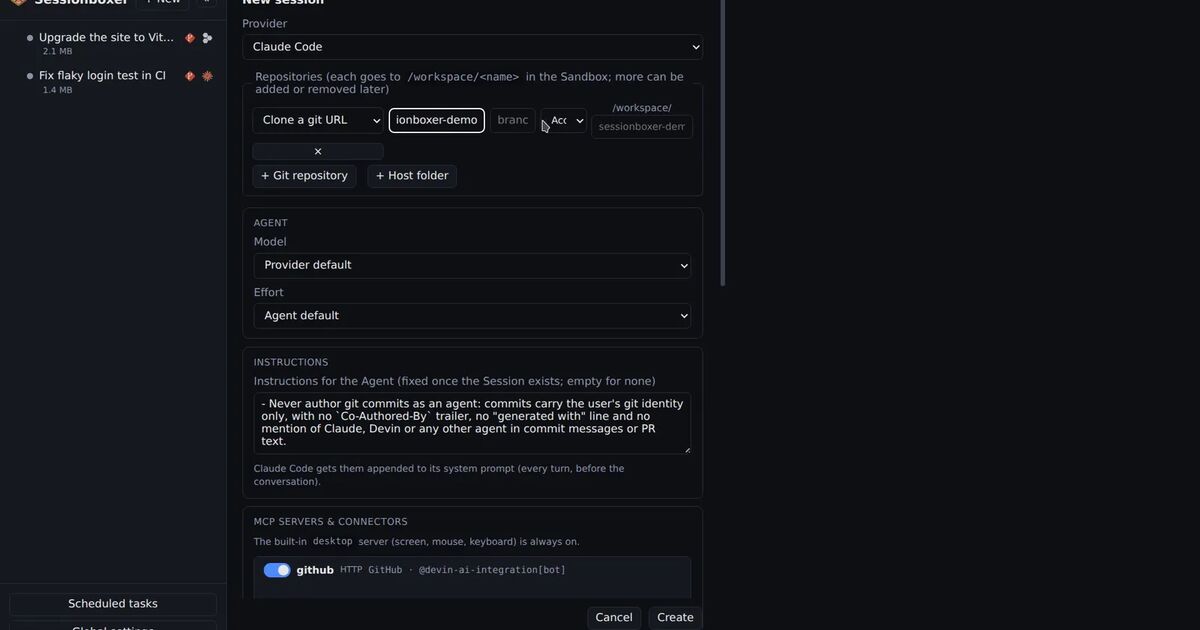
Sessionboxer runs each agent in a container of its own on your machine, with your own subscription. The Sandbox image installs every agent CLI at a fixed version when the image is built. For Codex, Gemini CLI, Copilot CLI, OpenCode, Qwen Code, Mistral Vibe, Kimi Code, Grok and the Devin CLI, the image also turns the CLI's own update check off, so a box runs the version it was built with and new versions arrive with a new image. The image's settings do not set an update switch for Claude Code or the Cursor CLI.
The image itself still has to reach you. The first session downloads its Sandbox image from ghcr.io by tag, over HTTPS, as the install chapter describes. Our desktop builds are not code-signed yet, as the release notes say. If someone can re-sign your HTTPS, the same trust question applies to those downloads.
Behind a TLS-inspecting proxy there is one more thing to know. To make HTTPS work at all, Sessionboxer copies the CA certificates your machine trusts beyond the public ones into every box and points Node, Python and OpenSSL at them. That is the same trust Lumia's attack relies on. The corporate proxy chapter shows where to see which certificates were copied, and how to switch the copy off under Global settings → Environment → TLS certificates if you do not need it.
What the box does change is the blast radius. Code that ran from a bad update inside a session's box would reach that box's repositories and the logins you gave that session, not your laptop's SSH keys or other projects. The reasoning is the same as in keeping secrets away from your coding agent. It does nothing for Cursor or VS Code on your own desktop: their updaters run on your machine, and the settings above are what protects them.
If your company proxy also breaks HTTPS inside containers, running Claude Code behind Zscaler or WARP covers the certificate side of the same setup.