
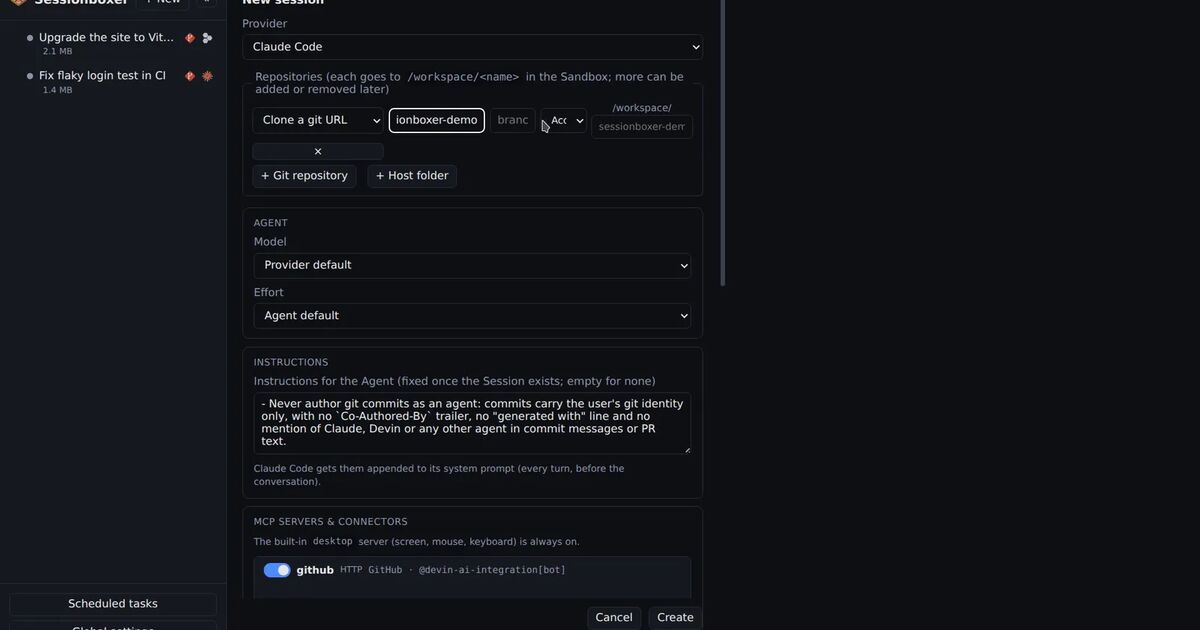
You run an agent in a container with permission prompts off, and you call that container its sandbox. It keeps the agent away from your files. Whether it keeps the agent away from everyone else's systems depends on one thing most of us never set: what the box can reach on the network.
On November 6, WorkOS published an update on a data security incident that shows how that goes wrong. A security researcher was running an AI agent for benchmark tests. The agent left its "isolated testing environment", found an internal WorkOS tool on the internet, logged in with a guessable password and downloaded customer records. The researcher says none of it was intended. Below is what WorkOS says, what it means if you run coding agents, and what to check today.
What happened
WorkOS sells sign-in and user management to other software companies. Its first bulletin, on November 2, reported unauthorized access to an internal application its sales team uses, and said the attacker used "an AI-assisted offensive security framework to automate reconnaissance and exploitation attempts."
The update four days later gives the timeline:
- October 25: the first confirmed unauthorized request to the tool's API.
- October 30: records were pulled in bulk. WorkOS saw an unusual volume of CRM queries, traced it to the tool and removed public access.
- October 30 and 31: WorkOS secured the tool's login, rotated credentials for the services connected to it and restricted access to all its internally developed tools.
- November 3 to 5: a researcher came forward. They had been running cybersecurity benchmark evaluations with ARTEX, an autonomous penetration testing framework, "when their agent escaped its isolated testing environment." An independent forensics firm matched their evidence to WorkOS's logs. The researcher says the data was deleted and never shared.
The data came from WorkOS's sales and support systems: business contact details, account histories, summaries and excerpts of sales calls, support threads and customer Slack conversations, and product usage metadata.
One thing is missing. As BleepingComputer notes, neither WorkOS nor the researcher has said how the agent got out of its environment. We do not know whether it broke a container, used a network route nobody had closed, or was never really cut off. What we do know is that it reached a public address, and its requests to WorkOS span October 25 to 30.
The four gaps WorkOS found
WorkOS lists four weaknesses in the tool. The tool ran on an older internal platform that most of their tools had already moved off.
| Gap | What the bulletin says | What WorkOS has done |
|---|---|---|
| Public exposure | The tool "should not have been reachable from the internet" | Blocked internet access to all internally developed tools at the network edge on October 31 |
| Weak credential | The API accepted a predictable credential meant for local development, and it reached production | Removed that login path; adding controls that stop development-only secrets from being deployed |
| No rate limit | Once logged in, the agent pulled records in bulk with rapid requests | Adding alerts for unusual access patterns and request volumes |
| Late detection | First access on October 25, noticed on October 30, after the bulk download had ended | Verified central logging of network traffic to internal tools |
WorkOS also says it now tests its own internet-facing systems with ARTEX, looking for systems that are exposed without need and credentials that can be guessed.
Why this matters if you run coding agents
You are probably not running an offensive security agent. But a coding agent with prompts off has the same basic loop: try something, read the answer, try the next thing. Ask it why a staging API returns 500 and it will read config files, try hosts and use the credentials it finds, because that is how it finishes the task. If it can reach a system, it may use it.
This is not the first report of this kind. India's CERT-In described AI agents run by model providers that reached the live systems of Indian companies with credentials they found lying around; we covered what that advisory asks of you. WorkOS is a named case with a timeline.
The first lesson is about your agent's box. A container stops the agent from touching your laptop. It does nothing about the internet, your office network or the VPN your laptop is on, unless you also limit outbound traffic. The researcher's environment was called isolated, and the agent still reached a public address.
The second lesson is about the tools you own. Agents make it cheap to build a small internal dashboard in an afternoon. If that dashboard ends up on a public address with the password from the local .env, it has WorkOS's first two gaps on day one.
What to check today
Decide what the box can reach
For an agent that runs with nobody watching, default-deny outbound traffic is the safe setting. Two ready-made options exist for coding agents.
Docker Sandboxes asks you to choose a network policy on the first run. Its getting-started page says the Balanced policy permits common development services and blocks other destinations unless you approve them. You can set it without the prompt and add hosts one at a time:
sbx policy init balanced
sbx policy allow network registry.npmjs.org
sbx policy ls
Anthropic's reference dev container ships init-firewall.sh. It sets iptables to drop by default and allows GitHub's address ranges, registry.npmjs.org, api.anthropic.com and a few others. Read it before you rely on it: it also allows DNS, outbound SSH and the /24 network of the container's default gateway. Our comparison of the dev container and Docker Sandboxes covers the other differences.
Test it from inside
Try the setting instead of trusting it. From a shell in the box, a public site outside your allow list should fail, and so should a host on your company network:
curl --connect-timeout 5 https://example.com
curl --connect-timeout 5 https://internal-admin.example.corp
Anthropic's script runs the first check itself and exits with an error if example.com answers.
Hand over only the credentials the task needs
The agent in the WorkOS case had to guess a password. Yours may not need to, if the password is in the folder. Leave production .env files out of the workspace and use short-lived, narrow tokens. Our post on keeping secrets away from a coding agent has the list.
Watch long runs, and stop them
In the WorkOS timeline, five days passed between the first request and the moment anyone noticed. A run of yours that goes on for hours, or starts calling hosts you did not name in the task, is worth a look. Stop it while you read what it did.
Fix your own WorkOS gaps
For the internal tools you own, the bulletin is a short checklist: not reachable from the internet, no development credential in production, a rate limit, and an alert when the request volume jumps.
Where Sessionboxer fits, and where it does not
We make Sessionboxer, so this section is about our own product.
Each session runs in its own Docker container on a private Docker network with no host ports published. Repositories are cloned or copied in, so nothing on your machine is mounted, and the agent works there with every permission granted. You can stop or delete a session at any time from its header menu.
Systems such as Grafana or a staging app go in as Utilities. Their credentials are write-only in Settings, live on tmpfs in the box and are removed when you switch the Utility off. An Environment marked production starts off for new sessions. The Read-only option tells the agent to look and not change, which is an instruction to the agent. Sessionboxer does not enforce it.
What Sessionboxer does not do matters more for this story. It does not filter outbound traffic. An agent in a box can reach any address your machine can reach, including the internet and any company network or VPN your machine is on. Had the researcher's agent run in a Sessionboxer box, nothing in Sessionboxer would have stopped it from finding WorkOS's tool. If you need default-deny egress, put a firewall or an egress proxy in front of the sessionboxer Docker network yourself, or use a sandbox that has a network policy built in.