
You give a terminal agent a task that takes twenty minutes. It runs npm install, then the tests, then a linter, and every few commands it stops and asks. You press Enter without reading. After an hour of that, the prompt is not protecting anything.
Google's answer for its terminal agent shipped this week. Antigravity CLI 1.3.5, released on October 14, added an Auto mode. In the changelog's words, it "approves file edits and safe commands without asking and still prompts before irreversible actions; commands that would leave the terminal sandbox are first reviewed by a separate agent." Version 1.3.6, a day later, changed what that reviewer does.
Below: what Auto mode is, what it leans on, the setting that is off by default, and where an agent running in a container of its own fits. We make Sessionboxer, so that last part is about our product, including what it does not do.
What Auto mode is
Antigravity CLI is the terminal agent Google moved Gemini CLI users to in May. Its command is agy. Until now it had three execution modes: default, which shows a diff and asks before each file write; accept-edits, which writes files without asking; and plan, which reads the code and proposes steps first.
Auto mode is a fourth. You pick it with agy --mode auto, from Agent Mode in /config, or with Shift+Tab, which cycles through the modes. It works on Linux and macOS. The changelog says Windows support comes later.
The changelog describes three kinds of action:
- File edits and commands it considers safe run without a prompt.
- Irreversible actions still ask you.
- A command that would run outside the terminal sandbox goes to a separate agent, which reviews it first.
The 1.3.6 entry, from October 15, adds detail on that review. It is faster and no longer times out without a decision. It allows the workspace's own format, lint and fix commands instead of asking about them. And it "blocks commands that would upload sensitive data."
The modes page still lists only the three older modes, and the changelog does not say which commands count as safe, how the CLI decides that an action is irreversible, or which model the reviewer runs on.
The sandbox it leans on
The reviewer only sees commands that would leave the terminal sandbox, so the sandbox is half the design. The sandbox docs say it uses Linux namespaces on Linux and sandbox-exec profiles on macOS, with no VM or Docker image. Inside it, commands can write to the workspace, temp folders and common build caches, and read system folders like /usr and /etc. Files like ~/.ssh and .env are blocked, and network access is off unless you allowed the domain.
Here is the setting to check. The same page lists enableTerminalSandbox with a default of false. With it off, commands run on your machine with your user's access. The changelog does not say how Auto mode treats commands when the sandbox is off, so turn it on before you try Auto mode and do not rely on a guess:
{
  "enableTerminalSandbox": true
}
That goes in ~/.gemini/antigravity-cli/settings.json, or you can set it in /config. agy --sandbox turns it on for one session.
The sandbox takes its boundaries from your permission rules. Paths under write_file are mounted read-write and paths under read_file read-only. Domains under read_url join the network allowlist. Commands that match an unsandboxed rule run outside the sandbox without a prompt; the docs suggest it for tools like Docker that cannot work inside. Rules are checked deny first, then ask, then allow. A deny rule is the one thing in this list that no model judges:
{
  "enableTerminalSandbox": true,
  "permissions": {
    "allow": ["command(npm test)", "write_file(src/)"],
    "deny": ["command(sudo)", "command(rm -rf)"]
  }
}
What Auto mode does not settle
The reviewer is a model reading a command. That is useful, and it can be wrong. Cursor says the same of its own classifier in its run modes docs: "Auto-review is not a security boundary." I could not find a statement like that from Google about Auto mode. The design is close, and our post on Cursor's Auto-review and risky deletes covers the kinds of mistakes such a check can and cannot catch.
Some things the sandbox and the reviewer are not built for:
- Damage inside the workspace. The sandbox lets commands write to the workspace, because that is the job. A wrong
git reset --hardor a cleanup that deletes the wrong folder in your project is allowed by design. Commit often, or work on a copy. - Your
unsandboxedrules. Each one is a standing exception. If you approvedunsandboxed(docker)once with "always allow", anydockercommand now runs with full disk and network access and no review. The docs say approving "always allow" on a bypass prompt records exactly that kind of rule. - Everything the agent reaches with tokens. A deploy key in an environment variable or an MCP server with write access works the same inside and outside the sandbox. "Blocks commands that would upload sensitive data" is a description of the reviewer's goal. The changelog does not say how it decides what is sensitive.
- Windows. Auto mode is not there yet.
Auto mode is still better than pressing Enter for an hour without reading. It is one layer, and the list above is what the other layers have to cover.
A container around the whole agent
The other way to stop the prompts is to put the whole agent somewhere it cannot hurt, and then grant it everything inside. Sessionboxer does that on your own machine.
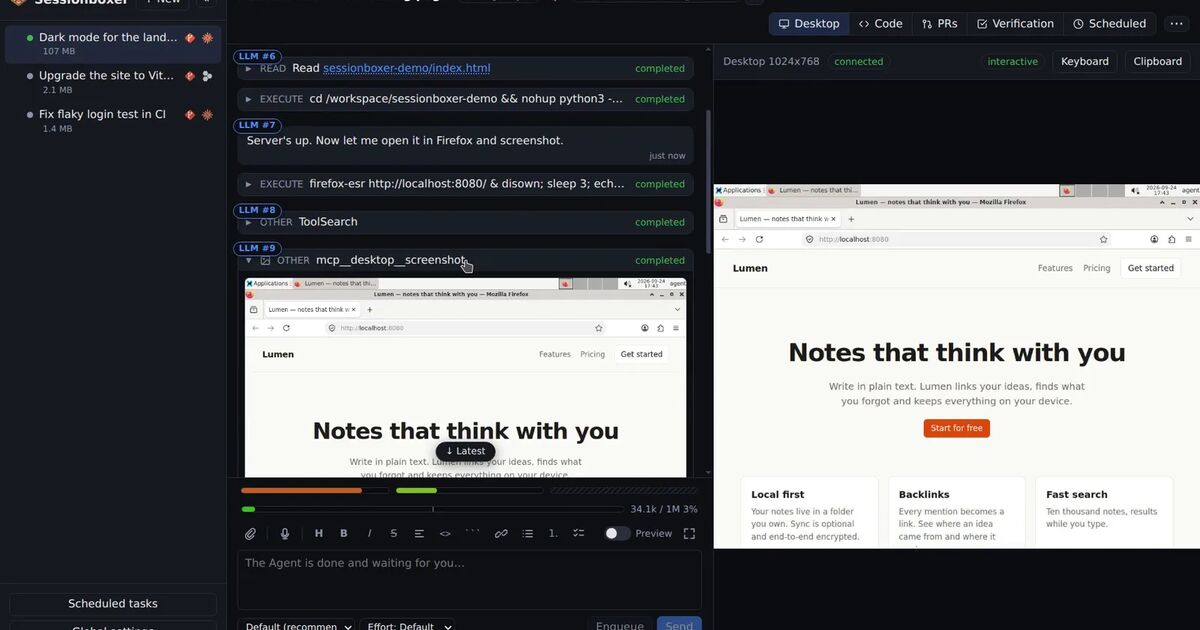
Each Sessionboxer session runs in its own Docker container. The repository is cloned into it, and the agent runs inside it with all permissions granted, so no command waits for a click. Your home folder, your SSH keys and your other projects are not in the box. If the agent breaks something in the box, every turn ends with a snapshot you can go back to, and you can fork the session from an earlier point. For the systems around your code, Utilities let the agent use credentials for a staging dashboard or a database without seeing them.
What Sessionboxer does not do, so you can compare fairly:
- It does not run Antigravity CLI. It drives the agents' own CLIs; the list includes Gemini CLI but not
agy. The Connect your agent chapter has the current list and how each one signs in. Google's May announcement said Gemini CLI would stop serving requests for Google AI Pro, Ultra and free use on June 18, and would stay available with paid Gemini API keys and Gemini Code Assist Standard or Enterprise licenses. - It does not review commands. There is no classifier and no second agent. The container is the boundary, and you keep the Stop button.
- It does not cut off the network. Antigravity's sandbox starts with no network. In Sessionboxer the agent talks to its model from inside the box, so the box is online, and what the agent could upload is whatever is in the box: the code, and the tokens you gave it.
- It does not protect a repository the agent can push to. If its GitHub login can push to
main, a container does not change that.
The two approaches stack. You can run a careful mode inside a container too, as our post on running Claude Code with --dangerously-skip-permissions safely discusses for Claude Code.
Before you turn Auto mode on
- Update to 1.3.6 or later, so the reviewer has the fix for decisions that timed out.
- Set
enableTerminalSandboxtotrueand check it in/config. - Add
denyrules for what must never happen, likesudoorrm -rf. - Read your
unsandboxedrules and remove the ones you approved in a hurry. - Keep long-lived tokens out of the environment the agent starts in.
- Commit before a long task, so a bad command inside the workspace costs one
git checkout.