
The nightly job ran fine for months. Then one morning there is no report and no pull request, only a log that ends with Login expired · Please run /login. Nobody was at the keyboard to run /login, so the job did nothing.
Claude Code 2.1.318, released on November 4, 2026, makes this easier to see coming. claude auth status now shows the date your stored claude.ai login ends, claude -p puts it in its JSON results, and text-mode claude -p prints a warning on stderr for the last 10 days. This post shows how to use that in scripts. It also covers the case the release does not: the long-lived token from claude setup-token, which is what most containers and CI jobs run on. We make Sessionboxer, which uses that token, so the end of the post says what it does and does not track.
Two logins that end differently
Anthropic's authentication page describes two kinds of subscription login.
The first is the one you make with /login or claude auth login. On Linux it lives in ~/.claude/.credentials.json, on macOS in the Keychain, and Claude Code refreshes it by itself. It still has an end. In an interactive session, Claude Code warns three days before: Your login expires in 3 days · run /login to renew. After that, /status shows Expired — log in again, and requests fail with Login expired · Please run /login.
The docs say why this hurts unattended work most. A background session or a Remote Control session "that outlives the login stops making progress once the credential expires and can't recover until you sign in again." The three-day warning appears on the interactive screen, and nobody reads that screen during a cron job.
The second is the token from claude setup-token. The docs call it a "one-year OAuth token". The command prints it and saves it nowhere. You put it in CLAUDE_CODE_OAUTH_TOKEN wherever Claude Code runs without a browser. It can only make model requests, so Remote Control and claude.ai connectors do not work with it, though MCP servers you configure locally still do. When it expires or is revoked, the errors page lists OAuth token revoked · Please run /login and API Error: 401 OAuth token has expired.
What 2.1.318 added
The changelog has these login items for 2.1.318:
| Change | Where you see it |
|---|---|
| The date a stored claude.ai sign-in ends | claude auth status, as loginExpiresAt |
| The same date in scripted runs | claude -p JSON results, as credential_expires_at |
| A one-line warning, from 10 days before the sign-in ends | stderr of claude -p text output |
| A clearer error when the sign-in reaches its time limit | It says so, and in claude -p names claude auth login and claude setup-token |
Jobs no longer exit with Not logged in |
When another terminal or host signs in again to the same account and organization on the same home |
The release before it, 2.1.317, fixed claude auth status exiting before a slow token refresh was saved, which could sign you out on the next run. If a health check of yours calls claude auth status, update for that fix too.
Catch it in a script
If a job runs on a stored claude.ai login, for example cron on your own machine under your own user, check the date before the job starts:
claude auth status
The JSON has a loginExpiresAt field. The changelog does not document the date format, so print it once before you write code that parses it.
Jobs that already use claude -p have two easier places to look. With --output-format json, read credential_expires_at from the result and alert when it gets close. With plain text output, keep stderr instead of throwing it away:
claude -p "Check the dependencies and open a pull request if any are outdated" \
  >> ~/jobs/deps.log 2>> ~/jobs/deps.err
Then have whatever already reads your logs mail you when deps.err is not empty. Ten days is enough to sign in again on a quiet afternoon.
What it does not tell you about setup-token
Every one of those changelog items says "stored claude.ai sign-in". None mentions CLAUDE_CODE_OAUTH_TOKEN. We checked what 2.1.318 reports for one. With a made-up token in that variable and an empty home directory, claude auth status printed this (other fields left out) and exited 0:
{
  "loggedIn": true,
  "authMethod": "oauth_token",
  "loginExpiresAt": null
}
Two things follow. Claude Code does not know when a setup-token ends, so loginExpiresAt is null, and you should not expect the 10-day warning for it. And loggedIn: true only means a token is present. Ours was fake and the command still passed, so a health check built on it would report that all is well.
For a token from claude setup-token, you still need your own reminder:
- Write down the day you ran
claude setup-token, next to wherever you keep the token (a CI secret, a password manager). - Put a reminder in your calendar a few weeks before one year from that day.
- If you want proof the token works, send one tiny prompt a day with
claude -pand alert when the output containsOAuth token has expiredorOAuth token revoked. Only a real request tells you the server still accepts it.
A new token does not replace the old one by itself. You run claude setup-token again and update every place that holds the old value. The post on running Claude Code on a VPS covers where that token usually lives on a server. If your agent also pushes with gh, the GitHub CLI has its own expiring tokens.
Know which credential each job uses
A person at the keyboard sees the three-day warning and signs in again. A scheduled job does not. If you use any of the setups in how to run Claude Code on a schedule, write down which credential each one runs on:
| Where the job runs | Credential it usually uses | What warns you before it ends |
|---|---|---|
| Cron on your machine, your user | Stored claude.ai login | loginExpiresAt, the stderr warning, credential_expires_at (2.1.318 and later) |
| GitHub Actions, other CI | CLAUDE_CODE_OAUTH_TOKEN |
Nothing from Claude Code; your own reminder |
| A container or a server | CLAUDE_CODE_OAUTH_TOKEN |
Nothing from Claude Code; your own reminder |
Where Sessionboxer fits
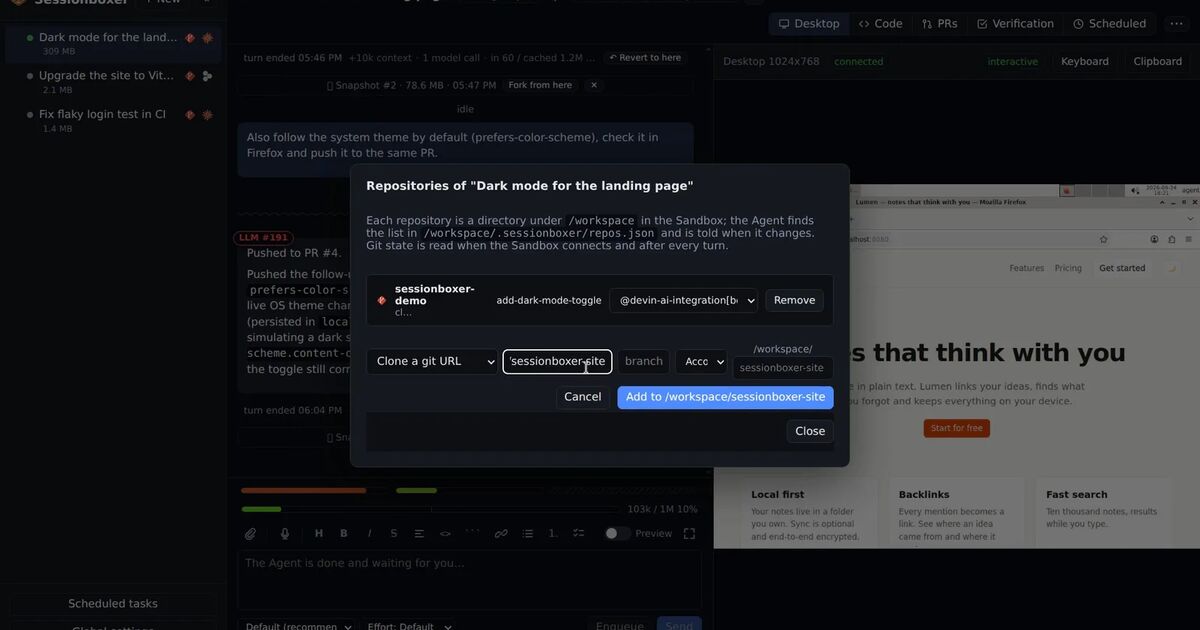
Sessionboxer runs each agent session in its own container on your machine, on your own Claude subscription. For Claude Code, the credential is the token from claude setup-token. You paste it once, or use Sign in with Claude Code, which runs Claude Code's own login CLI and stores only what it produced. The Connect your agent chapter says why it is not your normal login: Claude Code's own login is short-lived and cannot be copied. The token is kept in ~/.sessionboxer/config.json, readable only by you.
So everything in the setup-token section applies here too. A few facts, so nothing surprises you:
- Global settings → Providers shows Claude Code OAuth token (set) or (not set). It does not show when the token ends, and Sessionboxer does not record the day you pasted it. The reminder is yours to keep.
- The Sessionboxer image pins its own Claude Code version. On the day we write this, it is older than 2.1.318, so the new fields and the stderr warning do not reach the boxes yet.
- A new token applies to sandboxes created after you save it.
CLAUDE_CODE_OAUTH_TOKENset in the environment ofnpm startwins over the token in Settings. If you replace the token in Settings and nothing changes, check that variable first.- Automations that start a new session for each run use the same token. When it expires, every run fails the same way. The Automations chapter explains where the runs and their outcomes are listed, which is where you would see it.
Sessionboxer does not renew the token and does not warn you before it ends. Put the date in your calendar the day you paste it.