
Your agent is building a small tool that calls the Claude API. To get the tests passing, it writes the key into config.ts, commits, and runs git push. Until this week, on many repositories, that push went through.
On October 13, GitHub added two Anthropic key types to secret scanning and put both in push protection by default. Below: what changed, which repositories it covers, what the agent sees when the push is refused, and what to set up so the key never gets into a commit in the first place.
What changed
GitHub's changelog lists two new secret types, anthropic_service_api_key and anthropic_user_api_key. Secret scanning now detects them, and push protection blocks commits that contain them "by default" in "repositories with secret scanning enabled, including free public repositories."
Anthropic keys were not new to the scanner. GitHub's table of supported patterns already had anthropic_api_key, anthropic_admin_api_key and anthropic_session_id, all with push protection. The new entries are additions.
GitHub's patterns table calls the new types "Anthropic Service Account API Key" and "Anthropic User API Key". Anthropic's API key page describes two kinds you choose between when you create a key: "A personal key acts as you, and stops working if you leave an organization. A service account key represents a service account which can be used by workloads such as CI pipelines, production services, or agents." The service account names match. Neither company says in so many words that GitHub's "user" key is Anthropic's personal key, though that is the obvious reading.
The same table marks both new types as partner patterns, so a key found in a public repository is reported to Anthropic. Anthropic's key safety article says that when GitHub reports a key, "Anthropic automatically deactivates the exposed API key" and emails you. The article does not list key types.
Where the block applies, and where it does not
GitHub has two kinds of push protection, and the difference matters here.
Push protection for users is on by default for every GitHub.com account. It stops you from pushing supported secrets to public repositories. If you bypass it, no alert is created unless the repository has its own push protection on.
Push protection for repositories is the one that covers private code. It needs GitHub Secret Protection, it is off by default, and an administrator has to turn it on. When it is on, anyone with write access can still bypass a block by giving a reason, and the bypass creates an alert, an audit log entry and an email to the people watching the repository.
So a private repository on default settings gets no block. If your agents push to private repositories and you assumed GitHub would catch keys there, check the repository's Code security settings.
Push protection also has limits on what it sees. The docs say it checks pushes from the command line, commits made in the web UI, file uploads, REST API requests, and calls through the GitHub MCP server, the last only on public repositories. And it only looks at what is being pushed. A key that sits in the agent's workspace, its shell history or its conversation is out of its reach.
What the agent sees
A blocked push fails with a remote: message that names the secret type and lists every commit and path where it appears. An agent reads that output like any other error and tries to fix it. That is fine, as long as it fixes it the right way.
GitHub's command line guide has the procedure. If the key came in with the latest commit, remove it, run git commit --amend --all and push again. If it is in earlier commits, find the oldest one in the list, start git rebase -i <commit>~1, mark that commit edit, remove the key, amend, and git rebase --continue. A new commit that deletes the key is not enough: the key is still in the history being pushed, and the push is refused again.
The error also carries a link to bypass the block. GitHub only honors it for "the same user that performed the push", and the push must be retried within three hours. If your agent pushes with your login, that user is you. One careless click on "It's used in tests" and a live key is in the repository, with a closed alert next to it.
Put a line in your CLAUDE.md or AGENTS.md so the agent knows what to do:
If git push is rejected by push protection, remove the secret from every
listed commit (amend or interactive rebase), move the value to an
environment variable read at runtime, and tell me which key it was.
Never use the bypass link.
What to do about the key itself
A blocked push means the key did not reach GitHub. It does not mean the key is safe. The agent read it, wrote it into a file and probably printed it, so it went into the conversation and into the requests sent to the model. Whether that is worth a rotation is your call. For a key with a large budget, it usually is.
Anthropic's authentication docs give you two tools that make this cheap:
- Give the agent its own key, not yours. Anthropic suggests a personal key for your own development and a service account key "for anything shared". If the agent's key leaks, you disable that one and your own keeps working.
- Set an expiration when you create it. The Console offers 3 hours, 1 day, 7 days, 30 days, a custom duration, or Never. A key made for one afternoon's work can expire that evening.
Disable on the API keys page is reversible. Delete is permanent. Expiration is set at creation and cannot be changed later.
The better fix is upstream. An agent cannot commit a key it never saw. The tests can use a dummy value and a mocked client, and the real key can come from the environment of the process that needs it, at the moment it needs it.
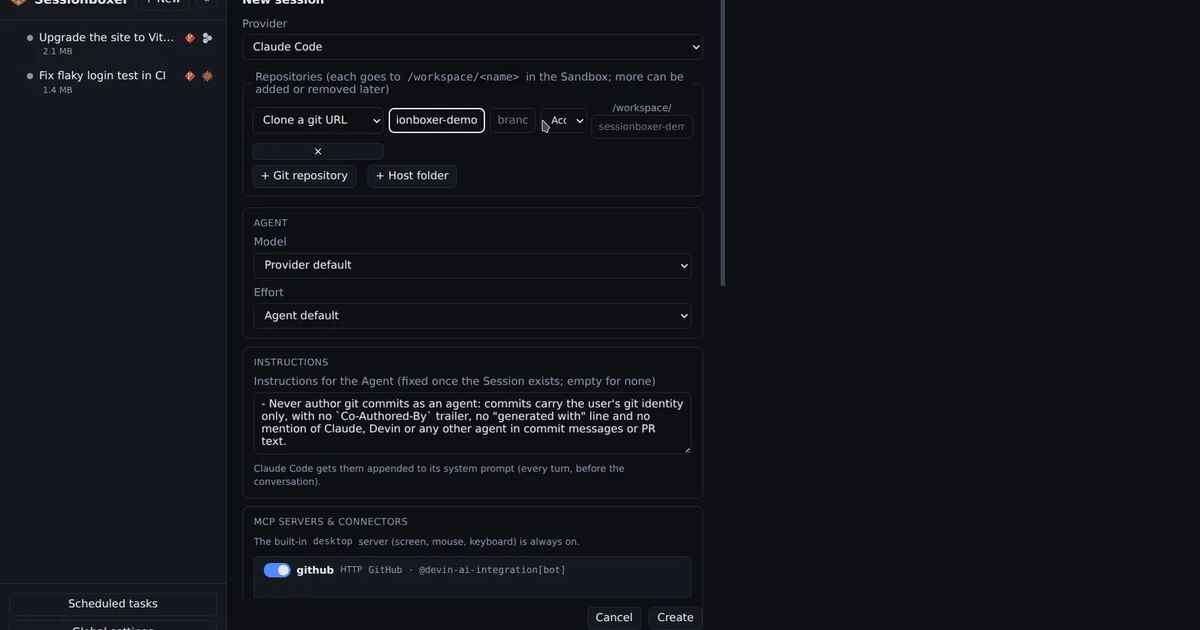
How Sessionboxer handles keys
Sessionboxer runs each session in its own container, with the agent signed in on your own subscription. For Claude Code, that login is the token from claude setup-token, pasted once in Settings, not an API key. Secrets set there, including an optional proxy API key, are shown afterwards only as set or not set and are stripped from snapshots. GitHub's changelog does not mention Claude Code's OAuth tokens, so do not count on push protection for those.
What goes into the box is up to you. When you start a session by copying a git folder, files that .gitignore excludes stay behind, so an ignored .env stays on your machine. A committed .env goes in with everything else, and from there into the agent's next push.
For the systems the agent has to reach, Utilities keep credentials on tmpfs inside the box, never in the workspace or a snapshot, and the agent uses them without the values appearing in the chat. The GitHub login that lets the box push lives on tmpfs too. If you also want GitHub to record the agent rather than you as the pusher, use a separate account for it, as we described in who pushed your agent's commits.
Sessionboxer has no secret scanner of its own. It does not inspect commits before git push, and an agent that runs without prompts can still copy a key it can read into a file it commits. What you get is a box with fewer keys in it, and a chat where every command the agent ran, the failed push included, stays readable afterwards. For the rest of that setup, see how to keep your secrets away from a coding agent.
A short checklist
- Open your private repositories' Code security settings and check whether push protection is on. On default settings, it is not.
- Add the push protection line above to the agent's instructions.
- Give each agent its own Anthropic key, with an expiration.
- Keep real keys out of the workspace. Use dummy values in tests.
- When a push is blocked, read the commit list in the error, clean every commit it names, and decide whether to rotate the key.