
You want Qwen Code to work on a repository while you do something else, and you would rather it did that in a Docker container than on your laptop. Older guides say the same thing: install it, run qwen, sign in with your qwen.ai account in the browser, done. In a container there is no browser, and since April that sign-in no longer works anywhere.
This post covers what still logs Qwen Code in without a browser, how to pass that into a container, which of its five approval modes fits a box, and where its own sandbox options stop being useful. Everything about Qwen Code below comes from its documentation and repository, read on November 2, 2026. The latest release then was v0.26.5, from November 1. Qwen Code ships often, so check the linked page before you rely on a flag.
The free Qwen OAuth login is gone
Qwen Code is Alibaba's open-source coding agent, a fork of Gemini CLI. For a long time the easy way in was Qwen OAuth: a free qwen.ai account, a browser login, and a token cached in ~/.qwen/oauth_creds.json. The authentication page now says the free tier "was discontinued on 2026-04-15". Cached tokens "may continue working briefly, but new requests will be rejected", and Qwen OAuth is no longer an entry in the /auth menu.
So if an older tutorial tells you to copy oauth_creds.json into your container, skip that step. The same page also says that headless setups such as CI, SSH and containers "typically cannot complete the OAuth browser login flow" and should use a key.
What works in a container: a key in the environment
The /auth menu has four options now: QwenCloud (Token Plan or pay-as-you-go keys), Alibaba ModelStudio (including the Coding Plan subscription), a list of third-party providers such as OpenRouter and Fireworks AI, and a custom OpenAI-compatible endpoint. All of them end in an API key, and a key needs no browser.
For a container, the docs describe a setup by environment variables. To pick OpenAI-compatible auth with environment variables alone, they say to export OPENAI_API_KEY, together with the endpoint and the model:
export OPENAI_API_KEY="sk-your-api-key"
export OPENAI_BASE_URL="https://maas.qwencloudapi.com/compatible-mode/v1"
export OPENAI_MODEL="qwen3.8-max"
That base URL is QwenCloud's international pay-as-you-go endpoint. The auth page lists the other regions and plans, each with its own URL. The platform-specific names such as QWENCLOUD_API_KEY only take effect once a provider entry in settings.json declares them as its envKey. In a throwaway container the three OPENAI_* variables are the simpler path.
A small image
Qwen Code is the npm package @qwen-code/qwen-code. Its repository moved its Node.js engine to version 22 in May, so start from a Node 22 image:
FROM node:22-bookworm
RUN npm install -g @qwen-code/qwen-code
USER node
WORKDIR /workspace
Build it, then run it with the repository mounted and the key passed in from your shell, so it never lands in the image or in a file in the project:
docker build -t qwen-box .
docker run --rm -it \
  -e OPENAI_API_KEY -e OPENAI_BASE_URL -e OPENAI_MODEL \
  -v "$PWD":/workspace \
  qwen-box qwen
For one task without the interactive screen, headless mode takes the prompt with -p, and --continue picks up the latest conversation for the project. That only works across runs if ~/.qwen survives, because the chats live under ~/.qwen/projects/. Mount a named volume at /home/node/.qwen if you want that.
The bind mount is the weak spot of this setup. The agent can change or delete anything in your checkout, including .git. If you clone the repository inside the container instead, a bad run costs you a container. Our post on keeping secrets away from your coding agent covers what else a mounted folder tends to bring along, like an .env file.
Pick an approval mode on purpose
The approval mode page lists five modes:
| Mode | File edits | Shell commands |
|---|---|---|
| Plan | read only | not run |
Ask Permissions (default) |
you approve | you approve |
| Auto-Edit | approved | you approve |
| Auto | a classifier decides | a classifier decides |
| YOLO | approved | approved |
Auto is the default in the interactive CLI. Headless runs with -p start in Ask Permissions instead, so pick a mode for those explicitly. In Auto, an LLM classifier approves what it judges safe and blocks the rest. The docs list what it blocks by default: destructive commands like rm -rf /, running code fetched from the network with curl | sh, credential exfiltration, edits to .bashrc or crontab, and force pushes to main. Your permissions.deny rules still apply before the classifier runs. You set the mode with tools.approvalMode in settings.json, with /approval-mode during a session, or by cycling with Shift+Tab.
YOLO approves everything, and the docs are plain about it: the agent "can execute any command with your terminal permissions". In a container that holds only a fresh clone and a key, that is a reasonable trade, because "your terminal" is the container. On your laptop, or with your home folder mounted, it is not. We made the same argument for Claude Code in running it with --dangerously-skip-permissions safely, and our Gemini CLI in Docker post covers the folder-trust check Qwen Code inherited from it. In Qwen Code that check is off by default, and its Trusted Folders page explains how to turn it on.
Qwen Code's own sandboxes, and why they do not help here
Qwen Code has two kinds of sandbox, both described on its sandbox page.
The older kind runs the whole CLI in a container (Docker or Podman, with --sandbox or QWEN_SANDBOX=docker) or under macOS Seatbelt. The container variant pulls a published image and mounts your workspace and your ~/.qwen into it. That is useful on a laptop, where it adds the box you would otherwise build yourself. Inside a container you already built, it would mean starting Docker from inside Docker, which is a separate project. Our post on Docker in Docker for coding agents has the options.
The newer kind is a Linux tool execution sandbox, set under tools.executionSandbox. It wraps each shell command and file tool in Bubblewrap or Landlock, with a filesystem setting (read-only or workspace-write) and a network setting (open or closed). It is a good idea on a workstation, with two limits the docs state. "Reads remain broad: this mode does not hide host secrets." And it only works in the headless CLI and the terminal UIs: "ACP, qwen serve and web terminals explicitly reject it." If something drives Qwen Code over ACP, as editors and agent UIs do, this sandbox is not available. Run qwen sandbox --verify to see what your setup enforces.
Where Sessionboxer fits
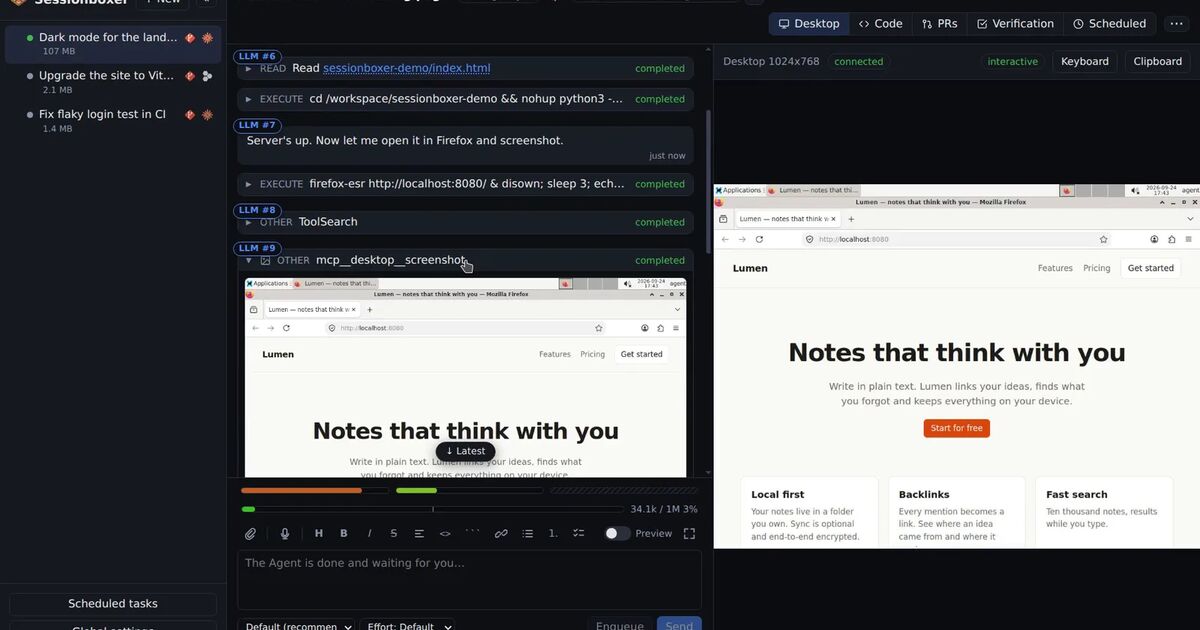
Sessionboxer is the tool we build, so read this part with that in mind. It runs each session in its own Docker container on your machine or your server, and Qwen Code is one of the agents it can start there. The repository is cloned or copied into the box, not mounted from your disk, so the agent runs without permission prompts and a bad command stays inside that box. Sessionboxer starts Qwen Code as qwen --acp --yolo.
You connect it with your own account. On the Qwen Code card you paste OPENAI_API_KEY, OPENAI_MODEL and, if your endpoint is not OpenAI's, OPENAI_BASE_URL, one per line. Those are the only three names it accepts, and they reach the qwen process in the box as its environment, not as a file. The Connect your agent chapter still describes a Qwen OAuth file as the first option. Given the shutdown above, use the key lines.
The box also keeps its state. Stop a session and resume it later, and the conversation, the files and whatever the agent installed are where they were.
There are limits you should know before you pick it for Qwen Code:
- The image pins Qwen Code 0.24.7, older than the current release, so newer features and fixes are not in the box until we update the pin.
- With that version, Qwen Code in ACP mode starts the MCP servers it is given but does not expose their tools to the model. That includes Sessionboxer's own
desktopserver, so in a Qwen Code session the agent cannot drive the box's desktop or browser yet. Claude Code, Codex and the other agents can. - Because it runs over ACP, Qwen Code's tool execution sandbox is unavailable there too. The container is the boundary.
If you mainly want Qwen Code on one repository from a terminal, the Dockerfile above with a fresh clone and Auto or YOLO mode is enough. Sessionboxer makes more sense when you run several sessions or several agents side by side, or want to stop one and pick it up a week later. Start a session walks through the first one.