
You want an agent to work on code that should not go to a cloud model. Maybe it is a client's repository, maybe your company has not approved a provider yet, maybe you just like knowing where your source goes. You already run Ollama on your machine. The question is whether you can point Copilot CLI at it and trust that the code stays home.
On October 7, 2026, GitHub made that easier to set up. The same changelog entry also says plainly that picking a local model does not turn on offline mode. Below is what changed, how to set it up, and what you need to do to keep traffic local.
What changed
Starting with Copilot CLI version 1.0.94-0, the /model picker can discover supported models from a running local Ollama instance. They appear next to the models you configured yourself and the cloud models GitHub Copilot provides. When we checked npm on October 10, the latest tag of @github/copilot was 1.0.95.
Discovery does not add anything on its own. You choose a discovered model, review its provider and endpoint, and then confirm either "Add and use for this session" or "Add without switching". You can use the model in the current session without restarting the CLI. If the connection to a provider fails, the picker says so and explains why.
The feature does not install anything. Ollama and the model must already be on your machine. The model must support tool calling and streaming, because the agent calls tools and streams its answers.
How to set it up by hand
Before this release you could already connect Copilot CLI to Ollama with environment variables. The BYOK documentation lists them. For a local Ollama it comes down to two:
export COPILOT_PROVIDER_BASE_URL=http://localhost:11434
export COPILOT_MODEL=YOUR-MODEL-NAME
copilot
YOUR-MODEL-NAME is a model you have pulled in Ollama. Ollama needs no API key, so COPILOT_PROVIDER_API_KEY can stay unset. The provider type defaults to openai, which covers Ollama, vLLM, Foundry Local and other endpoints that speak the OpenAI Chat Completions API. GitHub recommends a model with a context window of at least 128k tokens. Many models people run on a laptop have less, so check the model card before you blame the agent.
A local model is not offline mode
The changelog says that choosing a local model "doesn't turn on offline mode or disable GitHub telemetry." Your prompts and code go to Ollama, but the CLI keeps talking to GitHub's servers as it normally does.
Offline mode is a separate switch:
export COPILOT_OFFLINE=true
According to the docs, offline mode stops the CLI from contacting GitHub's servers, and it is meant for isolated environments where the CLI should talk only to a local or on-premises model provider. The docs add a warning: offline mode only gives full network isolation if the provider is local too. If COPILOT_PROVIDER_BASE_URL points to a remote endpoint, your prompts and code context still go over the network to that provider.
So there are three setups, and they keep different things local:
| Setup | Prompts and code go to | GitHub servers |
|---|---|---|
| Copilot's cloud models | GitHub's model service | Contacted |
Ollama model picked in /model, no offline mode |
Ollama on your machine | Still contacted |
Ollama model with COPILOT_OFFLINE=true |
Ollama on your machine | Not contacted, per the docs |
If the reason you went local is that code must not leave the machine, you want the last row. Ask whoever approves tools at your company which row they mean, too.
When the agent runs in a container
Many people run their agent in Docker so it cannot reach their home directory. That breaks the localhost example above. Inside a container, localhost is the container itself, and Ollama is not running there.
Two things have to change. First, the container needs a name for your machine. Docker's --add-host option accepts the special value host-gateway, so --add-host=host.docker.internal:host-gateway lets the container reach the host as host.docker.internal. Second, Ollama must listen on an address the container can reach. The Ollama FAQ says it binds 127.0.0.1 port 11434 by default, and you change that with the OLLAMA_HOST environment variable, for example OLLAMA_HOST=0.0.0.0:11434. Binding to 0.0.0.0 also exposes Ollama to your local network, which has no login, so put a firewall rule in front of it if you are on a shared network.
Then point the agent at http://host.docker.internal:11434 instead of localhost.
The agent is just as powerful with a smaller model
A local model changes where the text goes. It does not change what the agent can do on your machine. Copilot CLI with an Ollama model runs the same shell commands, edits the same files and loads the same MCP servers as it does with a cloud model. A smaller model may also misread an instruction more often. If you let it run without approval prompts, keep it somewhere it can do little damage. Our post on VS Code's sandbox for Copilot's agent goes through what an editor-level sandbox confines and what it leaves open.
The same goes for secrets. Offline mode stops calls to GitHub. It does not stop the agent from reading .env and putting it into the conversation, where it sits in Ollama's context instead of a vendor's. That is better, but the agent still saw it. Keeping secrets away from your coding agent covers that problem.
Where Sessionboxer fits
We build Sessionboxer, so this section is about our own product. It fits only partly today.
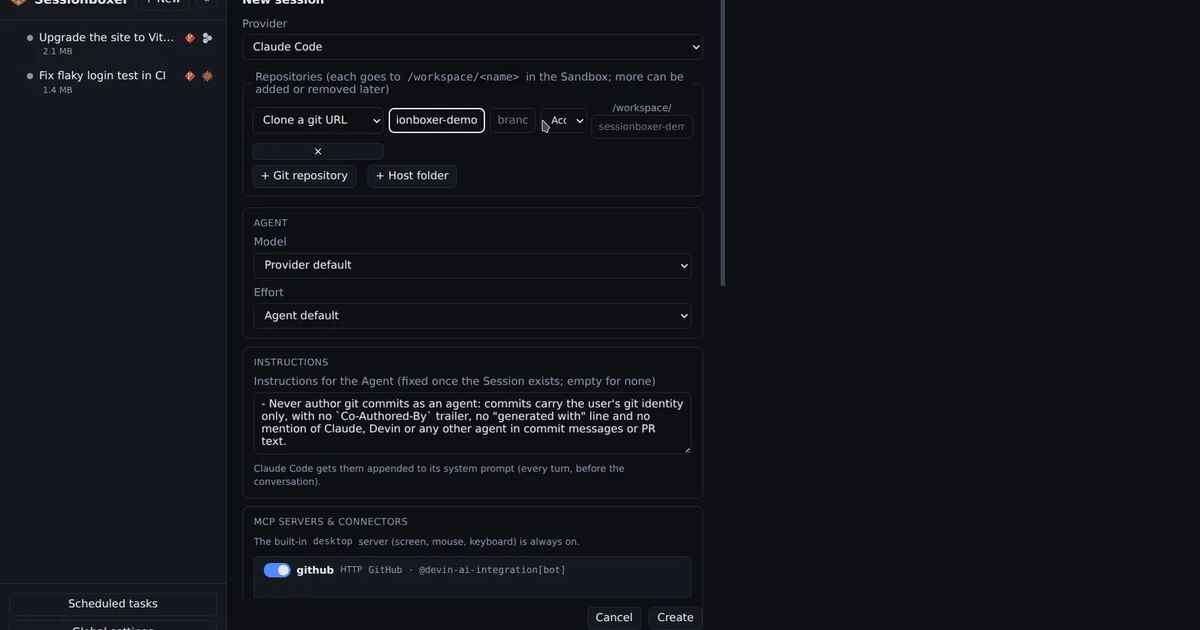
Sessionboxer runs GitHub Copilot CLI as one of its agents, each session in its own Docker container with the repository cloned into it. You sign in with Sign in with GitHub Copilot, which runs copilot login --device-code, or you paste a fine-grained token with the Copilot Requests permission. The connect your agent chapter has the details. Inside the box, Copilot runs with COPILOT_ALLOW_ALL=true, so it works without permission prompts and the container is the boundary. Every box can reach your machine as host.docker.internal, because Sessionboxer starts it with host-gateway.
What it does not do yet:
- The Sandbox image pins Copilot CLI 1.0.91, released October 1, with auto-update off. That is older than 1.0.94-0, so the new Ollama discovery in
/modelis not in the box yet. - Sessionboxer has no setting for Copilot's
COPILOT_PROVIDER_*variables orCOPILOT_OFFLINE. The Copilot settings hold the login only, so a Copilot session in a box uses the models that come with your Copilot plan. - The model call recorder that lets you see what goes to the model works for Claude Code sessions only. It does not record Copilot's calls. The inspect LLM calls chapter explains how it works for Claude Code.
If you need Copilot CLI on a local model today, run it yourself with the variables above and COPILOT_OFFLINE=true, ideally in a container you set up with the two networking changes.
A short checklist
- Update Copilot CLI to 1.0.94-0 or later if you want Ollama models to show up in
/model. - Pick a model that supports tool calling and streaming, ideally with a 128k context window.
- If code must not leave the machine, set
COPILOT_OFFLINE=trueand keep the provider local. - In a container, use
host.docker.internaland make Ollama listen beyond127.0.0.1, behind a firewall. - Keep the agent's boundaries the same as with a cloud model. A local model still runs real commands.