
You start a long task in a terminal, hand part of it to a subagent and go to bed. In the morning the terminal shows the same screen it showed at midnight. The subagent wanted to run one command that needed your approval, and it has been waiting for you for eight hours.
Claude Code 2.1.319, released on November 6, adds a setting for exactly this. With permissions.denyInsteadOfPrompting on, a tool call that would wait for a person is refused at once, Claude is told, and the turn goes on. This post explains what the setting covers, how it differs from the dontAsk mode and the --permission-prompts none flag that already existed, and where to put it.
What 2.1.319 added
The Claude Code changelog has one line about it:
Added
permissions.denyInsteadOfPromptingsetting: a tool call that would wait on a permission prompt is denied and the turn continues, in terminal sessions, subagents and teammates
When we checked on November 9, the settings page and the permissions page did not list the key yet. The setting's own description does exist: it is in the settings schema inside the 2.1.319 binary, which we downloaded from npm (@anthropic-ai/claude-code-linux-x64@2.1.319) and read. The parts that matter:
Allow rules, the permission mode, auto mode's classifier and PermissionRequest hooks decide first, as they do without it; it only ever denies, and allows nothing.
Claude's questions and plan mode's tools are not offered to the model, and an MCP server's request for input is cancelled unless an Elicitation hook answers it.
Read from user settings, --settings and managed settings; project and local settings are ignored, and true in any of those sources wins.
Put together, the setting changes one thing. A call that your rules, your mode and your hooks leave undecided used to open a prompt. Now it is denied. Everything those layers already allow still runs, and everything they already deny is still denied.
The same binary also stops a turn that only collects refusals. Its log message reads "calls in a row refused under permissions.denyInsteadOfPrompting, ending the turn".
How it differs from dontAsk and --permission-prompts none
Claude Code already had two ways to avoid a prompt that nobody answers. The difference is in what each one replaces.
| Where it works | What decides before the denial | |
|---|---|---|
--permission-mode dontAsk |
Any session; it is a permission mode of its own | Allow rules and the actions that need no approval; it replaces whatever mode you would have run |
--permission-prompts none |
claude -p runs |
Your rules, hooks and the active mode, auto included |
permissions.denyInsteadOfPrompting |
Terminal sessions, subagents and teammates too | Your rules, hooks and the active mode, auto included |
The permission modes page describes dontAsk as the mode for "locked-down CI and scripts". It runs file reads in your working directories and the tools you pre-approved, and denies the rest. That is the right choice when a job should do three known things and nothing else.
--permission-prompts none came in 2.1.259. The GitHub changelog describes it as "anything that would prompt is denied automatically while the active permission mode (including auto mode) keeps deciding". The schema text for the new setting says it "is what --permission-prompts none does for -p, in every kind of session, subagents and agent teams included."
So the new setting is for sessions that are not claude -p but still run without you: a terminal session you left running, a background subagent, or a teammate in an agent team. If you are unsure which of those you run, Claude Code subagents vs agent teams vs separate sessions explains the three.
Why the same release makes it matter more
Version 2.1.319 also changed auto mode in sessions that run with telemetry or feature flags off, which includes sessions behind an LLM gateway. From the v2.1.319 release notes:
calls the server can't check are asked about or denied, with no fallback to the built-in classifier; set
CLAUDE_CODE_AUTO_MODE_SERVER=0to keep using it (Bedrock, Vertex and Foundry are unchanged)
If your company routes Claude Code through a gateway, auto mode may now ask you about calls it used to settle by itself. In a session nobody watches, those questions are the kind that wait all night. With denyInsteadOfPrompting on they are refused instead. The binary has a message for one such case: when auto mode falls back to billed classifier requests that need a person to acknowledge them, "Calls that need the classifier are denied until permissions.denyInsteadOfPrompting is off and the notice is answered."
That is safe, but it can also mean a run that gets less done than last week. Read the denials before you decide the job is fine.
Where to set it
The setting only works from user settings, --settings and managed settings. A project's .claude/settings.json or .claude/settings.local.json cannot turn it on or off. That is a good property: a repository you clone cannot change how your sessions handle prompts.
For one machine, put it in ~/.claude/settings.json:
{
  "permissions": {
    "denyInsteadOfPrompting": true
  }
}
For one run, pass it on the command line:
claude --settings '{"permissions":{"denyInsteadOfPrompting":true}}'
For a team, put it in managed settings. Because true in any of the three sources wins, a user cannot switch it off again from their own file.
Two warnings from the schema text. First, if your own program answers prompts through the Agent SDK's canUseTool callback or through --permission-prompt-tool, it is not asked any more. Move that logic into a PermissionRequest hook. Second, Claude loses its question tool and plan mode's tools, so it cannot stop and ask you which of two approaches you prefer.
A denied call is not a finished task
The setting stops the waiting. It does not do the work the prompt was about. If Claude needed git push and you never allowed it, the branch is still on the machine when the run ends.
So treat denials as part of the result. In claude -p runs, the final result message carries a permission_denials list. In terminal sessions, read the transcript. When the same command is denied every night, decide once: add an allow rule for it, or accept that the job should not do it.
This also changes how you write the task. "Fix the test and push a branch" works only if pushing is allowed. Without that rule, write "fix the test and tell me which commands were refused", so the result says what is left for you.
Where Sessionboxer fits
We build Sessionboxer, so read this part knowing that.
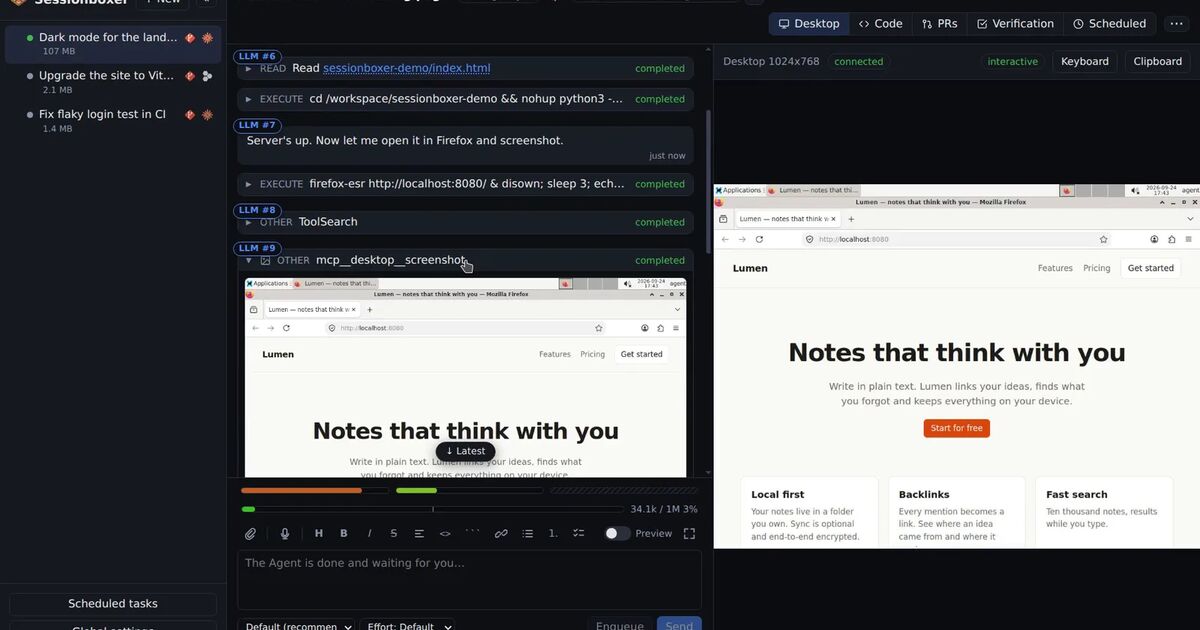
Sessionboxer runs each session's agent in its own Docker container. Claude Code runs there through claude-agent-acp, and the image ships ~/.claude/settings.json with permissions.defaultMode set to bypassPermissions. When the adapter still sends a permission request, the Sandbox Daemon answers it with the allow option. That is why the agent runs without permission prompts: the container is the boundary, not a list of rules. Questions that need a person, such as Claude's AskUserQuestion, go to you in the web UI.
For automations this means a scheduled run does not stop at a prompt in the first place, and denyInsteadOfPrompting adds little. The Automations chapter covers how those runs start and stop.
Some limits. The Sandbox image pins its Claude Code version, and when we checked the repository on November 9 the pin was 2.1.272, older than this setting. A box gets 2.1.319 only when a new image ships it. Sessionboxer also does not offer a mode that denies instead of allowing. If you want an agent that refuses everything you did not list, run Claude Code with dontAsk and an allowlist outside Sessionboxer. If you run claude -p with --dangerously-skip-permissions on your own runner, How to run Claude Code with --dangerously-skip-permissions, safely covers what to put around it.
What to do today
- Run
claude --version. The setting needs 2.1.319 or later. - For sessions you leave running, subagents in the background and agent teams, add
"denyInsteadOfPrompting": trueunderpermissionsin~/.claude/settings.json, or in managed settings for a team. - For
claude -pjobs,--permission-prompts nonealready does the same. UsedontAskwith--allowedToolswhen the job should do only a few known things. - If you answer prompts from
canUseToolor--permission-prompt-tool, move that logic to aPermissionRequesthook before you turn the setting on. - Behind an LLM gateway, check whether 2.1.319's auto mode change now asks about calls it used to approve. Then decide between allow rules and
CLAUDE_CODE_AUTO_MODE_SERVER=0. - Read the denials after each run, and turn the ones you always approve into allow rules.